

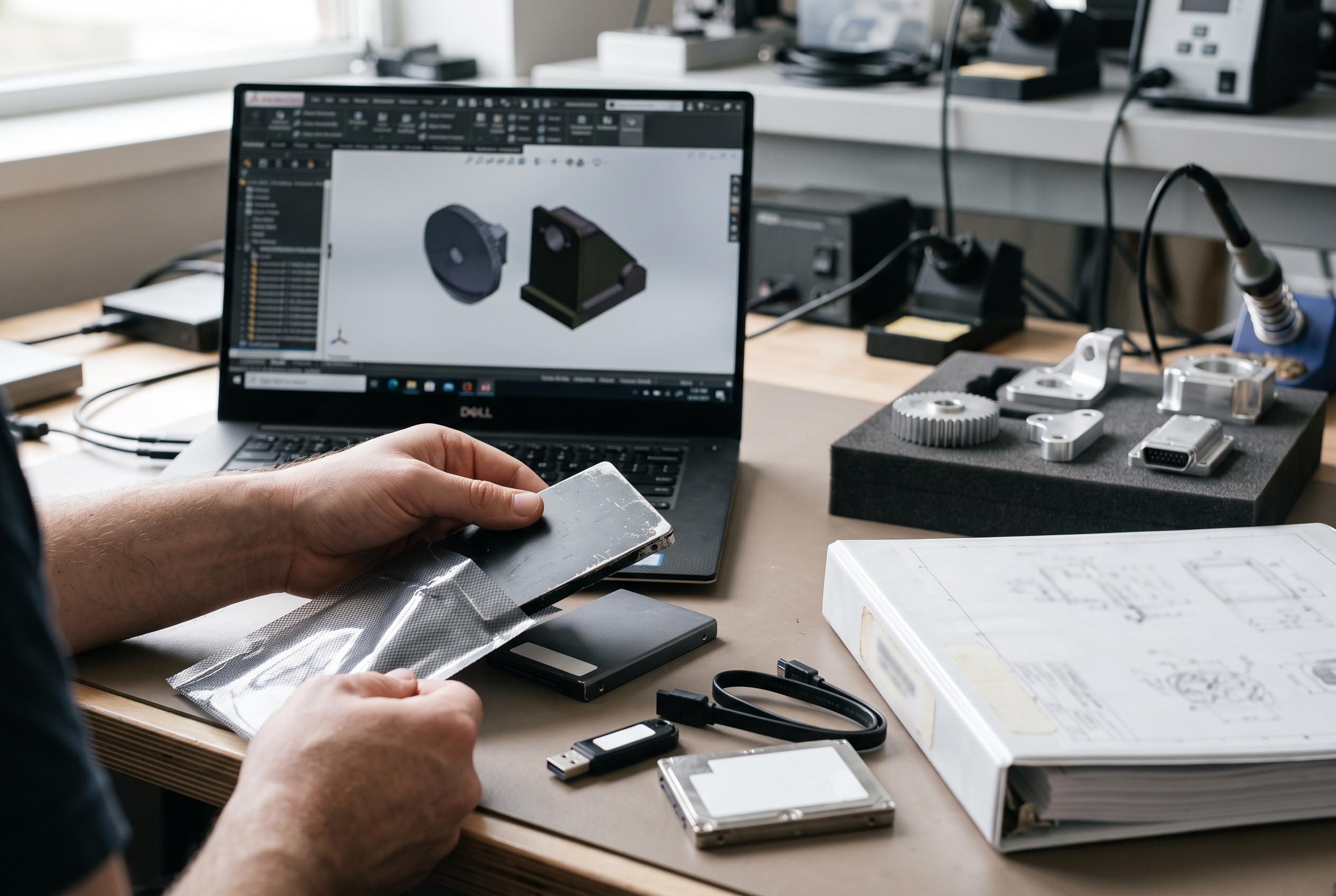

Corrupt components within SOLIDWORKS assemblies can silently disrupt workflows, especially in complex projects. Javelin Tech recommends structured methods to pinpoint and repair compromised files, emphasising that prevention with PDM systems is more effective than recovery.
A corrupt SOLIDWORKS component can bring an assembly to a halt long before the fault is obvious. Javelin Tech says the problem often only becomes visible when a file refuses to open or throws the message: “An unknown error occurred while accessing the unnamed file”. In top-level assemblies, the damage may remain hidden until the user attempts to save the document, which makes diagnosis more difficult than with a single part file.
The most common causes are interruption during a save and disruption while files are being moved to or from a network location. That view is consistent with guidance from other SOLIDWORKS specialists, who say network instability, drive failures, power loss and unexpected shutdowns are frequent sources of corruption. Official SOLIDWORKS documentation also notes that damaged files can sometimes be repaired automatically by creating a copy and removing the affected data, although success depends on how badly the file has been compromised.
Javelin Tech recommends a structured search rather than guessing which part has failed. The method is to open the assembly in Advanced mode, create a configuration that shows structure only, then suppress every component. Users can then unsuppress items one at a time until the error returns. If the fault lies inside a subassembly, the same process has to be repeated within that branch of the tree. This approach is slow, but it is often the only practical way to isolate the damaged file.
Once the corrupt component is identified, the repair options are limited but straightforward. Replacing the component, deleting it while suppressed, or renaming and relocating the file so SOLIDWORKS rebuilds its references may resolve the issue. For simple parts, recreating the file from scratch may be faster than attempting recovery. If those steps fail, Javelin advises packaging the case with Pack and Go for technical support review. The broader lesson is that prevention matters more than recovery: SOLIDWORKS PDM, with history tracking, file security and snapshot-style protection, is positioned as a safer way to manage design data across a network than relying on ad hoc copies and manual backups.
Disclaimer: This content is intended for informational purposes only. Readers are advised to exercise their own judgement, conduct due diligence, or consult a qualified expert before acting on any information provided.



