

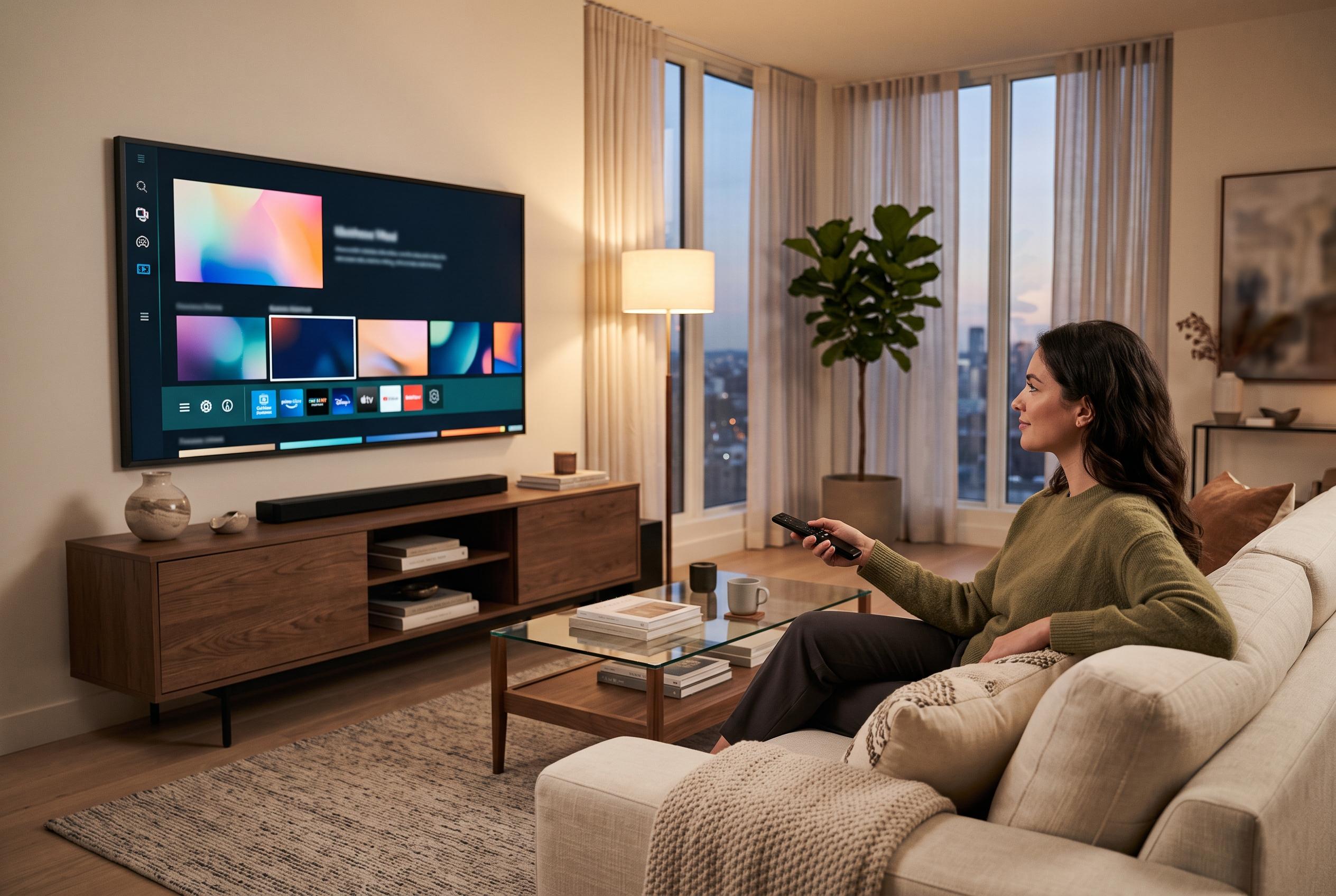

By adjusting settings on your Roku, you can enhance privacy, improve audio clarity, simplify inputs and create a cleaner home screen, making your streaming experience more personalised and less intrusive.
Roku is popular because it is easy to set up and simple to use, but its defaults are not always the best fit for every household. For viewers who want tighter privacy, steadier audio and a cleaner home screen, a few changes can make the system feel less intrusive and more practical from the moment it is switched on.
The first adjustment many users make is to reduce advertising and tracking. Roku’s own support material says users can manage ad preferences in the Privacy menu, including limiting certain ad categories and hiding individual ads from the Home Screen. Roku also offers a Limited Data Use option for some users, which is designed to restrict how event data is used in its systems and to support compliance with state privacy rules. For Roku TV owners, the company also provides controls related to content recognition and input data, which can help limit how viewing activity is analysed across broadcast, HDMI and streaming sources.
Audio is another area where the defaults can be improved. Roku’s support pages explain that dialog enhancement, also described on some sets as speech clarity, can raise speech levels without pushing up the whole soundtrack. That is useful for films and television programmes where background music or effects overpower voices. Alongside that, Roku’s volume tools can help keep loud adverts and programme transitions from creating sharp changes in sound level, which makes viewing less distracting.
A third useful change is to simplify how the device turns on and switches inputs. On streaming sticks and other external Roku devices, One-Touch Play can allow the Roku remote to wake the television and move straight to the correct HDMI input, reducing the need to juggle two remotes. That is a small convenience, but it makes the system feel more integrated and less cluttered in day-to-day use.
Finally, the Home Screen itself can be pared back. Roku lets users hide recommendation rows and keep the interface focused on apps rather than suggestions. That matters for people who prefer a more traditional launcher layout and do not want the device to foreground promoted titles. Taken together, these settings do not change Roku’s basic appeal, but they do make the platform more private, more consistent and easier to live with.
Disclaimer: This content is intended for informational purposes only. Readers are advised to exercise their own judgement, conduct due diligence, or consult a qualified expert before acting on any information provided.



