
With Google TV’s advanced features comes the need for active upkeep. Learn how to prevent hardware issues, improve longevity, and ensure smooth performance through effective maintenance and setup practices.
Google TV has become one of the more capable built-in television platforms, not least because it sits inside Google’s wider ecosystem of search, Home controls and Gemini-powered features. But that extra functionality comes with a cost: the platform is often more demanding on hardware than lighter rivals, which makes basic maintenance more important if users want to avoid lag, glitches and premature wear. Google’s own setup guidance also makes clear that these devices rely on a modern display connection, with HDCP 1.3 or higher required and HDCP 2.2 needed for 4K playback.
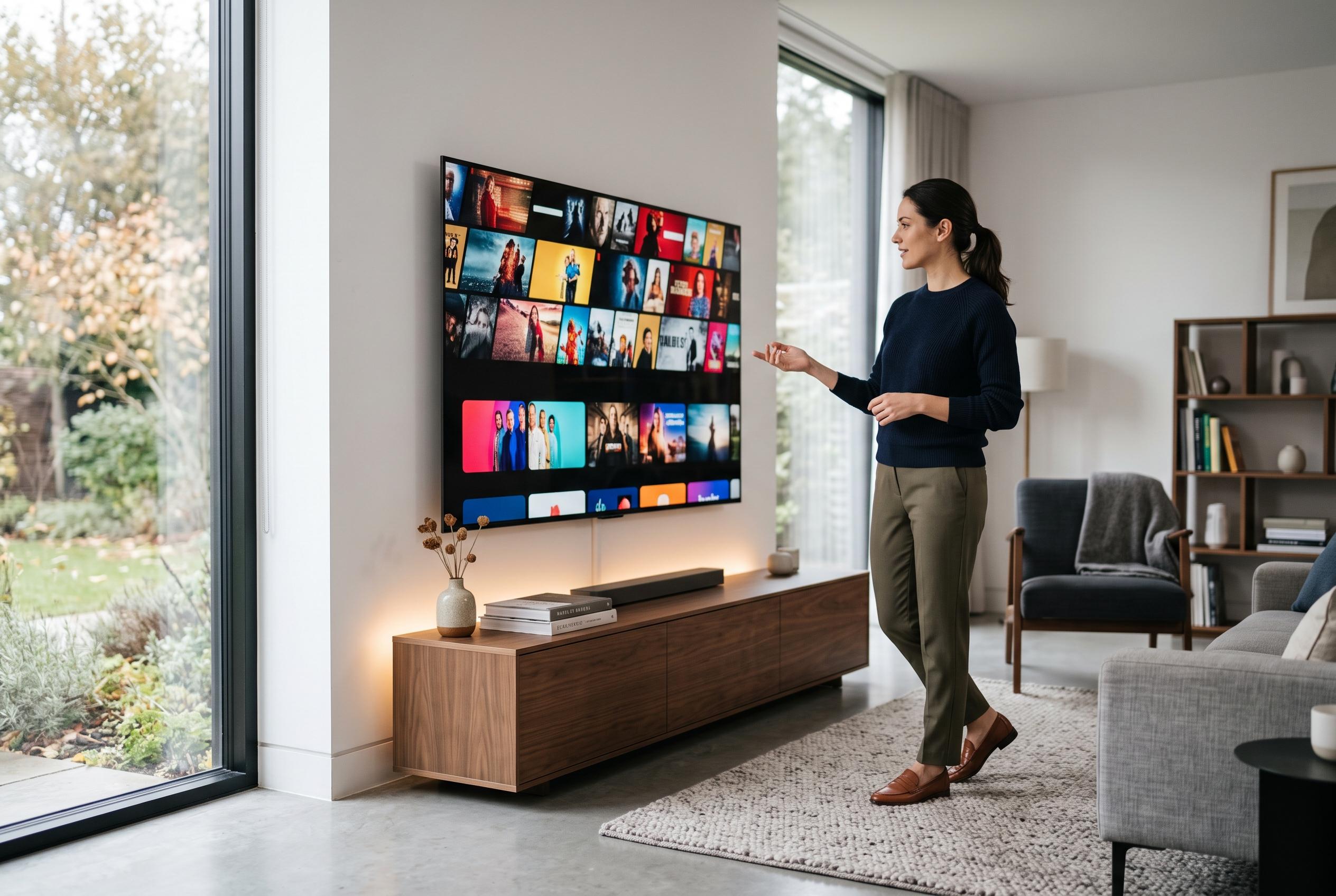
The biggest threat to longevity is heat. High brightness can improve picture quality, but it also increases thermal stress inside the set, whether the panel is LCD-based or OLED. Placement matters as well. Tom’s Guide warns that blocked ventilation, strong direct sunlight and mounting above a fireplace can all raise temperatures enough to shorten a television’s working life. Google TV owners should therefore keep vents clear, avoid cramped cabinet spaces and treat prolonged high-brightness viewing as something to manage rather than ignore.
Environmental conditions beyond temperature are also relevant. Humidity, dust and lint can all affect components over time, while accumulated debris can obstruct airflow and, in some cases, interfere with ports. Regular cleaning is not just cosmetic. It helps preserve cooling, reduces the chance of static-related issues and lowers the risk of connection problems on HDMI and USB inputs.
Performance issues are usually less about raw power and more about storage pressure and background clutter. Android Central reports that Google TV updates have recently focused on reducing RAM use and making it easier to clear cache or remove apps, acknowledging long-running complaints about sluggishness and limited storage. That fits with broader advice from Tom’s Guide and GeekChamp: restart the device periodically, clear cached data, delete unused apps and, if necessary, fully unplug the unit to force a clean memory reset. Several reports also suggest that some recent Google TV and Chromecast software updates have caused remote or connectivity problems, which is another reminder that software maintenance matters as much as physical care.
Taken together, the message is simple. Google TV can be a strong smart platform, but it benefits from more active upkeep than many users expect. Keep the panel cooler, keep the software lean and do not let cached files, background processes or poor placement do the quiet damage that eventually turns a fast interface into a slow one.
Disclaimer: This content is intended for informational purposes only. Readers are advised to exercise their own judgement, conduct due diligence, or consult a qualified expert before acting on any information provided.