

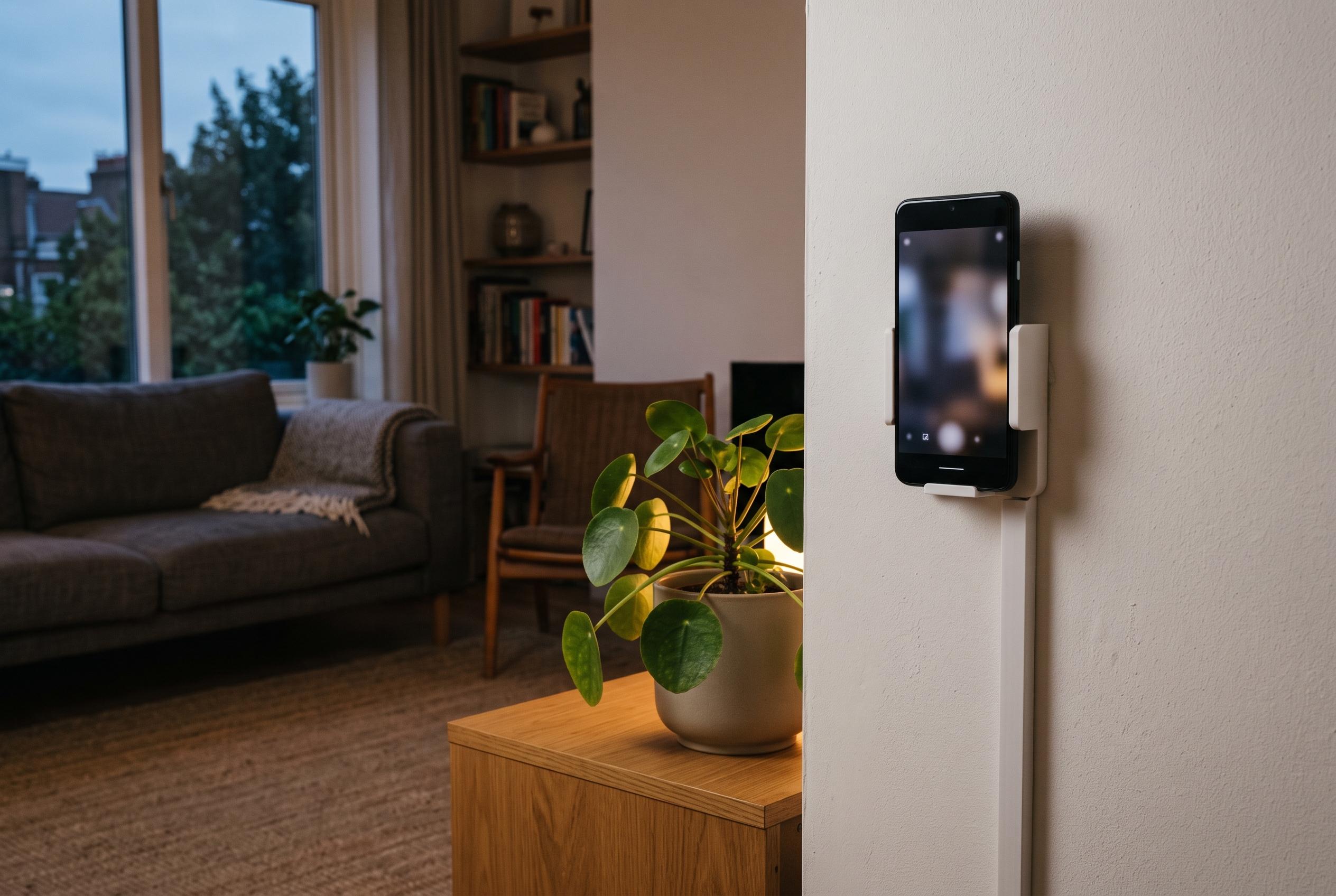

An old Android device can serve as a DIY security camera, offering greater control and privacy by eliminating reliance on cloud services and subscriptions, while supporting custom automation through open-source tools.
An old Android phone can do more than sit in a drawer as dead weight. In this case, it became the centrepiece of a local-only security camera setup that replaced a paid Ring subscription with hardware that was already available. The appeal was not just cost. It was also control: footage stays inside the home network, rather than being sent to a cloud service.
The main objection to many consumer security cameras is not the device itself, but the business model around it. Ring’s hardware is straightforward, but saving clips and unlocking richer alerts generally requires a subscription, and the footage is stored on Amazon’s servers. For anyone already running a self-hosted smart home, that arrangement can feel unnecessary and inconvenient.
The alternative used here is IP Webcam, an Android app that turns a phone into a network camera. According to Google Play and Home Assistant documentation, it can expose an MJPEG feed on the local network and, in some setups, RTSP streaming as well. Home Assistant supports the app through its Android IP Webcam integration, which can detect the camera feed and surface the app’s sensors, including battery status and motion-related data, as entities inside the smart-home dashboard.
Setup is deliberately simple. Install the app, start its server, note the local IP address and port, and then add the device in Home Assistant. A static IP is useful so the phone does not change address after a reboot. In practice, the more important preparation is reducing heat and wear: disable unnecessary background activity, stop automatic updates if needed, and keep the screen off while the phone charges continuously.
For smarter alerts, the stream can be fed into Frigate, an open-source network video recorder that performs local object detection and integrates with Home Assistant. Frigate is designed to run AI detection on your own hardware, which keeps processing in-house and avoids cloud dependency. That makes it possible to distinguish people from ordinary motion, cutting down on the nuisance alerts that often make inexpensive camera systems frustrating to use.
The limitations are real. Phones were not built for permanent surveillance duty, so battery health, charging behaviour and heat management matter. Storage is also local by default, which means users may need a home server disk or network storage if they want to retain footage for more than a short period. Even so, for an entryway, garage, hallway, apartment door or indoor window, the arrangement can be highly effective. The financial case is also hard to ignore: as the original article notes, a year of Ring subscription can cost roughly $60, while a retired phone and a few hours of configuration may be enough to build a more private system with stronger automation options.
Disclaimer: This content is intended for informational purposes only. Readers are advised to exercise their own judgement, conduct due diligence, or consult a qualified expert before acting on any information provided.



