

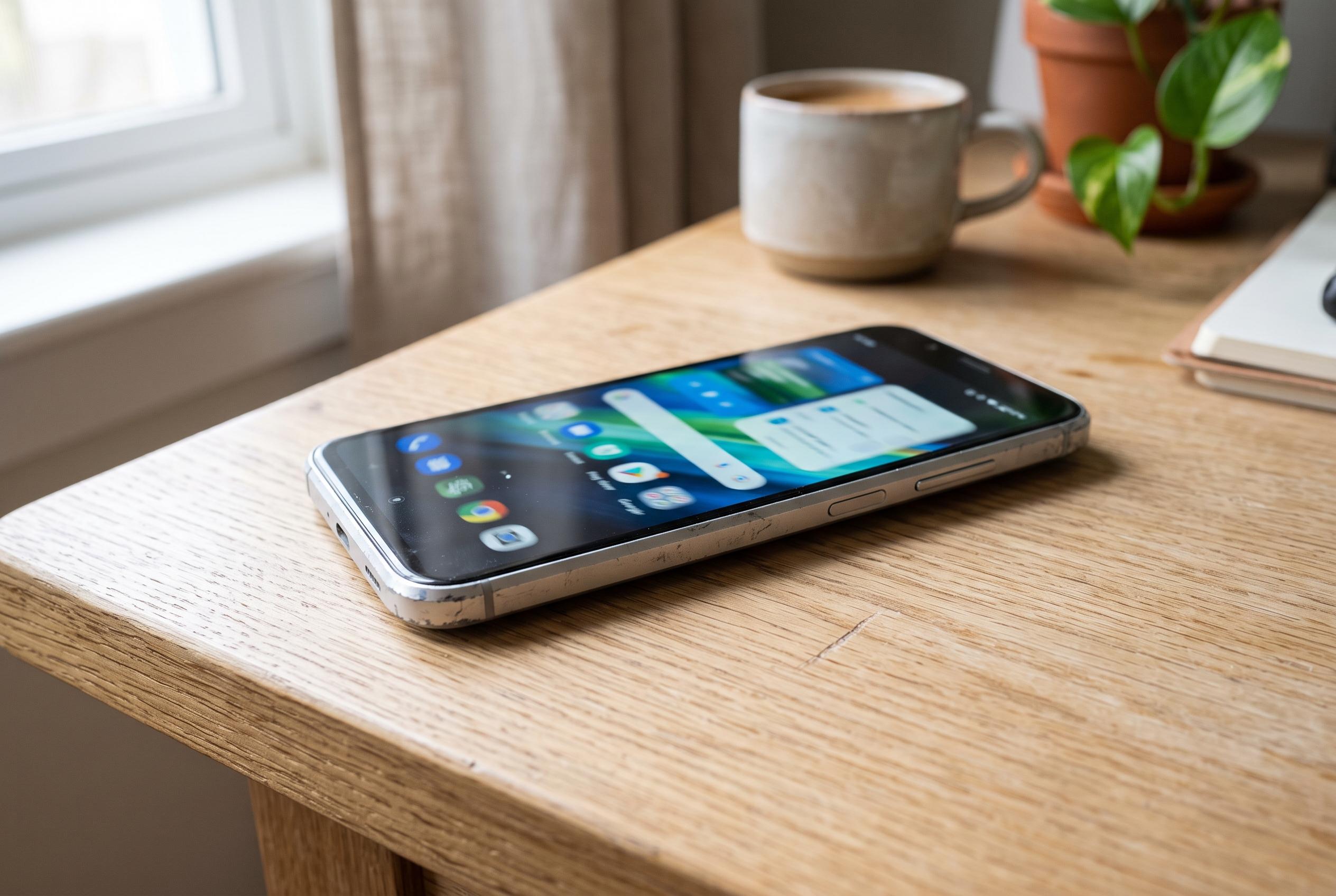

Disabling system animations on older Android devices can significantly improve perceived responsiveness without requiring new hardware or software installations, according to tech experts.
For owners of ageing Android phones, a slowing interface does not necessarily mean the handset is at the end of its useful life. Tech Advisor says one of the simplest ways to make a device feel quicker is to switch off system animations, a change that can make menus and apps respond more sharply without installing extra software or clearing storage.
The setting is usually found under Accessibility, then Colour and motion, where users can enable “Remove animations” or a similar option depending on the device. Guides from TechBone and Android Central say a related route is available through Developer Options, where the window, transition and animator scales can be reduced or turned off entirely. The effect is mostly cosmetic, but it can improve perceived speed on older or lower-end phones because the device spends less time rendering movement between screens.
That does not increase processor power or improve gaming performance, but it can make everyday tasks feel less sluggish. Android Central, AndroidGuias, Androidsis and Gadgets 360 all note that the change is reversible, so users can restore the original look if they prefer smoother transitions. The trade-off is a more abrupt interface, yet for many people the gain in responsiveness outweighs the loss of visual polish. Tech Advisor also argues that, for most users, animations add little practical value beyond appearance.
Disclaimer: This content is intended for informational purposes only. Readers are advised to exercise their own judgement, conduct due diligence, or consult a qualified expert before acting on any information provided.



