

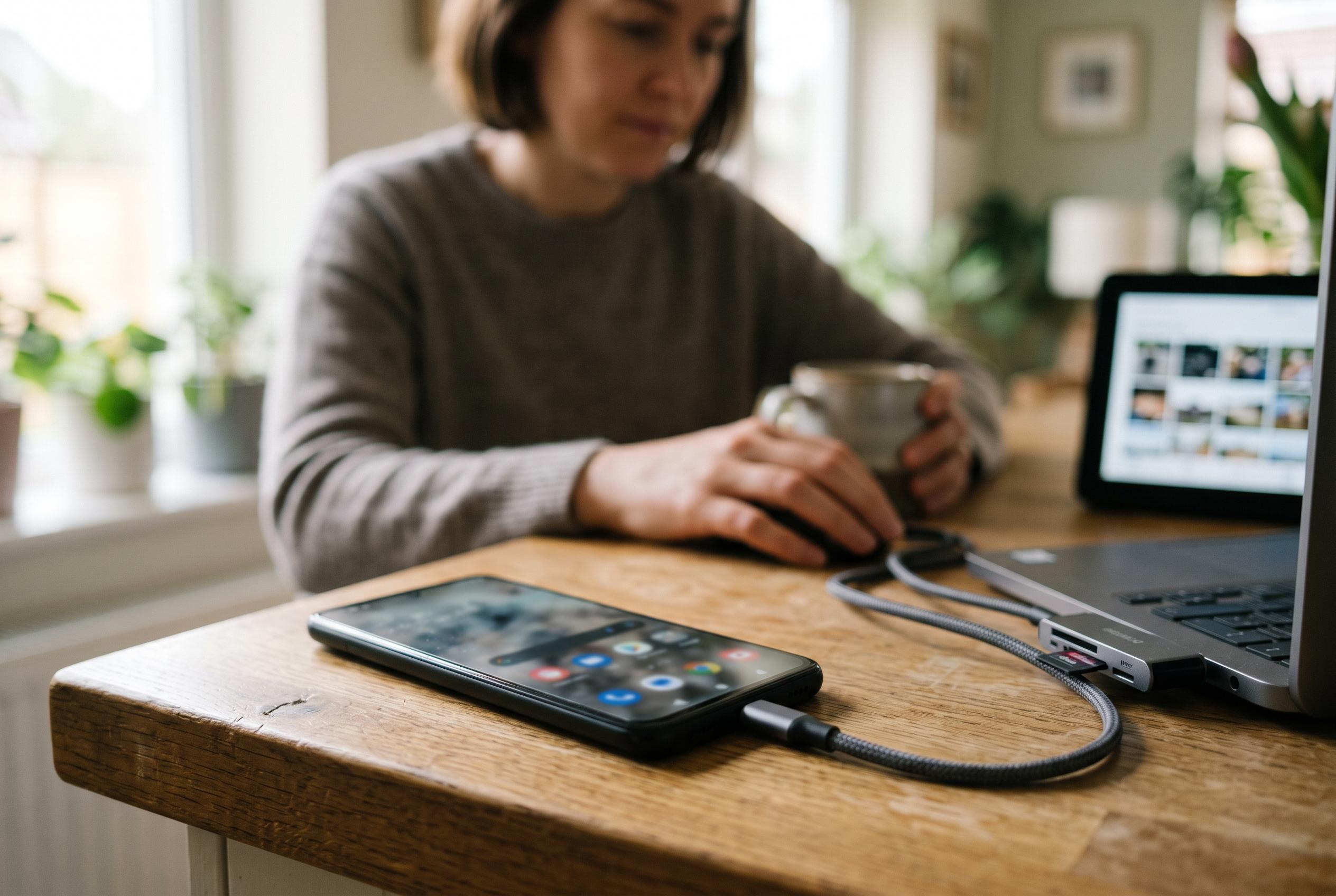

A recent investigation reveals how popular apps like Spotify and WhatsApp can quietly consume gigabytes of storage on Android devices, with simple cleaning tips offering quick space recovery.
On a modern Android phone, the easiest storage wins are often hiding in plain sight. One How-To Geek writer found that Spotify alone was using almost 15GB on a Pixel 10 Pro with 256GB of internal storage, despite the phone still having plenty of room. The discovery was not unusual: after clearing Spotify’s cache through the app and Android’s settings, the app shrank from nearly 14GB to well under 1GB, and then grew back to more than 5GB within weeks as cached files accumulated again.
That pattern is familiar to long-time Android users. According to the writer, Spotify regularly swelled past 10GB on earlier phones as well, including a Xiaomi Mi Mix 2 with 64GB of storage and a Galaxy S21 FE with 128GB. The same behaviour is common with other streaming services, because they store temporary data, offline content and playback files to improve performance. Google’s own Android storage guidance says users can reclaim space by clearing app cache, removing downloaded media, and uninstalling or archiving apps they no longer need.
The problem extends beyond music and video. Messaging and social apps can become major storage hoarders, especially when media downloads are left unchecked. WhatsApp is often singled out because it can collect photos, videos, voice notes, documents and stickers over time. Third-party storage guides from AnExplorer and other Android cleanup tools say that deleting cached files, reviewing media folders and removing unneeded chats can recover several gigabytes quickly, although the exact amount depends on how the app is used.
Google also recommends a few less obvious steps that can make a meaningful difference. Its support page points users towards deleting backed-up photos and videos from the device, removing downloads, and using features such as Smart Storage to clear out content already saved to the cloud. That is particularly useful for people who subscribe to Google Photos or keep large local libraries of media on their phones without realising they are duplicating storage.
The broader lesson is simple: app size on Android is often dynamic, not fixed. Music services, messaging platforms and social networks can quietly expand until they occupy a disproportionate share of storage, even on larger devices. For anyone running low on space, the quickest gains usually come from clearing caches, trimming offline libraries, removing old screenshots and deleting apps that have long since been forgotten.
Disclaimer: This content is intended for informational purposes only. Readers are advised to exercise their own judgement, conduct due diligence, or consult a qualified expert before acting on any information provided.



