

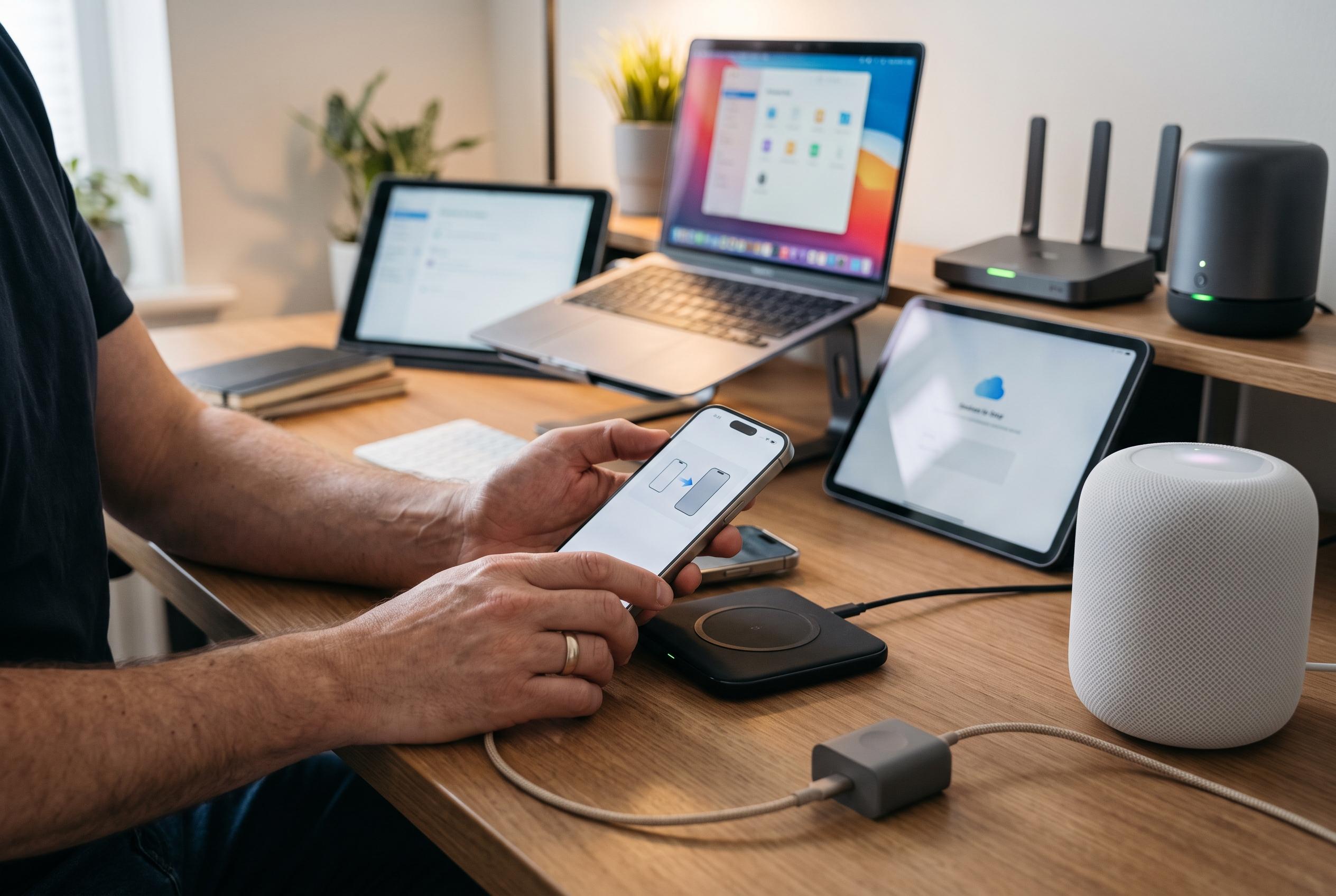

The latest iOS 27 update introduces new Siri AI features and cross-device enhancements, but requires users to undertake post-installation steps to ensure a seamless transition and fully utilise new functionalities across Apple’s ecosystem.
Apple’s iOS 27 update is designed to do more than refresh the interface. It also changes how the iPhone behaves after installation, particularly if you want better stability, cleaner syncing and access to the new Siri AI functions. Geeky Gadgets says the most useful first step is to tidy up the device state immediately after upgrading, rather than waiting for problems to appear.
For anyone who used the beta programme, the priority is to switch off beta updates so the phone stays on the final release rather than moving back on to test software. Apple’s support guidance also makes clear that the new Siri AI features depend on Apple Intelligence, may be limited by device model, and in some cases require extra setup before they are available. Apple describes the assistant as more personal and capable, while MacRumors says the new experience includes a dedicated Siri app, broader system access and a more integrated search-and-ask workflow.
It also helps to bring the rest of the Apple ecosystem up to the same software level. That means updating HomePod, Apple TV and Apple Watch as well as the iPhone, so services such as hand-off, notifications and media playback continue to work properly across devices. Keeping third-party apps current matters too, because older versions can crash, misbehave or fail to use new operating-system features correctly.
Network settings and background processing are easy to overlook but often make the biggest difference after installation. Geeky Gadgets recommends checking for a carrier settings update, which can improve call quality and mobile data performance. It also advises leaving the iPhone plugged in and on Wi‑Fi while indexing finishes in the background, since Spotlight search and Siri suggestions depend on that process. In practice, the update is not complete the moment the installation screen disappears; the device still needs time to rebuild data, sync services and settle into normal use.
Taken together, these steps are less about adding novelty than avoiding avoidable friction. The new Siri functions, the cross-device improvements and the background optimisation work best when the phone is fully aligned with Apple’s wider software stack. For users who want the update to feel smooth rather than disruptive, a short period of maintenance after installation is the most practical way to get there.
Disclaimer: This content is intended for informational purposes only. Readers are advised to exercise their own judgement, conduct due diligence, or consult a qualified expert before acting on any information provided.



