

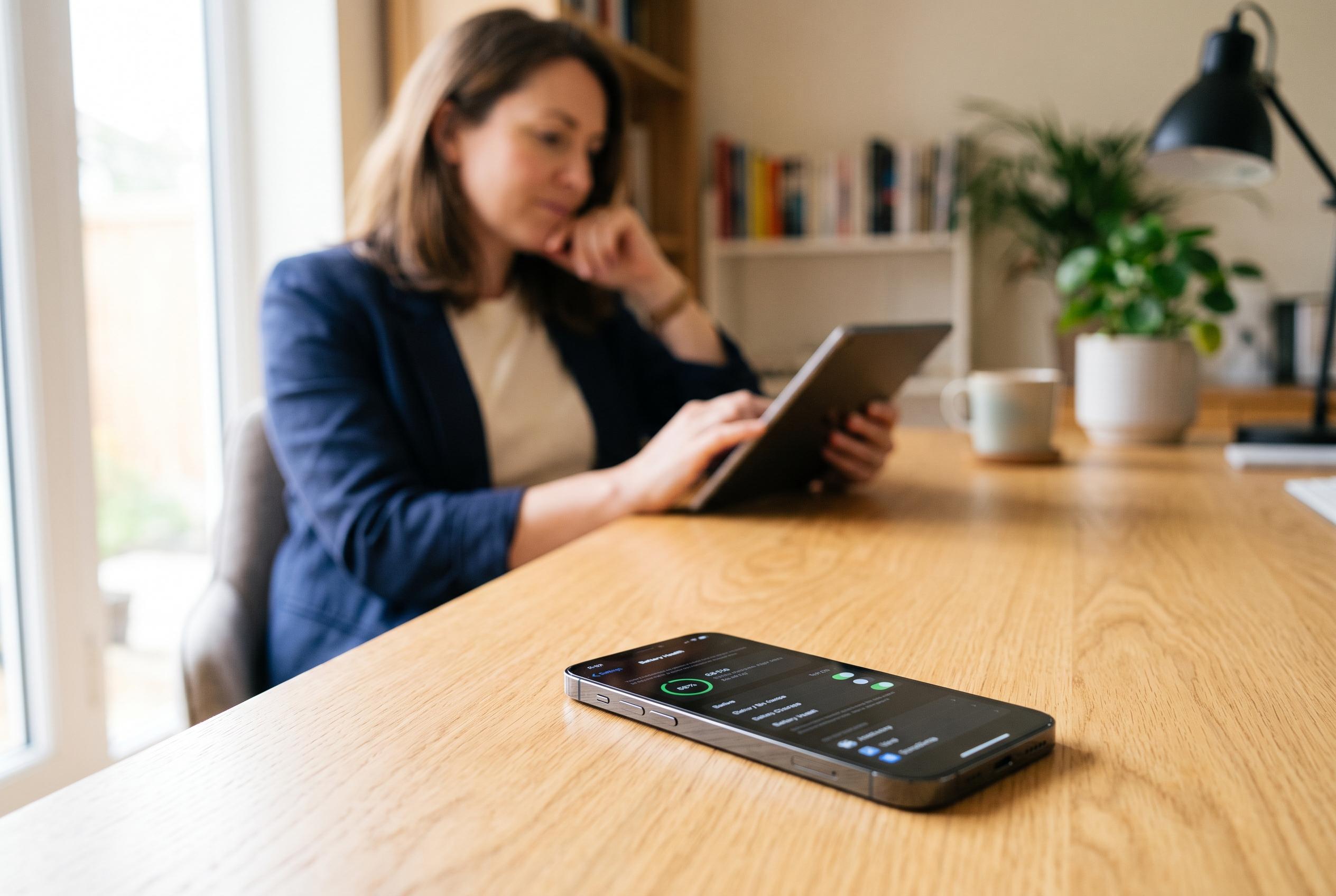

Users may experience faster battery drain following the iOS 27 update due to background activities like re-indexing, but adjustable settings and potential battery replacement offer solutions for longer usage.
Apple’s latest iPhone software may leave some users watching the battery percentage fall faster than usual, but the explanation is often temporary rather than a fault. According to reporting from MacObserver and 9to5Mac, iPhones can spend several days completing background work after a major update, including re-indexing files and refreshing apps, which can make power use look worse before it improves. The practical answer is usually patience, alongside a review of settings that have a far greater effect on daily endurance than many owners realise.
Among the most useful controls is Apple’s Adaptive Power mode, which the company says uses on-device intelligence to anticipate heavier battery demand and adjust performance accordingly. Low Power Mode remains the bluntest tool for extending use between charges, while simpler steps such as reducing screen brightness, shortening auto-lock time and limiting the Always-On display can make a noticeable difference. For users on newer Pro models, the Always-On screen is convenient, but it is still worth disabling if battery life matters more than at-a-glance information.
Background activity is another common source of drain. Location Services, Background App Refresh and constant notification previews all keep the phone busy when it might otherwise rest. Technobezz and other troubleshooting guides recommend trimming these features selectively rather than shutting down the phone’s core functions entirely. That means keeping Maps usable, but restricting it to location access only while in use; allowing only essential apps to refresh in the background; and cutting lock-screen alerts to the most important services.
Wireless radios also matter more than many users expect. Wi-Fi, Bluetooth, mobile data and AirDrop continue to probe for connections, which adds up over the course of a day. In a pinch, Airplane Mode or a selective shutdown of wireless services can preserve charge until the next top-up. For users who simply need more hours away from a socket, a MagSafe power bank or another external charger is the most direct solution.
If none of that is enough, the battery itself may be the limiting factor. Apple’s own guidance says battery performance can decline with age, and the company will flag when service may be due. AppleCare+ covers battery service once capacity falls below 80% of the original level, and Apple’s Self Service Repair store also offers replacement parts for those prepared to fit them themselves. In other words, the fastest route to longer battery life is sometimes not a setting at all, but a new battery.
Disclaimer: This content is intended for informational purposes only. Readers are advised to exercise their own judgement, conduct due diligence, or consult a qualified expert before acting on any information provided.



