

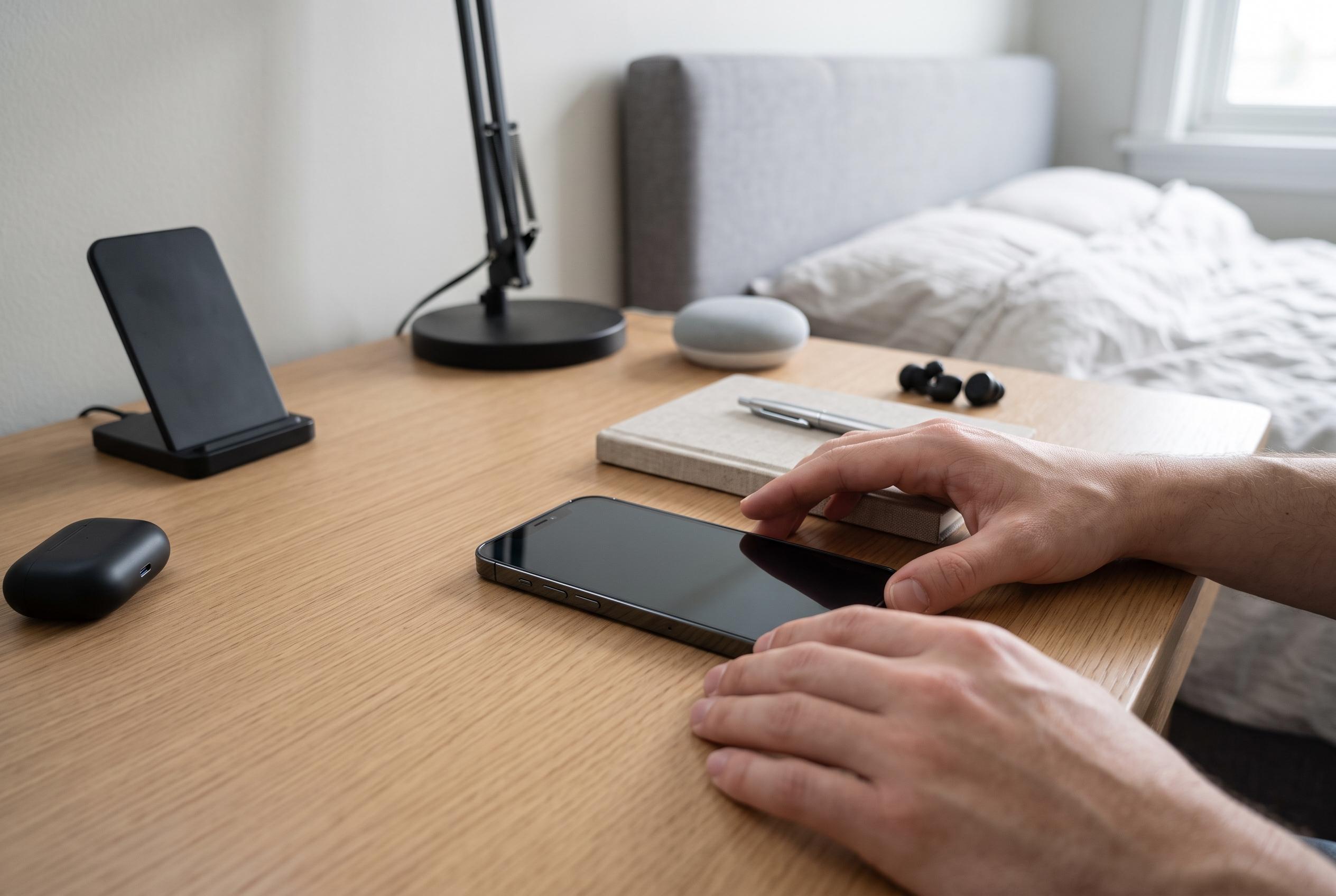

The latest iPhone 18 Pro introduces an array of new controls, personalised interfaces, and powerful hardware, making it more intuitive and adaptable for both creative and communication needs.
For new owners of the iPhone 18 Pro, the basics begin with a familiar set of gestures, but Apple’s latest hardware makes them easier to live with. The phone wakes with the side button, a tap or lift, and unlocks through Face ID or a passcode. It then returns you to a lock screen that is more functional than decorative, giving quick access to notifications, the camera, media controls and widgets without first opening the device. According to Apple’s guidance, those simple entry points remain the foundation of daily use, even as the phone adds newer controls such as the Action button and Camera Control.
The hardware matters because it shapes the way the phone is used. Apple’s official specifications describe a 6.3-inch Super Retina XDR display, Face ID, LiDAR, USB-C, 5G and Wi-Fi 7, together with storage options from 256GB up to 2TB. That combination is aimed at users who expect the phone to serve as both a communication device and a creative tool, not just a handset. The A20 Pro chip, built on a 2-nanometre process, is designed to support that workload, with Apple claiming stronger sustained performance and longer battery life than before.
Much of the appeal of the iPhone 18 Pro lies in how Apple has folded its newer controls into everyday tasks. The Action button can be reassigned, while Camera Control is intended to launch the camera quickly and help users capture photos or video without digging through menus. The lock screen also does more work than on older iPhones: it provides direct access to the camera, Control Centre and media playback, while the Dynamic Island surfaces Live Activities such as directions, calls and recordings. MacRumors says the latest version can show up to three Live Activities at once, which makes it more useful for users tracking several tasks simultaneously.
Personalisation is another part of the setup process that the guide treats as central rather than optional. Users can change icon sizes, apply light, dark or tinted appearances, switch wallpapers, and place widgets on the Home Screen or Lock Screen. Those options are not just cosmetic. They determine how much information the user sees at a glance and how quickly key apps can be opened. For people coming from earlier iPhone models, this is one of the clearest differences in day-to-day operation: the phone is less about a fixed layout and more about a configurable workspace.
Sound, brightness and notifications also remain important to efficient use. Apple’s guide explains how to adjust ringtones, haptic feedback and screen brightness, and how to use Dark Mode for lower-light environments. It also sets out how notifications are grouped in Notification Centre and on the Lock Screen, which is useful for users who rely on the handset for work messages, calendar alerts and app updates. These settings matter because they shape battery use, visibility and attention management. Apple says the iPhone 18 Pro can deliver up to 24 hours of typical use, but practical endurance still depends on how users configure the screen and alerts.
The camera system is one of the clearest reasons to learn the phone properly. Apple’s iPhone 18 Pro includes a 48-megapixel Fusion main camera with a variable aperture system, and Tom’s Guide says the lens can switch between f/1.48, f/1.8, f/2.8 and f/4.0. In practical terms, that gives users more control over light and depth of field than on earlier iPhones, which is especially useful for portraits, low-light scenes and fast-moving subjects. The guide’s advice to use the shutter button, volume buttons or Camera Control reflects that flexibility: the hardware is designed to make photography quicker as well as more adjustable.
Apple is also pushing more intelligence into the device through Siri AI, which the guide describes as a beta feature with personal context, onscreen awareness and broader world knowledge. That turns Siri into more than a voice shortcut. According to the guide, users can ask it to find photos, summarise messages, draft writing, identify content on the screen and perform tasks through the camera. In that sense, the iPhone 18 Pro is positioned not only as faster hardware but as a more context-aware assistant platform. Tom’s Hardware says the A20 Pro’s faster CPU and GPU, along with improved thermal design, are intended to support that shift in capability.
Disclaimer: This content is intended for informational purposes only. Readers are advised to exercise their own judgement, conduct due diligence, or consult a qualified expert before acting on any information provided.



