

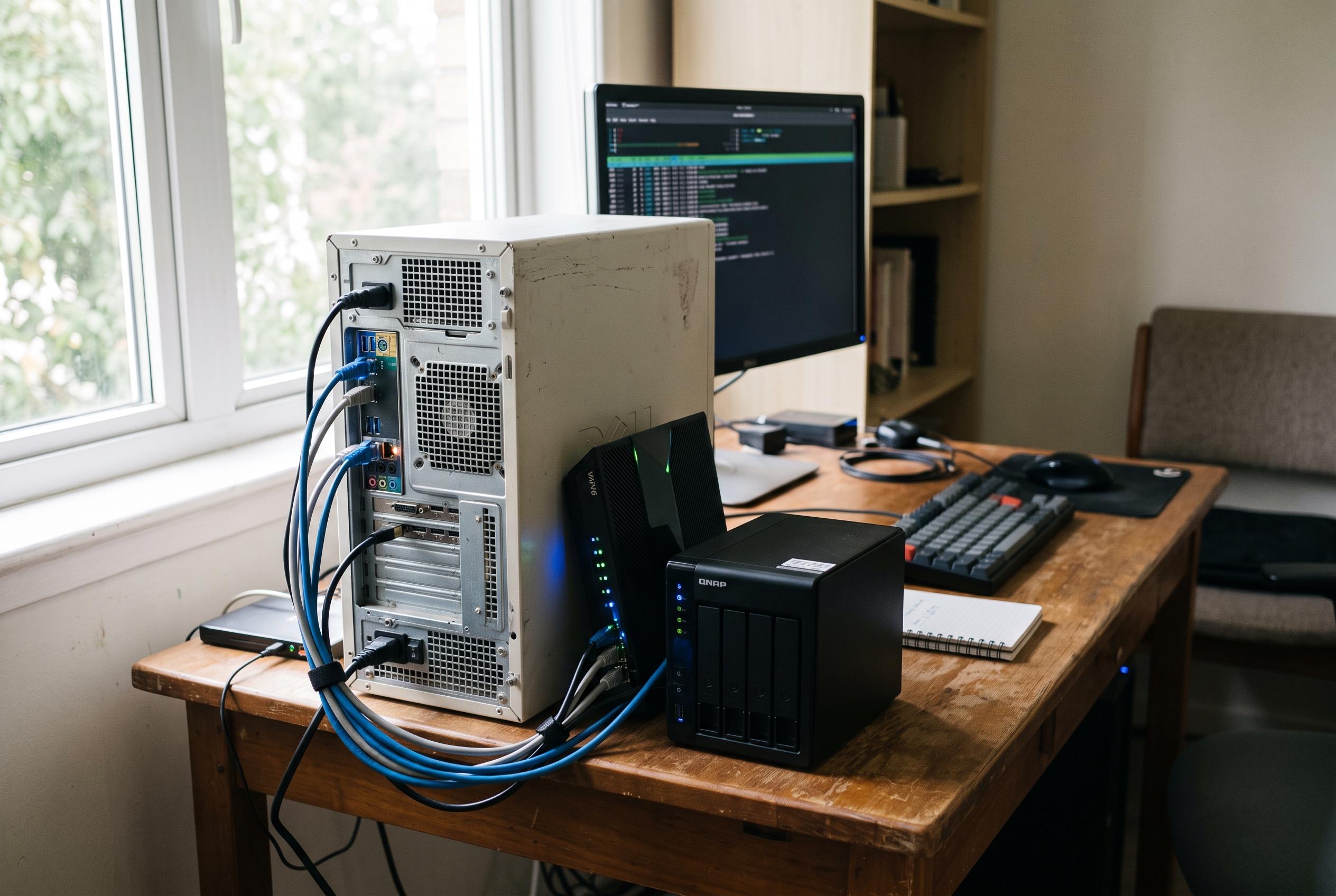

Older Linux machines can find new life serving essential functions like PXE boot servers, ebook libraries, password managers, and network mirrors, proving that longevity often outweighs raw performance in small-scale IT setups.
An ageing Linux machine does not need to disappear into storage when it can still serve a practical role on a home network or in a small office. The useful jobs are usually not the most demanding ones: they are the quiet, always-on tasks that benefit more from reliability than raw performance. In practice, that can mean network booting, file serving, automation, security, or recovery testing.
One of the most useful options is a PXE boot server. As guides from pxehost and Linux setup tutorials explain, network booting lets other machines start installers or recovery environments directly from the LAN, reducing dependence on USB drives and physical media. A modest PC can handle the DHCP, TFTP and HTTP duties involved, particularly when it is mainly serving small boot files rather than processing heavy workloads.
A similar low-intensity use is an ebook server. Calibre-Web can provide a browser-based library for managing metadata, searching collections and reading or downloading books from different devices. Because the server is mostly delivering relatively small files, the hardware requirements are light, and the separation of application and storage makes it easier to keep the library growing without replacing the machine that serves it.
Another practical role is self-hosted password management. Lightweight services such as Vaultwarden are designed to work with modest resources because they mainly deal with authentication, synchronisation and database access. For home use, that makes an old PC a credible base for a password vault, provided it is configured carefully with strong authentication, regular updates and backups.
Older hardware can also help reduce repetition in multi-machine environments. A local package mirror or cache can keep commonly used software inside the network, cutting down on repeated downloads and making rebuilds more predictable. For people maintaining several Linux systems, that can save time, reduce bandwidth use and preserve specific package versions for later reinstalls.
In more advanced setups, the same machine can act as an SSH bastion host or a small automation server. A bastion creates a single controlled entry point to internal machines, while tools such as n8n can connect APIs, schedules, webhooks and notifications into workflows that run continuously in the background. These are the sort of tasks that benefit from a machine that can stay on without drawing much attention.
It can even serve a validation role. An old PC can be used to restore backup sets on a schedule and check whether the recovered data or systems actually work, rather than assuming that a successful backup job equals a successful recovery. It can also monitor heartbeats from another device and trigger alerts if they stop, although any such dead-man’s-switch style setup needs sensible safeguards to avoid false alarms from routine outages.
Disclaimer: This content is intended for informational purposes only. Readers are advised to exercise their own judgement, conduct due diligence, or consult a qualified expert before acting on any information provided.



