

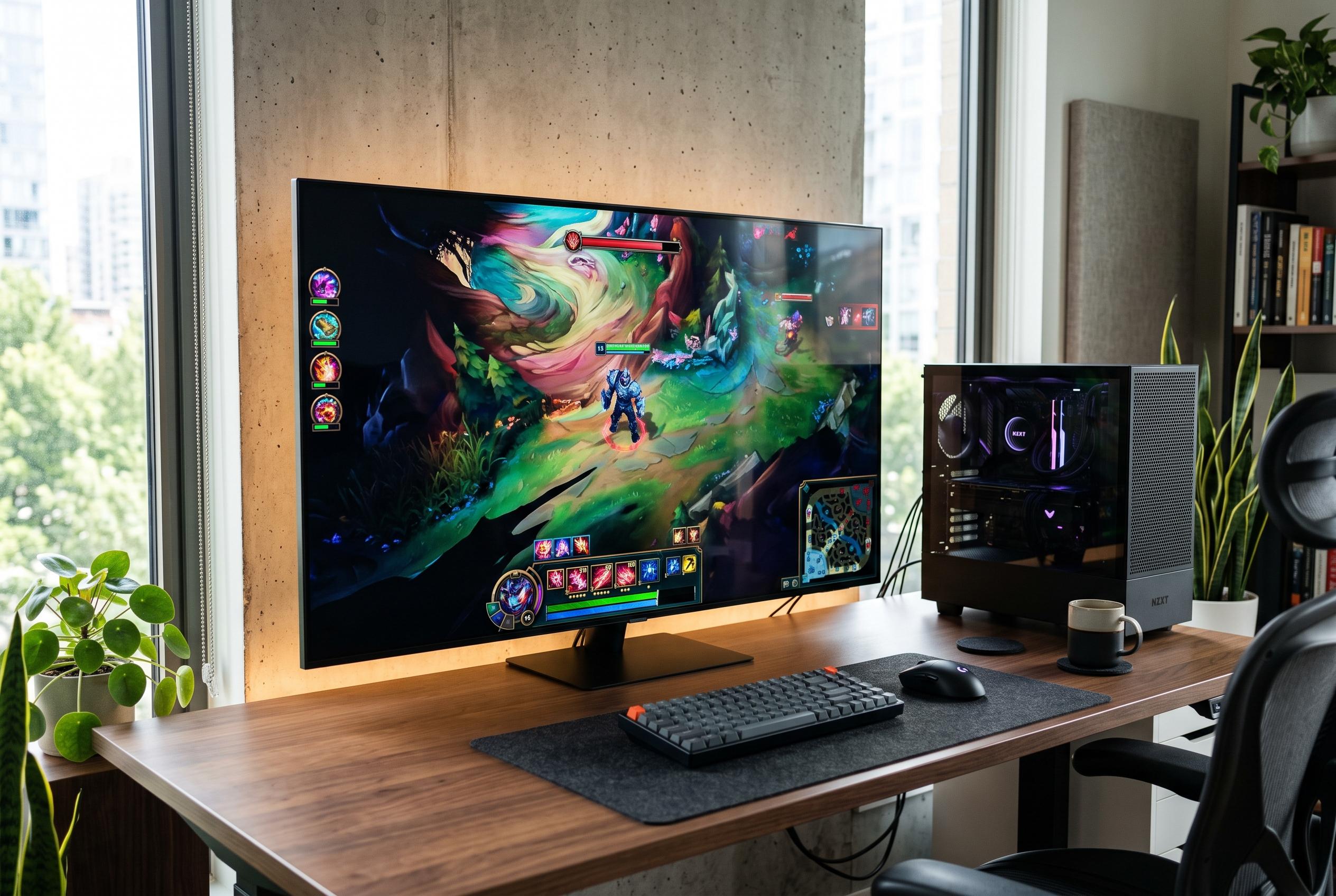

With 42 to 43-inch models offering a balance of size, resolution, and smart features, new budget options from Samsung and LG are bridging the gap between TVs and monitors for casual users and gamers, though high refresh rates remain a strength for dedicated gaming setups.
Smart TVs are increasingly used as large-format displays for desktop work, and the practical sweet spot is usually around 42 to 43 inches. At that size, the panel is large enough to handle spreadsheets, coding, browsing and video, but still close enough for comfortable desk use. The most important checks are 4K resolution, a clean HDMI connection, low input lag and, for gaming, support for features such as VRR, ALLM and HDMI 2.1 where available.
Samsung’s 43-inch Crystal UHD U8500F is one of the more straightforward budget options. According to RTINGS, the 2025 model is a 60Hz 4K television with low input lag and VRR support, although its 60Hz ceiling limits the benefit of variable refresh. Samsung’s own product material says the set uses Crystal Processor 4K, One UI Tizen and HDR10+, while the 43-inch size is aimed at larger desks. For PC use, that combination makes it suitable for general productivity rather than fast-paced gaming.
LG’s 43-inch NANO 4K UHD AI NU845 is pitched more directly at mixed use. LG says the set is intended for both PC work and entertainment, with TruMotion, Bluetooth Ultra Low Latency, VRR up to 60Hz, ALLM, HGiG and GeForce NOW support. The company also highlights AI Concierge and Sports Alert, which points to a broader smart-TV focus. That makes it a sensible choice for users who want a single screen for work, streaming and casual gaming.
The remaining picks follow the same basic logic: 4K resolution, a 43-inch class panel and smart-TV software that can support everyday desktop tasks. Media Indonesia also lists LG’s 43UA7550PSA, another LG NANO 4K model, and a Hisense 4K Google TV as alternatives for users who want a monitor-like setup without buying a dedicated display. For gaming, however, the guidance remains stricter: a higher refresh rate, ideally 120Hz or above, plus VRR and HDMI 2.1, is still the better standard if smooth motion is a priority.
Disclaimer: This content is intended for informational purposes only. Readers are advised to exercise their own judgement, conduct due diligence, or consult a qualified expert before acting on any information provided.



