

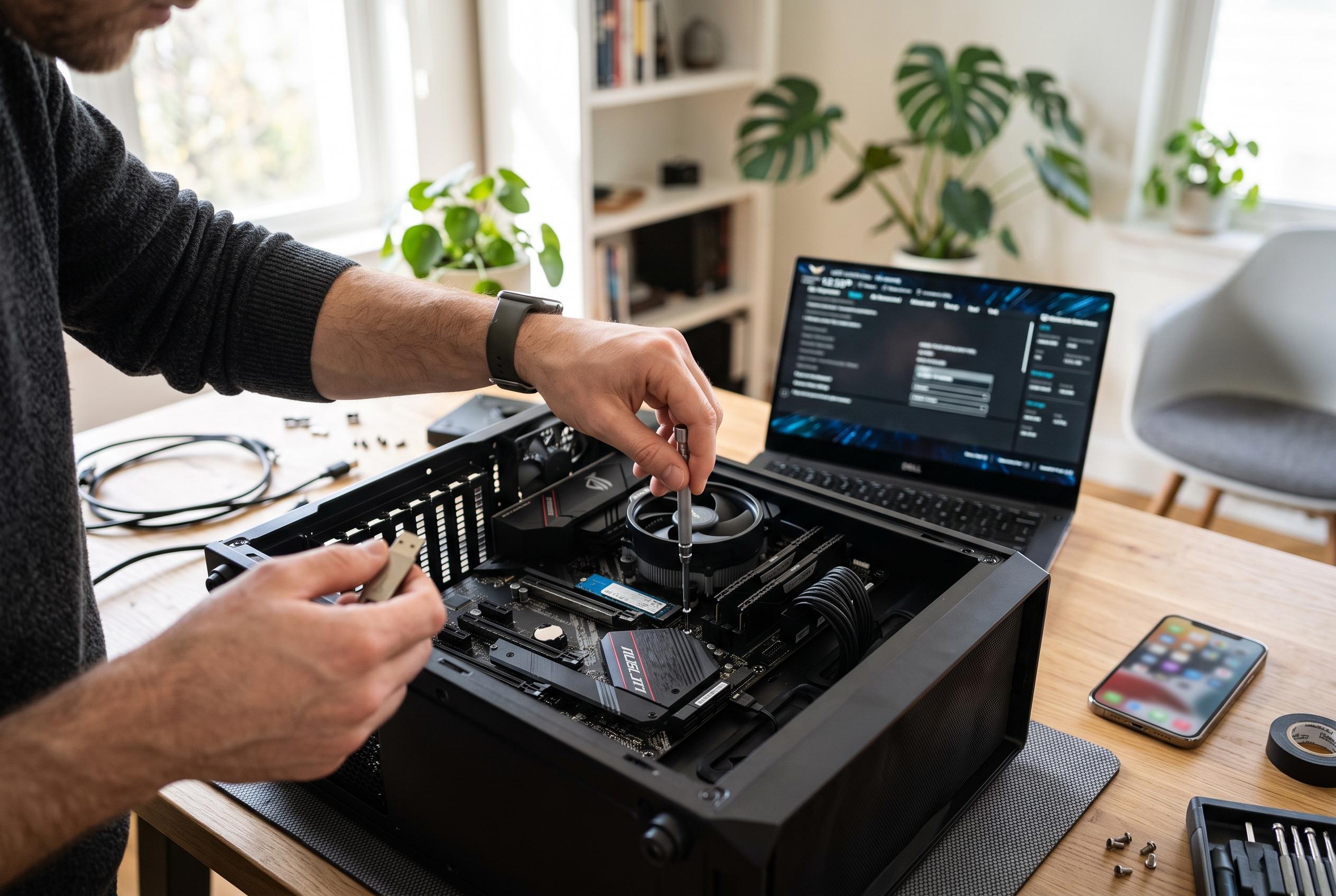

A significant number of PC builders often miss out on simple motherboard configurations, such as enabling XMP, optimising onboard audio, updating firmware, and adjusting security settings, that can enhance system speed, stability, and security without additional hardware investments.
Many PC builders leave key motherboard functions untouched, even though they can improve speed, stability and day-to-day usability without new hardware. The biggest missed opportunity is memory configuration. Intel says RAM overclocking can raise performance by increasing memory speed, while XMP is designed to make that process simpler by loading manufacturer-tested profiles rather than requiring manual tuning.
That matters because most systems boot with conservative memory settings for compatibility, not maximum performance. Enabling XMP on Intel platforms or EXPO on AMD boards can let DDR4 or DDR5 modules run closer to their rated speeds, which can improve frame rates and reduce latency in memory-heavy tasks. Tom’s Hardware notes that enabling XMP is usually straightforward in firmware and can deliver a noticeable uplift with limited effort.
The same pattern applies to onboard audio. Modern motherboards often include isolated audio layouts, dedicated processing and bundled utilities that are easy to ignore once the PC is assembled. Yet these boards frequently offer surround-sound modes, equaliser presets and noise-suppression tools that can improve calls, recordings and general listening quality without a separate sound card. The practical issue is not capability, but discovery: many of these controls sit inside the vendor software rather than in obvious menus.
Firmware is another area where useful functions are often overlooked. Current UEFI interfaces typically offer simplified and advanced views, with tools for monitoring temperatures, adjusting fan curves, updating firmware and recovering from a bad flash. Intel and motherboard vendors also treat firmware updates as an important maintenance step because they may improve memory compatibility, stability and security rather than merely fixing minor bugs.
Security and power settings deserve the same attention. Options such as TPM, Secure Boot and ErP-ready mode can strengthen boot-time protection, support Windows security features and reduce standby power use. In practice, the motherboard is doing far more than providing sockets for a CPU and RAM; it is managing performance, acoustics, power and security in ways that can materially extend the usefulness of the system.
Disclaimer: This content is intended for informational purposes only. Readers are advised to exercise their own judgement, conduct due diligence, or consult a qualified expert before acting on any information provided.



