

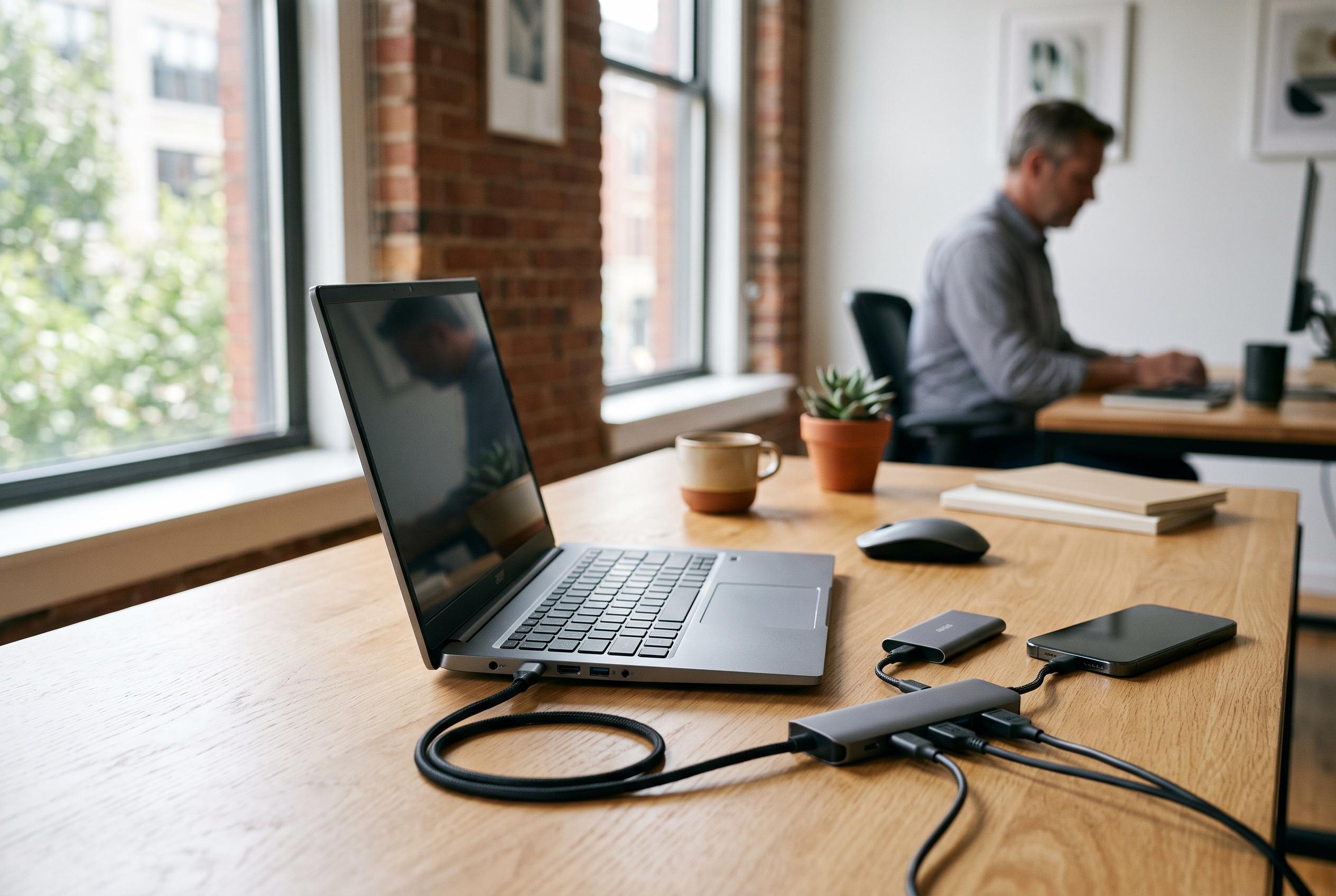

Acer’s Swift Air 14 offers a practical, connectivity-rich alternative to premium ultrabooks, emphasising port selection and battery life over slimness or display bragging rights amid rising budget premium trends.
Acer’s Swift Air 14 is a reminder that a cheap laptop can still feel deliberate rather than compromised. Tom’s Hardware says the machine leans hard on practical strengths: a pair of Thunderbolt 4 ports, a USB-A port, a headphone jack and battery life that stretched to 16 hours and 52 minutes in testing. That makes it unusual in a class where most manufacturers sacrifice connectivity first. Yet the same review makes clear that the Swift Air 14 is not trying to outclass its rivals in every area. Its selling points are specific, and its shortcomings are equally clear.
The design is one of the stronger parts of the package. ITPro describes the Swift Air 14 as a slim aluminium laptop with a premium appearance for its £699 or $699 asking price, while Tom’s Hardware notes that the US version comes in sage green, with other colours offered in some markets. At 1.19kg, it is light enough for daily travel without being class-leading, and its 14-inch body is still slightly thicker and less rigid than the Dell XPS 13. The trade-off is intentional: Acer has prioritised port selection and battery capacity over absolute thinness.
That philosophy extends to the specification sheet. The model reviewed by Tom’s Hardware uses Intel’s Core 5 320, 8GB of LPDDR5 memory and a 512GB PCIe Gen 3 SSD, while Windows Central notes that the wider family can go up to 16GB of RAM and higher-end Core i7 chips. Acer’s manual says each Thunderbolt 4 port can carry data at up to 40Gbps and can drive up to two 4K displays, underlining that the laptop is aimed at users who want a compact machine that can still anchor a desk setup. The display is less convincing: Tom’s Hardware found the 1920 x 1200 panel to be adequately colourful, but not bright enough, and said the stronger-looking screens on the MacBook Neo and Dell XPS 13 are more satisfying in practice.
Performance is respectable rather than ambitious. Tom’s Hardware found the Swift Air 14 close to the Dell XPS 13 in Geekbench 6, while its Handbrake result was better than expected for the hardware class. It is a machine for routine productivity, not heavy creative work. The review was less forgiving on the software side, pointing to a heavy load of pre-installed utilities and promotional apps that make the experience feel busier than it should on a budget premium laptop. Even so, the overall verdict is straightforward: if battery life and ports matter more than display quality, chassis stiffness or a cleaner software build, Acer has made a strong case for itself.
Disclaimer: This content is intended for informational purposes only. Readers are advised to exercise their own judgement, conduct due diligence, or consult a qualified expert before acting on any information provided.



