

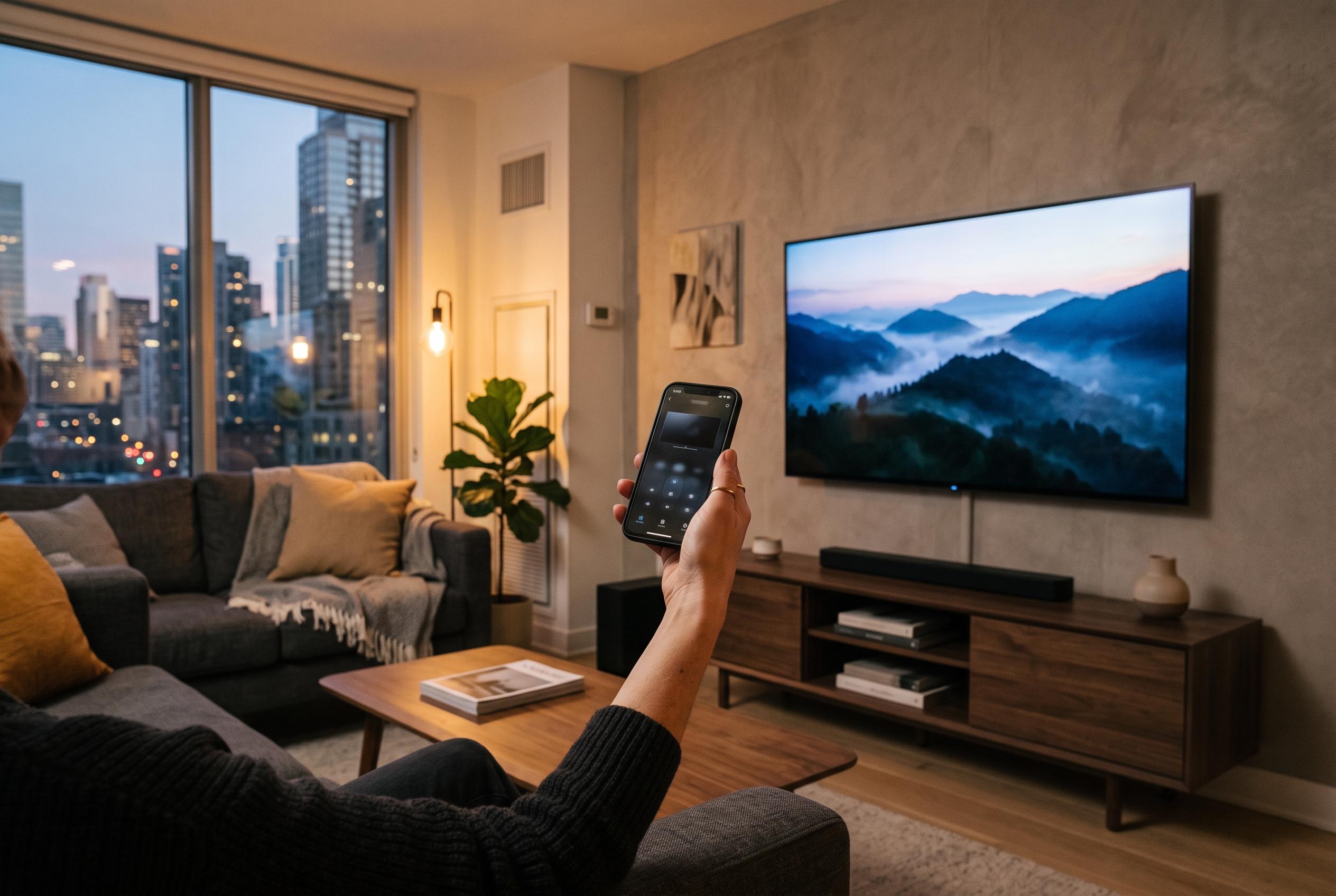

With universal smartphone ownership on the rise, many households are turning to their phones to manage smart TVs, offering increased convenience despite some technical limitations and compatibility considerations.
For many households, a missing television remote is no longer a serious problem. If the TV is connected to the home network and the correct app is installed, a smartphone can often take over the basic controls in a matter of minutes. The appeal is obvious: smartphone ownership is now near-universal in both the US and England, while smart TVs are also widespread, and television still accounts for the bulk of in-home video viewing in the UK.
The practical benefit is that a phone can do more than mimic a handful of buttons. On compatible systems, it can handle navigation, playback, power, volume, text entry and, on some platforms, voice search. Google says its TV app works with Google TV and Android TV devices, while Samsung says SmartThings can manage compatible televisions from a handset, including volume, apps and input changes. Roku and Apple also offer mobile remote functions for their own ecosystems.
Before trying to use a phone as a remote, the most important check is compatibility. The television or streaming device must support app-based control, and in most cases the phone and TV need to be on the same Wi-Fi network. That is especially important during first-time pairing, because discovery usually depends on local network access rather than an internet connection alone.
The basic setup is usually straightforward. Install the relevant app, scan for the television, and confirm the pairing code or prompt that appears on screen. Once the link is approved, test the core controls first: home, back, directional movement, volume and playback. If those work, more advanced features such as text input and app launching usually follow.
There are limits, and they matter. Roku notes that its mobile app cannot discover a player or TV that is not already connected to the network, which means a phone remote is not a full replacement for the original controller in every situation. Power and volume functions can also vary by model and setup, particularly where HDMI-CEC or standby behaviour affects what the television will accept over the network.
Troubleshooting normally begins with the network. If the TV does not appear, both devices should be moved to the same Wi-Fi network and the app should be restarted. If that fails, the television itself may need a power cycle, and the phone may need permission to access devices on the local network. In practice, the most reliable approach is still to keep the physical remote to hand for resets, initial configuration and network outages.
For many users, the main advantage of phone-based control is convenience rather than novelty. It removes the need to search for a handset, makes on-screen typing much faster, and can be especially useful in homes with several connected televisions. For a single-brand household, the manufacturer’s own app is often the cleanest option; for mixed-brand homes, a broader universal remote app may be more practical if it clearly lists supported devices and permissions.
Disclaimer: This content is intended for informational purposes only. Readers are advised to exercise their own judgement, conduct due diligence, or consult a qualified expert before acting on any information provided.



