

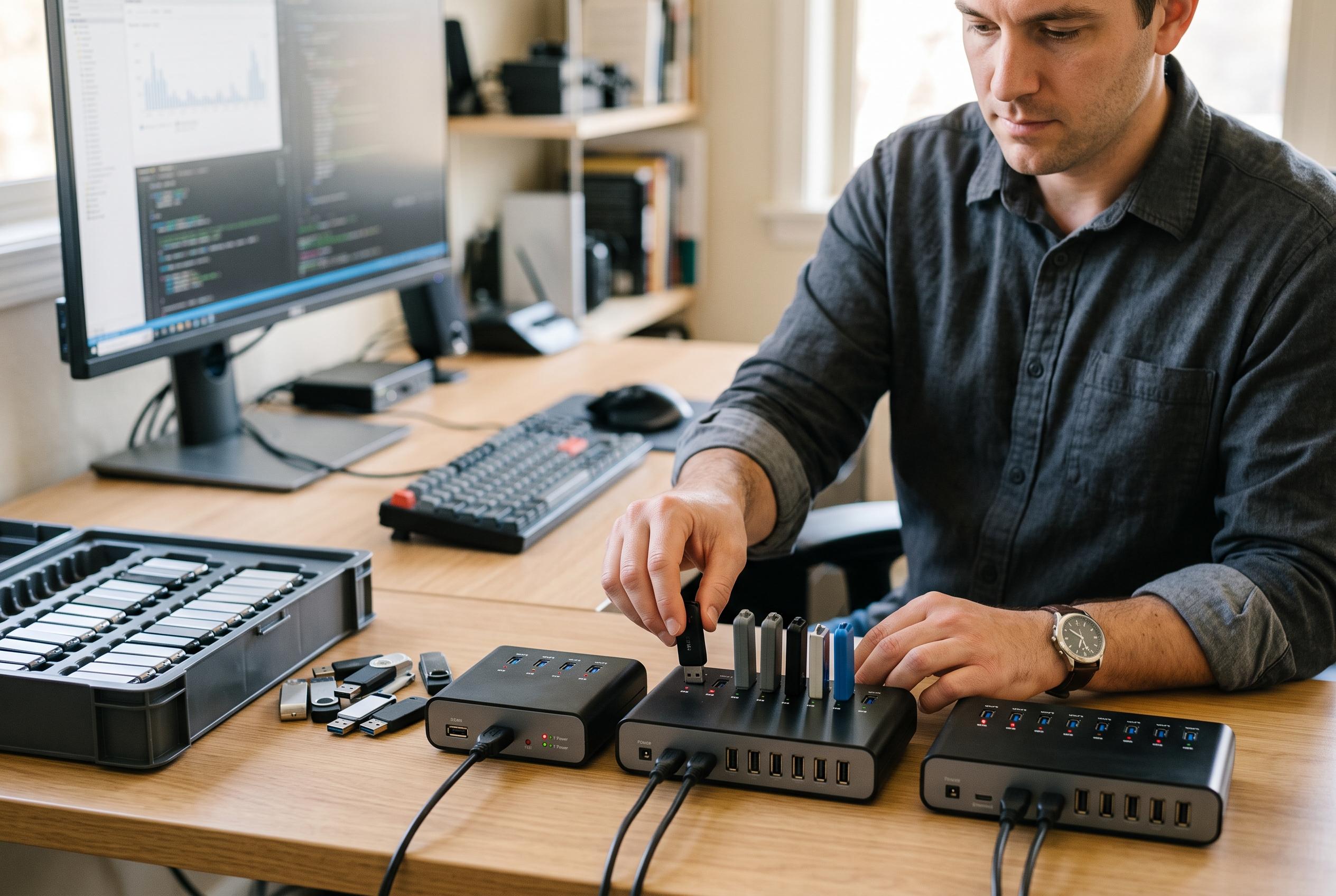

Small enterprises are increasingly turning to standalone USB duplicators, from compact models to high-capacity systems, to streamline drive copying, erasure, and verification, enhancing efficiency without added complexity.
For small businesses that need to copy, distribute or wipe USB flash drives efficiently, the most useful devices are the ones that reduce manual work without adding complexity. The round-up focuses on standalone duplicators, higher-capacity multi-target units and a few adjacent accessories that can support a USB workflow, with emphasis on speed, port count, verification and erase functions. A separate guide to USB duplicators from ROIHacks reaches a similar conclusion, putting the same weight on simplicity, capacity and ease of use when teams are choosing between entry-level and batch-production equipment.
At the lower end of the range, StarTech’s 1:2 standalone duplicator is presented as a practical choice for small teams that want to clone or erase drives without using a computer. The same publisher also highlights its support for file copy, sector-by-sector copy and multiple erase modes, which makes it more than a basic copier. ROIHacks likewise singles it out as a compact, self-contained device that suits occasional office use rather than large-scale production.
For organisations that need to produce multiple identical drives in one run, the Systor 1-to-7 duplicator is positioned as a stronger fit. It can send one source drive to as many as seven targets, and the guide says it supports both synchronous and asynchronous workflows, with a claimed transfer rate of up to 2GB per minute. That makes it better suited to marketing packs, training materials and other repeated distributions where the same content must be deployed across several recipients at once. ROIHacks also points to the Systor line as a sensible option for higher-volume business use.
The list also makes an important distinction between real duplicators and simpler USB hubs. Devices such as the ANYPLUS mini expander and the BENFEI seven-port hub add connection points for workstations, but they do not clone or sanitise flash drives. They are useful when a small office simply needs more USB ports for peripherals, backups or file transfers, yet they should not be confused with dedicated duplication appliances. That distinction matters because many buyers are looking for workflow control as much as raw connectivity.
Across the standalone models, the main buying factors remain consistent: how many drives can be handled at once, whether the unit runs independently of a PC, and whether it can verify or erase media after copying. The guide is clear that 1:2 and 1:4 units suit smaller teams, while 1:5, 1:7 and above make more sense once duplication becomes a recurring task. It also notes that erase and sanitise features are valuable for businesses that reuse drives or handle sensitive data, while computer-connected systems are best reserved for users who need extra flexibility and do not mind the additional setup.
There is also a clear operational trade-off between convenience and scale. The EZ Dupe Mini USB Plus MK II and MK III units are described as straightforward standalone options for teams that want higher capacity without moving to a software-driven workstation. By contrast, the DupliM 1-to-10 system is aimed at offices that prefer computer-connected control and need to duplicate from image files, folders or existing drives. The more ambitious 1-to-31 cloner goes further still, supporting both flash drives and certain external drives, but it is best reserved for businesses that regularly process large batches rather than those that simply need a few copies at a time.
Disclaimer: This content is intended for informational purposes only. Readers are advised to exercise their own judgement, conduct due diligence, or consult a qualified expert before acting on any information provided.



