

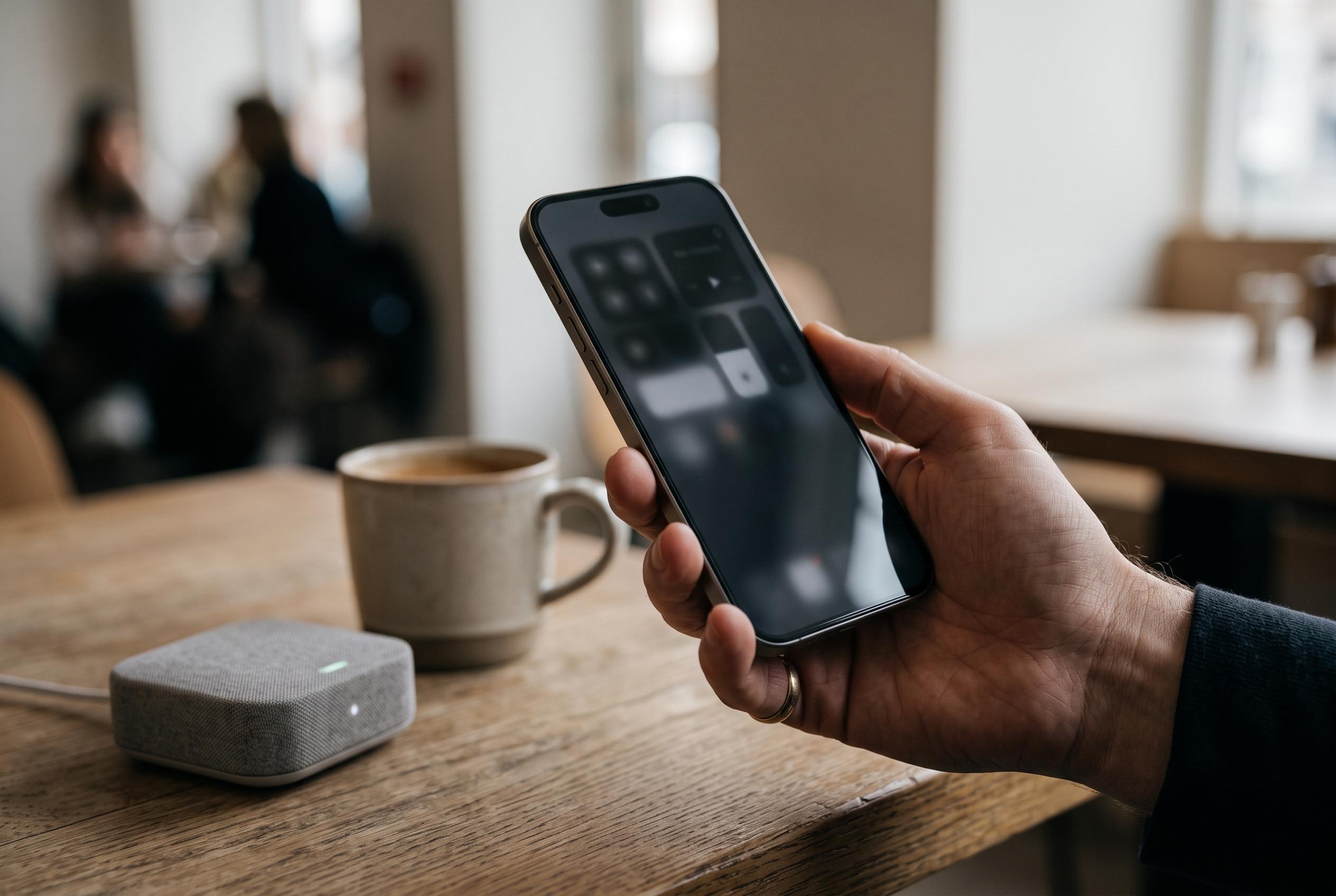

Apple’s built-in ‘Reduce White Point’ setting and Back Tap feature provide a discreet way to enhance privacy on supported iPhones, offering a situational layer of discretion alongside accessibility tools.
Apple’s iPhone already includes a built-in display adjustment that can also serve as a lightweight privacy aid. By lowering the intensity of bright areas on the screen, the feature makes text, notifications and open pages less easy to read from the side. It is not a substitute for a proper privacy film, but it can add a useful layer of discretion in everyday situations. According to Apple’s accessibility pages, the setting was designed to reduce strain on the eyes, especially in dimmer conditions, while the article’s guidance shows how the same tool can be repurposed for a privacy-style effect. Apple also confirms that Back Tap can be assigned to actions on supported iPhones, making the shortcut fast to use once configured.
The setting in question is Reduce White Point, found in the Accessibility section under Display and Text Size. Apple explains that it reduces the intensity of bright colours, and users can push the effect quite far to make the screen noticeably darker. In practice, that means menus, chats and documents lose some of their readability for anyone not viewing the handset head-on. The effect varies with ambient light: it is often more obvious indoors or in the evening, while strong daylight can reduce its impact.
The most practical way to use it is to test the level that still feels comfortable for the person holding the phone. A chat, email or webpage should remain readable without forcing the user to squint, while the screen should become less legible to people standing nearby. Because the feature works by dimming the display rather than physically blocking side views, it is best seen as a situational aid rather than a permanent privacy barrier. That distinction matters, since Apple’s own accessibility materials describe it as a visual comfort setting rather than a security control.
On supported devices, the feature becomes more useful when paired with Back Tap. Apple says Back Tap was introduced in iOS 14 and is available on iPhone 8 and later, allowing users to assign actions to double or triple taps on the back of the handset. Once an accessibility shortcut has been linked, two taps can switch the display effect on or off without opening Settings. That makes it convenient on public transport, in queues or anywhere a quick reduction in screen visibility is desirable. Even so, a thick case can make the gesture less reliable, and the method still cannot match the side-view blocking of a true privacy film.
Disclaimer: This content is intended for informational purposes only. Readers are advised to exercise their own judgement, conduct due diligence, or consult a qualified expert before acting on any information provided.



