

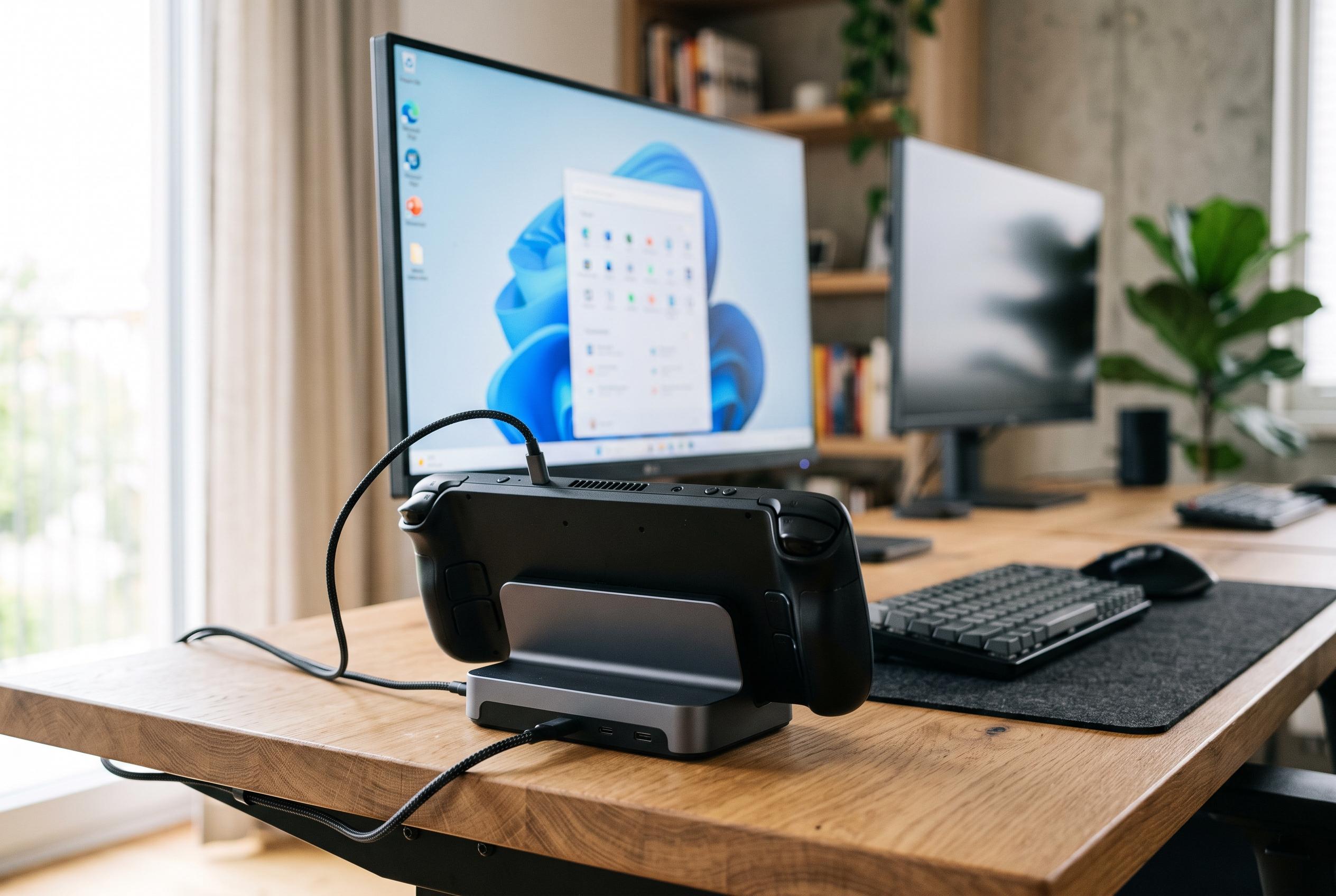

While traditionally a handheld device, the Steam Deck is increasingly being adapted for permanent desktop-like setups, thanks to versatile docking options and full Linux desktop mode, although performance limits remain.
For many Steam Deck owners, the device remains a handheld first and a desktop second. Yet for some, the balance has shifted. Valve’s machine is increasingly being used as a permanent docked system, with the portable form factor serving mainly as a bonus rather than the core appeal. The attraction is obvious: the Steam Deck is compact, comparatively light, and capable enough for everyday computing as well as games, provided the user accepts its constraints.
That dual role depends heavily on the right docking setup. The Steam Deck has a single USB-C port, so one connection must handle power, external displays and peripherals at the same time. Tom’s Hardware notes that the official Steam Deck Docking Station adds DisplayPort, HDMI, Ethernet and multiple USB-A ports, while also supplying power from an integrated unit. In practice, that matters because desktop use quickly exposes the need for a monitor, keyboard, mouse and network connection, not just a charging cable. The result is a system that can behave more like a small PC, but only if the dock fills in the missing ports.
Desktop Mode is what makes that possible on the software side. Guides from Can I Play on Linux, PocketPlay and Tom’s Guide all describe it as a full Linux desktop environment that lets users browse the web, manage files and run desktop applications, then switch back to Gaming Mode when they are done. That flexibility is central to the Steam Deck’s appeal as a hybrid device. It can be used for routine work during the day and then returned to gaming without a separate computer or a complex handover between systems.
Performance, however, still places limits on how far the Steam Deck can go as a desktop replacement. Even when paired with a strong dock, it remains a handheld device built around a relatively modest power budget and a single USB-C connection. The result is that external display support, data throughput and charging all share the same bandwidth. That is sufficient for many tasks, but it is not the same as a conventional desktop with a dedicated graphics card and multiple high-speed ports.
What stands out most is how adaptable the platform has become. Users can choose Valve’s official dock or third-party alternatives, and the ecosystem now includes models with built-in power supplies, extra USB ports and faster networking. According to the broader docking guides and reviews, that variety has made the Steam Deck easier to integrate into a desk setup than it was at launch. For owners who are comfortable with its limits, the device’s real strength is not that it replaces a desktop entirely, but that it can plausibly act like one when needed.
Disclaimer: This content is intended for informational purposes only. Readers are advised to exercise their own judgement, conduct due diligence, or consult a qualified expert before acting on any information provided.



