

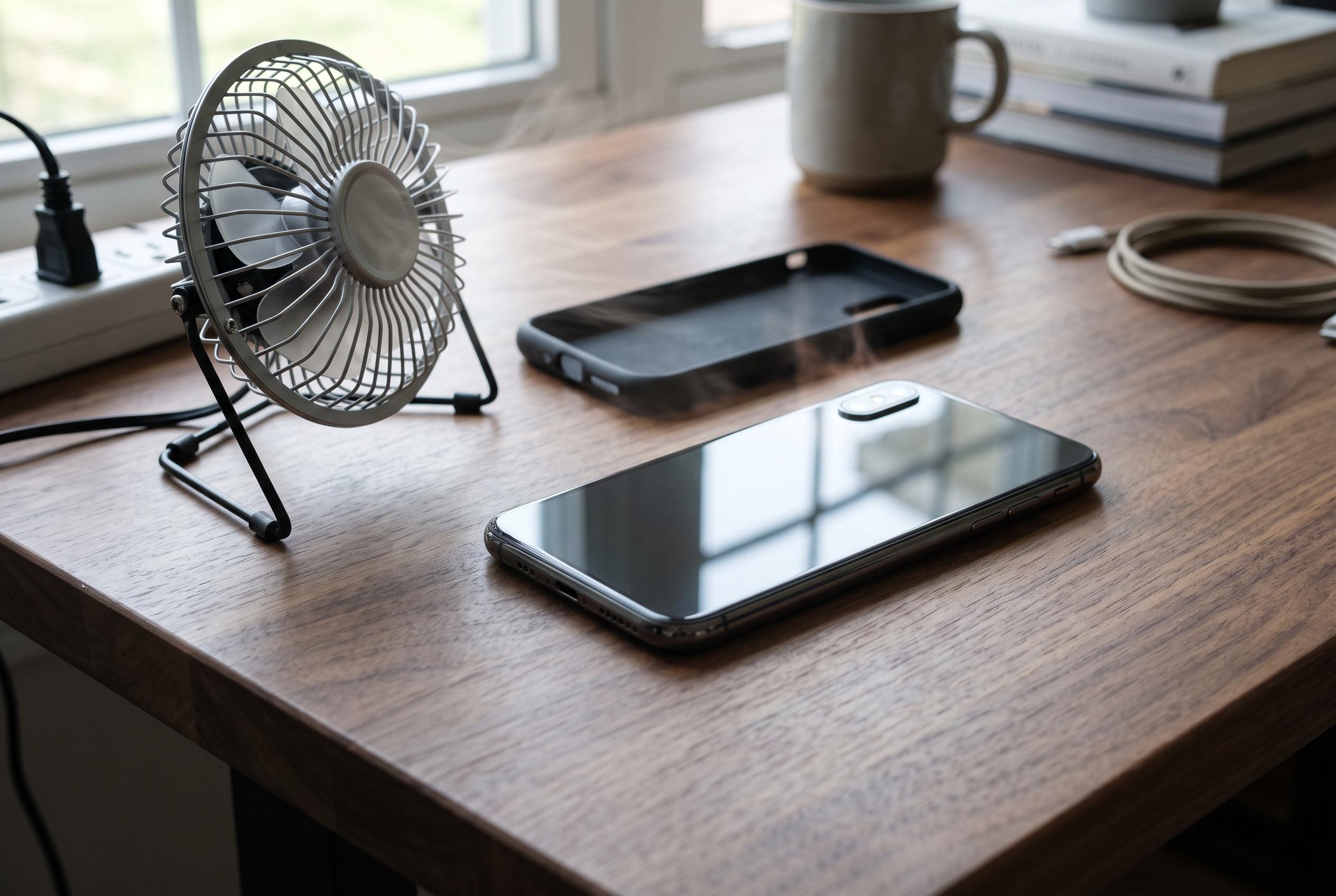

While taking off a phone case can help dissipate heat during heavy tasks like gaming or charging, its effectiveness depends on the case material, thickness, and the source of heat. Experts emphasise that proper airflow and avoiding direct heat exposure remain crucial.
Removing a phone case can help a handset cool down, but only in specific circumstances. Canaltech explains that in ordinary use the temperature difference is usually modest, yet the effect becomes more meaningful when the device is already under heavy strain, such as during demanding games, rapid charging or prolonged exposure to direct sun. The key issue is not the case itself, but how much heat the phone is producing and how well that heat can escape.
According to the report, the material and thickness of the case matter most. Silicone, TPU and leather tend to be poor conductors of heat, so they can slow the transfer of warmth away from the phone. Joelton Gotz, an engineer and researcher at PUCPR, told Canaltech that these materials act as a thermal barrier, while thicker cases create an even greater obstacle between the handset and the surrounding air. Similar guidance appears in other case and accessory explainers, which say that insulated or tightly fitted cases can trap warmth, especially during gaming, camera use and wireless charging.
That said, a phone case is not usually the sole reason a device overheats. Canaltech notes that modern smartphones generate significant heat from the processor, graphics chip and battery, and the thermal load rises sharply during intensive tasks. In those situations, taking off the case can help the phone shed heat more quickly, particularly if the handset is then left on a dry, open surface with good airflow. Guides aimed at gaming accessories make a similar point, although they add that passive cooling solutions are often limited and that active cooling systems are more effective when the device is under sustained load.
The same logic applies when a phone has become hot after being left in the sun. Removing the case may slightly improve heat dissipation, but it does not solve the real problem, which is continued exposure to a heat source. Canaltech says the safer response is to move the device into a cooler, shaded place. It also warns against putting a hot phone into a fridge, freezer or onto ice, because abrupt temperature changes can cause condensation and thermal shock. Tom’s Guide and other practical advice columns make the same caution, saying ambient airflow is the safest way to bring temperatures down gradually.
If a phone remains hot even without its case, the cause is likely elsewhere. Canaltech points to intensive apps, unsuitable chargers and long sessions of fast charging as common triggers. Smartphones typically protect themselves by lowering performance, dimming the display, slowing charge speed or switching off when temperatures climb too far. The most effective response is to stop the activity producing the heat, disconnect the charger if necessary and keep the device out of pockets or bags until it cools. Used sensibly, a case remains useful protection against drops and scratches, but it should be treated as a trade-off: helpful for damage resistance, yet sometimes worth removing when thermal conditions become demanding.
Disclaimer: This content is intended for informational purposes only. Readers are advised to exercise their own judgement, conduct due diligence, or consult a qualified expert before acting on any information provided.



