

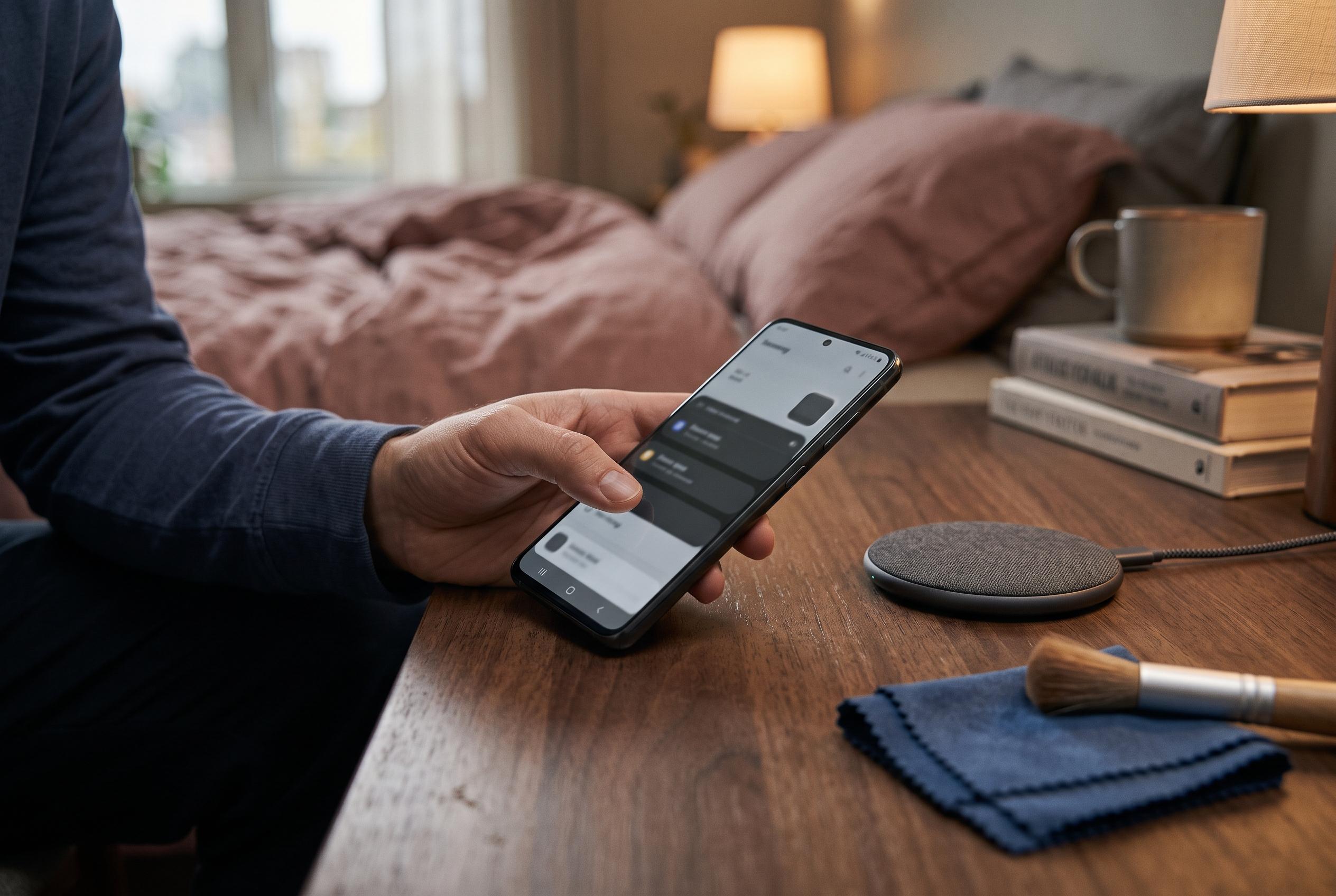

Samsung Galaxy owners can now utilise a new built-in diagnostics feature within Device care and Samsung Members, allowing them to identify hardware issues, such as battery, touchscreen, or camera faults, without installing additional apps or visiting repair shops, streamlining device maintenance for users on Android 12 or later.
Samsung Galaxy owners can use built-in diagnostics to check whether a problem is caused by hardware rather than software, without first installing extra apps or visiting a repair shop. Samsung places the feature inside Device care, and the company says it is also available through Samsung Members. On supported phones, the path is typically Settings, then Device care, then Diagnostics, followed by Phone diagnostics. From there, users can run individual checks or start a full test suite. Samsung says the tool is available on Galaxy devices running Android 12 or later, although the exact menus can vary by model and software version.
The tests cover a broad range of functions, including battery status, charging, touchscreen response, cameras, speakers, microphones, wireless connectivity, fingerprint recognition, proximity sensing and physical buttons. Samsung’s support pages for the US and Australia say the same diagnostics can also be launched from the Samsung Members app by opening the Discover or Support area and selecting Phone diagnostics. In both cases, the phone steps the user through on-screen checks and reports whether each component appears to be functioning normally.
One practical use is battery troubleshooting. Samsung and third-party Galaxy support guides note that the diagnostics can give a quick indication of battery health, which is useful if a handset is losing charge more quickly than expected. The check does not replace a full battery analysis, but it can help rule out obvious faults before a user decides whether the problem is with the battery itself, background software activity or another component.
A full run is not a benchmark and should not be treated as a measure of performance. In testing on a Galaxy S26 Ultra, the complete checklist involved 22 separate checks, which underlines how much of the device can be assessed from within the phone itself. The point of the feature is more limited and more useful: it gives owners a structured way to confirm whether their handset needs a settings change, a software reset or professional repair.
Disclaimer: This content is intended for informational purposes only. Readers are advised to exercise their own judgement, conduct due diligence, or consult a qualified expert before acting on any information provided.



