

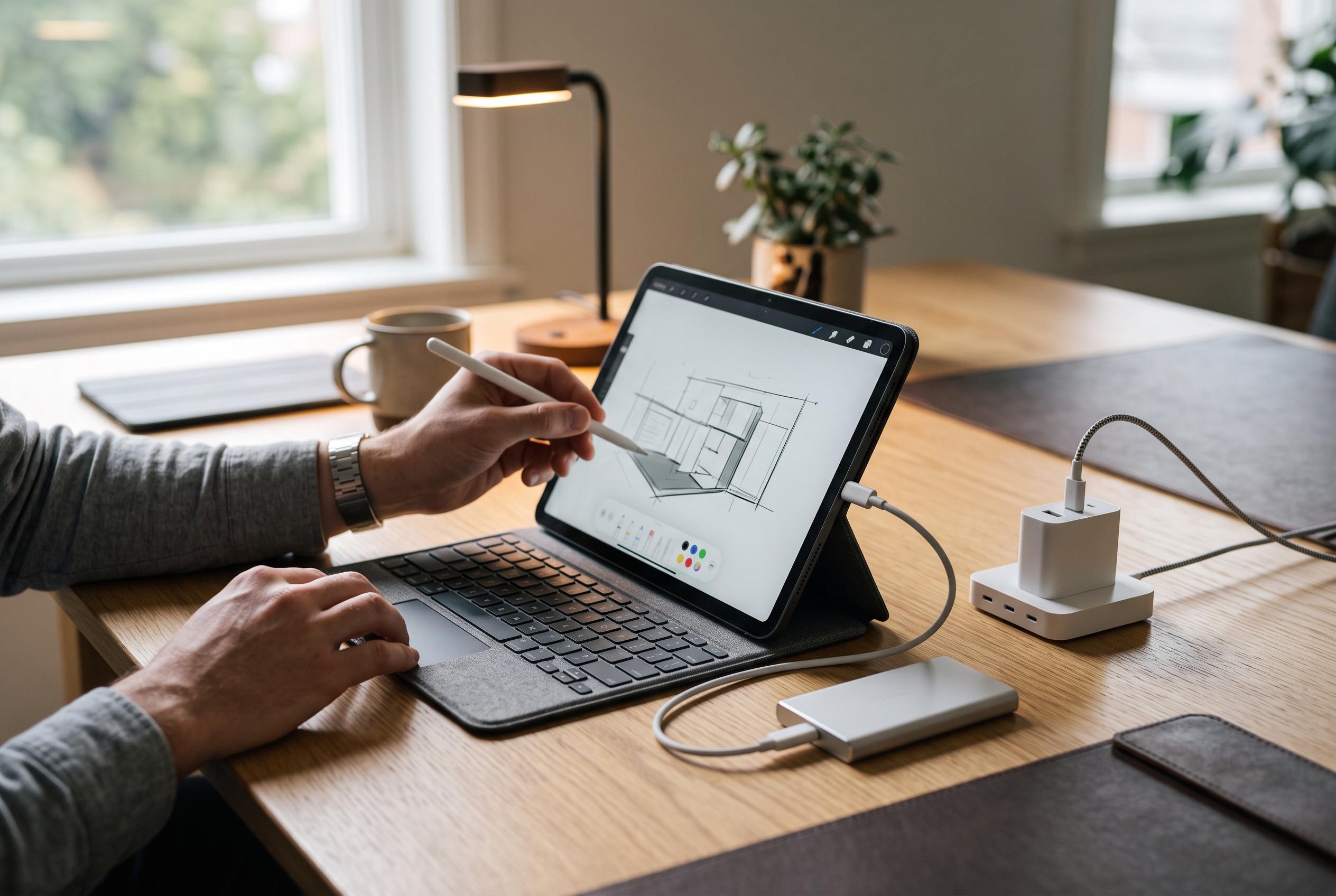

Choosing the right accessories can transform your iPad experience, balancing cost, portability, and productivity through options like styluses, keyboards, external storage, and docks.
For many iPad buyers, the first accessory question is whether the Apple Pencil is worth the money. In practice, the answer depends on how the tablet will be used. For sketching, image marking or handwritten notes, a stylus can be valuable; for everything else, it is often optional. Recent guides on Apple Pencil alternatives suggest that cheaper third-party pens can cover the basics for users who do not need the Pencil Pro’s more advanced features, although compatibility, battery life and pressure sensitivity remain important distinctions.
A keyboard is usually the more transformative purchase. Even light tasks such as answering email or entering a web address become slower on a touchscreen, especially because the typing surface is small and offers no physical feedback. A keyboard case with a trackpad is even more useful, because it improves precision when selecting text, moving through spreadsheets or navigating complex documents. That is why many reviewers continue to place Apple’s Magic Keyboard at the top of the iPad keyboard market, despite its price, while Logitech’s Slim Folio and Combo Touch are repeatedly cited as better-value options.
There is, however, a practical trade-off. The best keyboard cases add bulk, and separate keyboards and mice create more items to carry. MacRumors has noted that some Logitech cases use the Smart Connector, which removes the need for batteries and pairs the keyboard with a trackpad and protection in one package. For students and mobile workers, that balance between portability and productivity is often more important than the sleekest possible design.
Storage is another area where buyers can save money. Apple’s built-in storage upgrades have long been expensive, and that remains a concern for users who expect to keep large media libraries or work files on the device. An external SSD is often the more economical route, with 256GB portable drives available for well under the cost of an internal upgrade and higher capacities stretching to 1TB, 2TB or even 4TB. The limitation, as Pocket-lint points out, is that iPadOS still restricts what can live on external storage: apps cannot be installed there, and offline downloads from services such as Spotify or Netflix still need internal space.
That makes a USB hub or Thunderbolt dock a sensible final addition, particularly for anyone who wants to use an iPad as a work machine rather than a consumption device. A hub can turn one USB-C port into several, adding HDMI output, card readers or extra connections for peripherals. On iPad Pro models, a Thunderbolt dock is the most capable option, because Thunderbolt 4 offers much higher bandwidth and can drive displays and accessories through a single cable. The drawback is that these docks are usually desk-bound rather than travel-friendly, but for home or office use they can turn an iPad into something much closer to a proper workstation.
Disclaimer: This content is intended for informational purposes only. Readers are advised to exercise their own judgement, conduct due diligence, or consult a qualified expert before acting on any information provided.



