

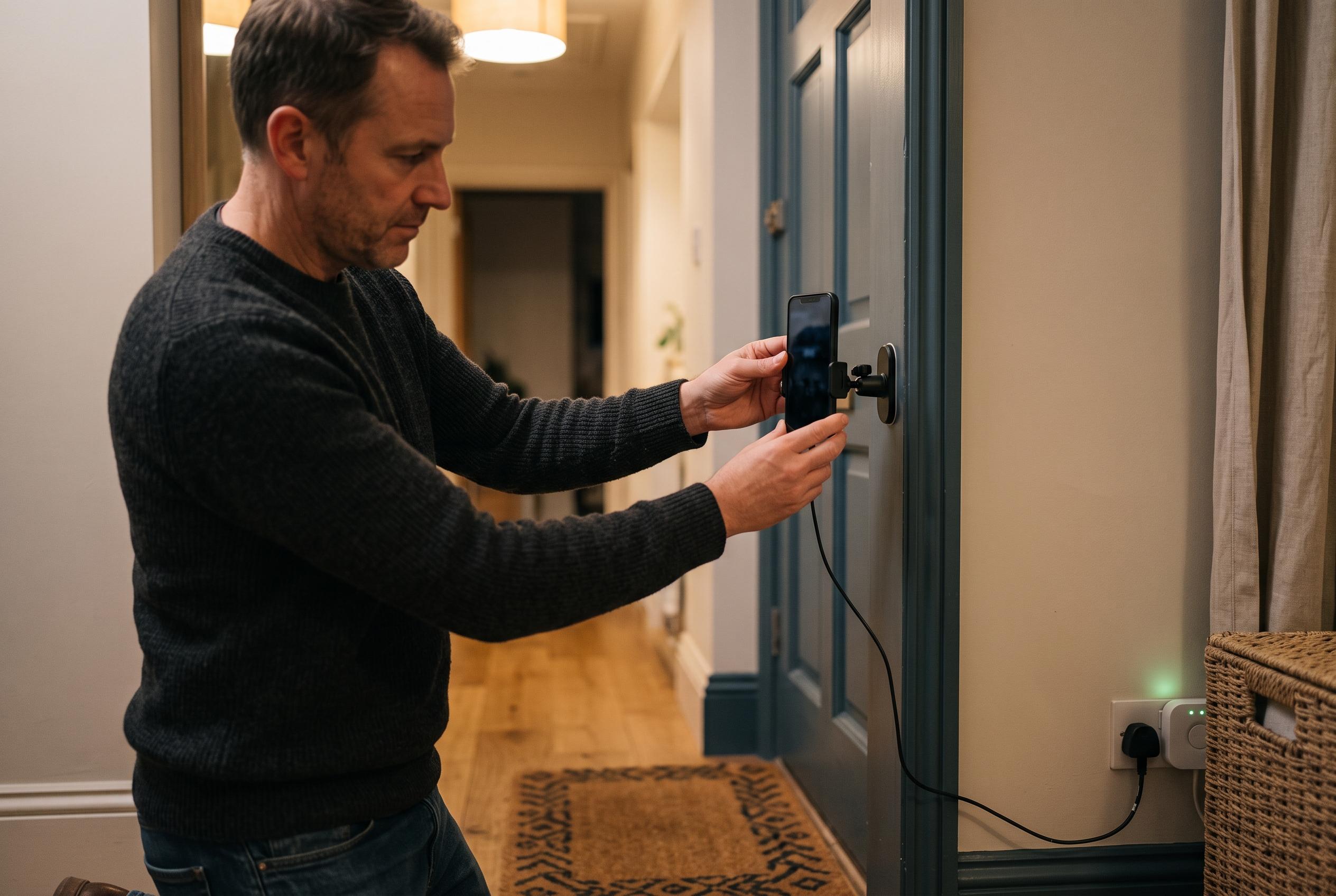

With simple apps and positioning, old smartphones can be transformed into effective home security cameras, offering a cost-effective and eco-friendly monitoring solution.
An old smartphone can still serve a practical purpose after replacement, and one of the simplest uses is as a home security camera. CNET says the basic ingredients are modest: a compatible app, a few minutes of setup and a way to mount the device securely. That can turn an otherwise unused handset into a live monitor for an entrance, garden, nursery or any other area worth keeping an eye on.
The process begins with selecting surveillance software. As several app round-ups note, the core functions are usually similar: live streaming, cloud or local recording, motion detection and alerts. CNET recommends Alfred, a cross-platform option that works whether the spare device is Android or iPhone. Other commonly cited alternatives include Faceter, Epoccam, iVCam, Manything, IP Webcam and Ivideon, depending on whether the priority is simple remote viewing, motion-triggered recording or broader camera-management features.
Once the app is installed on both the old and the current phone, the spare handset needs to be positioned where it has a clear view of the area to be monitored. Guides from Android Authority, Android Central and Technogala all stress the same practical point: placement matters as much as the software. A small tripod, suction mount or similar holder can stabilise the device, while the main phone acts as the control terminal for viewing footage and adjusting settings. Some people also use the set-up as a basic baby monitor, which is one of the more common domestic uses for this kind of repurposed kit.
Power and privacy are the two issues most worth considering before leaving the phone running. Continuous video streaming uses substantial battery life, so the device should sit near a power source. CNET also warns that older phones may stop receiving security updates, which can leave them exposed if personal data remains on the handset. The safest approach is to wipe the device before reuse and, where possible, keep software updates enabled while support still exists. In that form, an outdated smartphone can still provide useful monitoring without demanding new hardware.
Disclaimer: This content is intended for informational purposes only. Readers are advised to exercise their own judgement, conduct due diligence, or consult a qualified expert before acting on any information provided.



