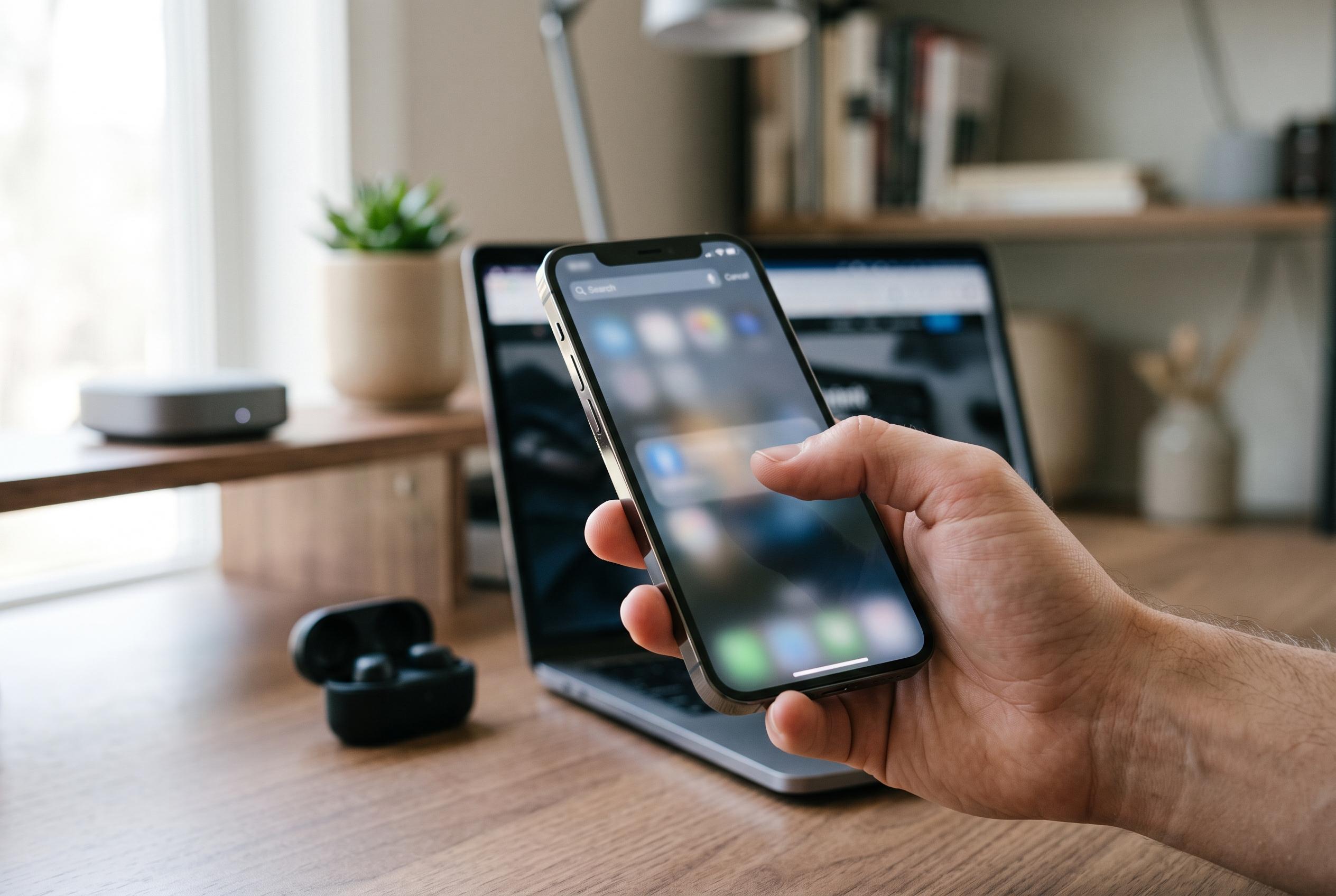

Apple turns Spotlight into a versatile control centre and content explorer, offering quick access to apps, shortcuts, images, and automation, transforming how users navigate iOS.
Spotlight on the iPhone is more than a search box. Apple’s own support material describes it as a system-wide entry point for apps, contacts, files, messages, web results and even text found inside photos. In practice, that makes it one of the quickest ways to move around iOS without opening full apps first. For users who only treat it as a way to find an app, that is a substantial underuse of a feature designed to act more like a command bar than a simple search field.
One of Spotlight’s most useful shortcuts is its ability to surface actions for built-in tools. Typing “Clock”, for example, can bring up direct controls for timers, alarms and the stopwatch, allowing those functions to be launched without first opening the Clock app. The same principle applies to Voice Memos: entering “Record” can expose a shortcut that starts a new recording immediately. iDownloadBlog notes that Spotlight can also expose app-specific shortcuts more broadly, so the exact actions available depend on the apps installed on the device and how each app integrates with iOS.
Spotlight is also useful as a lightweight calculator and converter. Users can type simple arithmetic directly into the search field, including percentages, which makes it practical for quick tips, splits and rough estimates. Apple also documents currency and stock lookups through Spotlight, while other guides show that unit conversions work in the same place. That means common tasks such as converting miles to kilometres or pounds to dollars can be handled without opening a browser or a dedicated app.
The search feature has become more powerful because Apple has tied it into image recognition. Apple says Spotlight can search for text found inside photos, and it can also help users find pictures by content. That makes it possible to locate a screenshot containing a phrase, or to search for a photo by a person, place or object when the relevant metadata or on-device analysis is available. MacRumors has also reported that users can control how much photo content appears in search through the relevant Siri and Search settings.
Some of the most practical uses come from Spotlight’s ability to trigger settings and automations. Typing “Focus” can bring up different Focus modes for quick switching, while “Color Filters” can be used to turn greyscale on or off for distraction reduction. Lifehacker also points out that shortcuts can be run from Spotlight, including automations that download media from social platforms when a link is already copied to the clipboard. That turns Spotlight into a fast launch pad for actions that would otherwise require several taps or a trip through Settings.
Privacy and control matter as much as convenience. Apple allows users to decide which apps appear in search and which apps can reveal content in Spotlight results. That is useful if you want to keep certain apps out of sight, or prevent search results from exposing messages, documents or app-specific data. If Spotlight feels cluttered, iDownloadBlog also notes that performance issues can sometimes be improved by reducing exclusions, updating iOS, restarting the device or letting indexing finish after setup. In other words, the feature works best when users tune it deliberately rather than leaving every default untouched.
Disclaimer: This content is intended for informational purposes only. Readers are advised to exercise their own judgement, conduct due diligence, or consult a qualified expert before acting on any information provided.