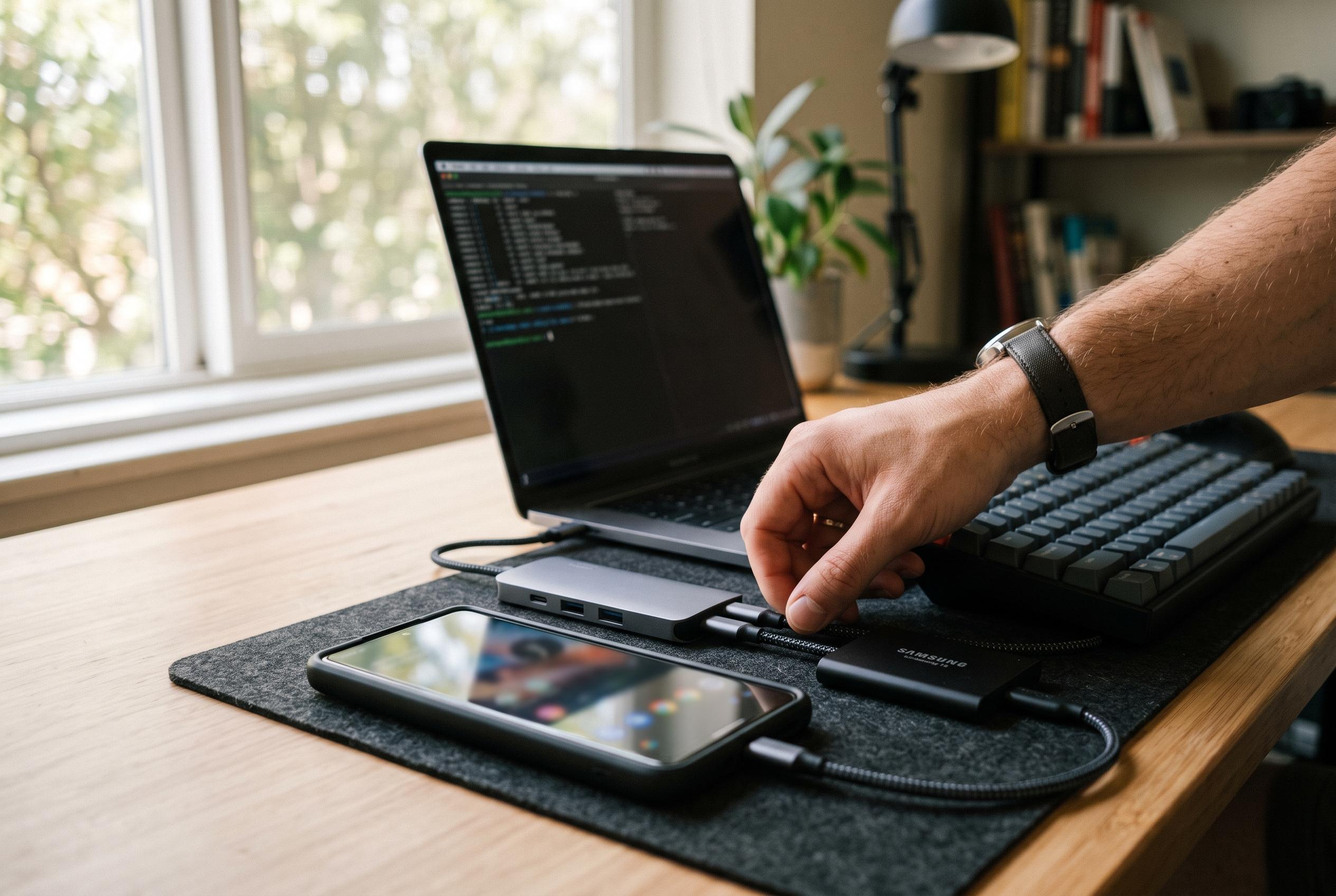

A new wave of users is turning their smartphones into capable Linux environments with Termux, unlocking versatile file management, development tools, and networking capabilities on Android devices without requiring root access.
Termux gives Android a genuine Linux-style command line without requiring root access, turning a phone into a surprisingly capable pocket workstation. At its simplest, it provides a terminal, a package manager and access to familiar Unix tools, so routine jobs such as listing files, moving directories, creating folders and reading text can be handled much faster than through touch-based file managers. Guides to Termux consistently note that the first practical step is to grant storage access and link the app to shared Android folders, which makes downloads, images and camera files available from the shell.
For file work, that matters more than the novelty of having a terminal on a phone. Once storage is mapped, commands such as ls, cp, mv, rm, mkdir and cat behave as expected, and additional packages fill in common gaps. That makes bulk operations far easier than tapping through folders one by one. Users can search for files, rename large batches, compress directories, inspect storage use and automate repetitive clean-up tasks with short shell scripts. In practice, this is where Termux begins to feel less like an app and more like a compact Linux environment.
The same approach extends into development. Termux repositories include widely used tools such as Git, Python, Node.js, Clang, Neovim, Vim and tmux, which is enough for scripting, lightweight web work and quick edits on the move. Documentation for the project also points out an important limitation: Termux packages are built against Android’s own C library rather than the glibc used by most desktop distributions, so some prebuilt Linux binaries will not run unchanged. The usual workaround is to use proot-distro, which can install full distributions such as Debian or Ubuntu inside Termux. That adds overhead, but it also broadens compatibility when a native package is not available.
Networking is another area where the app proves unexpectedly useful. With the openssh package installed, Termux can act as both an SSH client and server, although the server listens on port 8022 rather than the usual port 22 because Android does not allow ordinary apps to bind to privileged ports. In practice, that lets another device on the same network connect to the phone, move files with scp or sftp, or use it as a lightweight remote shell. The same package also makes the phone useful for logging in to other machines, including routers and servers. Other common tools such as curl, wget and nmap add basic download, request and scanning capabilities, while Python’s built-in web server can quickly share a directory over local Wi-Fi.
The trade-offs are real, but they are manageable. Termux cannot reach system partitions or other apps’ private data without root, and Android’s background limits can stop long-running services unless battery optimisation is adjusted and wake locks are used. Even so, the combination of file management, development tooling and network access makes it one of the most useful power-user tools available on Android. For anyone who wants a practical Linux environment in a standard handset, the appeal is not that it imitates a desktop perfectly, but that it delivers enough of the real thing to be genuinely useful.
Disclaimer: This content is intended for informational purposes only. Readers are advised to exercise their own judgement, conduct due diligence, or consult a qualified expert before acting on any information provided.