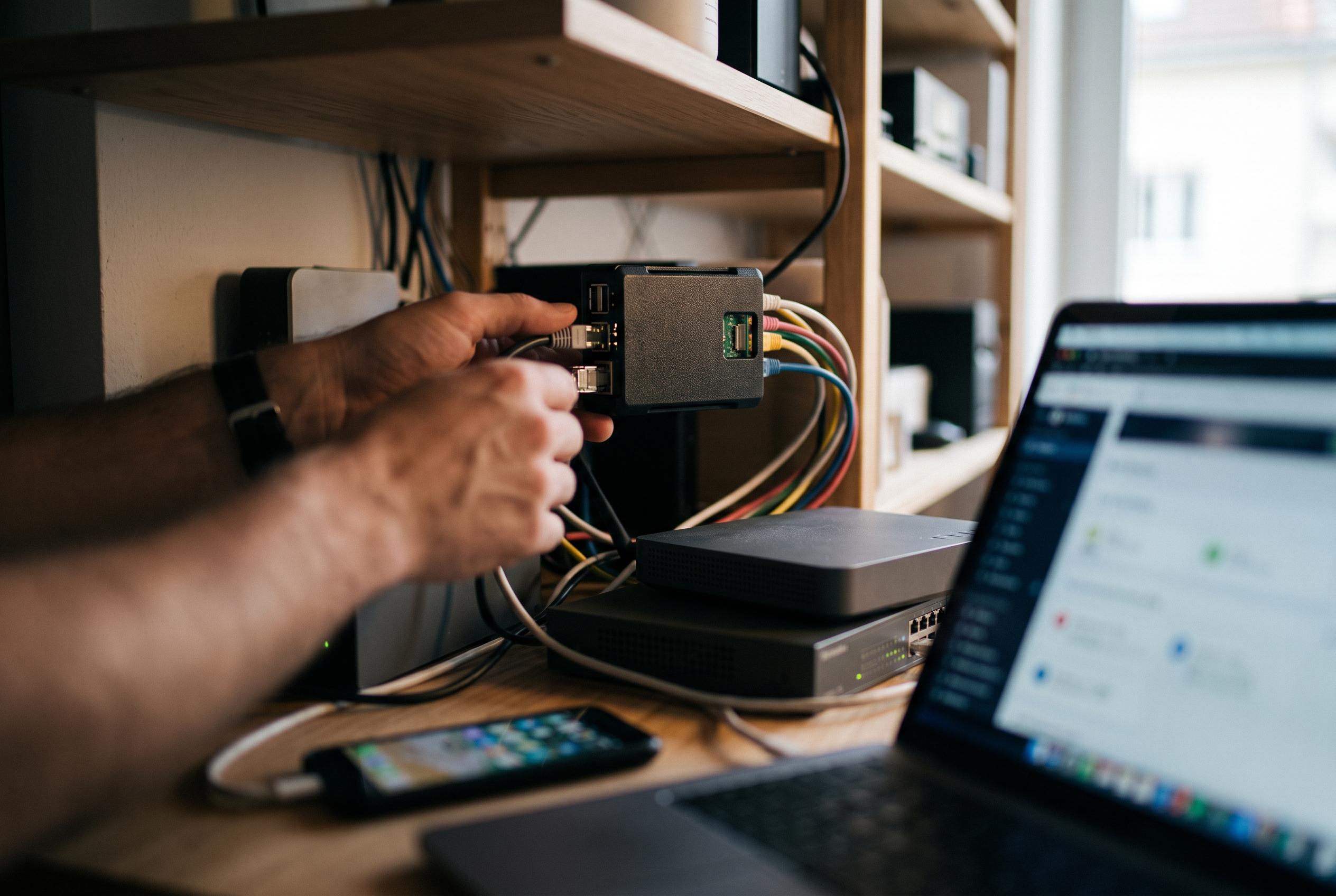

An idle Raspberry Pi can act as a powerful network guardian by running DNS filtering tools, offering home networks enhanced privacy, ad blocking, and device visibility , but with certain reliability considerations.
An unused Raspberry Pi can do far more for a home network than many people expect. In practice, the most useful role is as a network-wide DNS server running software such as Pi-hole, AdGuard Home or Technitium. That turns the Pi into a control point for every device on the network, letting it handle lookups before phones, laptops, televisions and smart devices reach the wider internet. One practical result is selective blocking of domains, which can prevent ads, trackers and known malicious sites from loading at all.
The attraction is not simply that such tools block unwanted traffic. They also give the owner visibility. A Pi in this role can show which devices are making requests, how often they do so, and which third-party services they contact without asking. That matters in homes full of connected equipment, where smart televisions, streaming boxes, cameras and other appliances may be making repeated outbound connections in the background. AdGuard Home, Pi-hole and Technitium all present dashboards that make that activity easier to inspect and manage, while Pi-hole also provides a web interface for monitoring and rule management.
Using a Pi for DNS filtering also extends protection across devices that are otherwise difficult to secure individually. Desktop browsers can be hardened with extensions and security tools, but many smart devices cannot. By placing filtering at the network level, the Pi can apply the same blocklists to every client that uses it for DNS, including low-cost printers and internet-connected cameras that may receive infrequent updates. AdGuard says its Home product is designed to block ads and trackers across an entire network, while Pi-hole describes itself as a DNS sinkhole that can stop devices reaching known ad and tracking domains. Guides to both systems also note support for features such as parental controls and custom blocklists.
There are limits, however. A Pi cannot improve weak Wi-Fi coverage, poor cabling or other physical faults, and it is not a substitute for proper networking hardware. If the wireless signal is poor or the router itself is unreliable, a DNS server on a Pi will not fix that. Turning a Pi into a full access point or router is possible, but it is a separate and more complex project. For most households, the Pi works best as a companion to the router rather than a replacement for it.
That dependence creates one important risk: the Pi becomes a single point of failure. If it goes down, devices may appear to lose internet access entirely until the DNS service returns. For that reason, the Pi should have a static IP address, and it is wiser to boot from an SSD than rely on a microSD card if one is available. Security updates are also essential, because the device will see a large share of the network’s DNS traffic. Some enthusiasts go further and use a second Pi as a backup, or combine the setup with a WireGuard server so that home filtering can be used remotely through tools such as wg-easy. In short, a spare Pi can deliver a great deal of control and privacy for very little money, provided it is treated as critical network infrastructure rather than a throwaway project.
Disclaimer: This content is intended for informational purposes only. Readers are advised to exercise their own judgement, conduct due diligence, or consult a qualified expert before acting on any information provided.