
Dell’s Pro 7 Rechargeable Compact Keyboard introduces a rapid-charging supercapacitor-powered design and enhanced security features, targeting office environments with a focus on efficiency and enterprise needs.
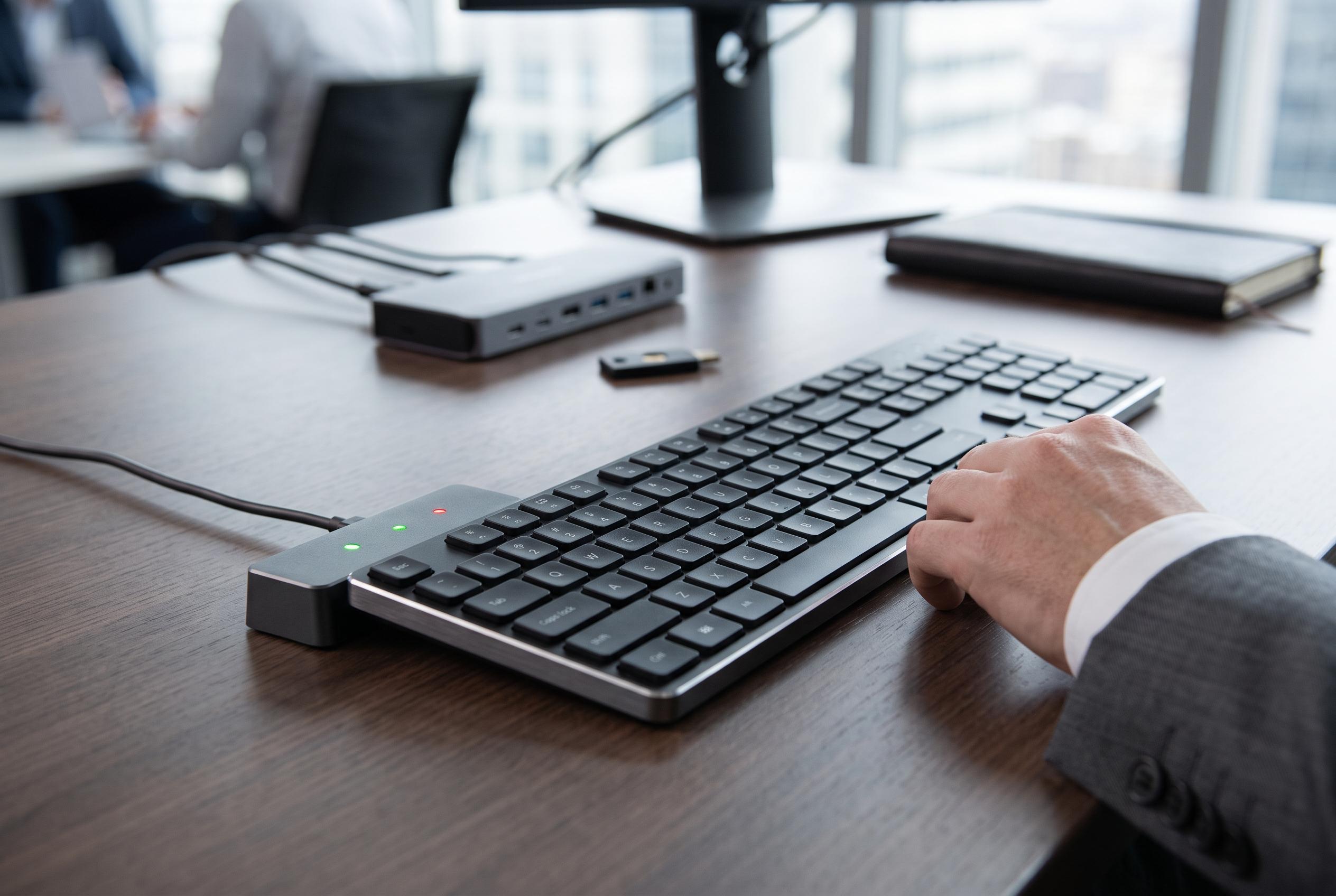
Dell’s Pro 7 Rechargeable Compact Keyboard, model KB746, is aimed squarely at offices rather than enthusiasts, but it has one unusual selling point that helps it stand out in a crowded market: it replaces a conventional battery with a supercapacitor. In practice, that means the keyboard can be charged far more quickly than a typical wireless model, while Dell says a full charge can last for up to three months. The company also says the board can be turbo-charged in around five seconds for a full day’s use, making it a practical option for desk-based workers who want to avoid battery anxiety and charging downtime.
That hardware choice sits alongside a design that is deliberately restrained. The keyboard keeps a numpad despite its compact footprint, which should appeal to users who still rely on spreadsheet entry and numeric input, and Dell positions the layout for small desks and tight workspaces. It also includes 13 programmable keys, including app-specific shortcuts, and supports multi-mode connectivity through a secure wireless dongle plus two Bluetooth connections. Dell says up to 72% of the plastic used is post-consumer recycled material, and the product ships in plastic-free, FSC-certified packaging made from recycled or renewable materials.
Security is a major part of the pitch. Dell’s Secure Link dongle encrypts wireless traffic with 128-bit AES, a detail that matters in environments where keystroke interception is a genuine concern, such as finance, healthcare and public-sector deployments. The keyboard is also designed to sit neatly in mixed-device workplaces, with support for Windows, macOS, Linux, ChromeOS, iPadOS and Android. In a corporate setting, the central-management angle is likely to matter as much as the hardware itself, because Dell is clearly aiming this at IT teams that want standardised peripherals with fewer support headaches.
The trade-offs are equally clear. There is no backlight, which may be hard to overlook for anyone working in low light, and the customisation software is Windows-only, even though the keyboard itself works across several platforms. That limits the appeal for Mac, iPad and Chromebook users who want to remap keys or adjust device settings. Typing itself is quiet and low-profile, using scissor switches rather than mechanical keys, and that should suit long sessions of email and document work. At about $59.99, Dell’s keyboard undercuts premium office models while offering a more distinctive power system, but buyers will still have to decide whether fast charging and enterprise-friendly security are worth giving up illumination and broader software support.
Disclaimer: This content is intended for informational purposes only. Readers are advised to exercise their own judgement, conduct due diligence, or consult a qualified expert before acting on any information provided.