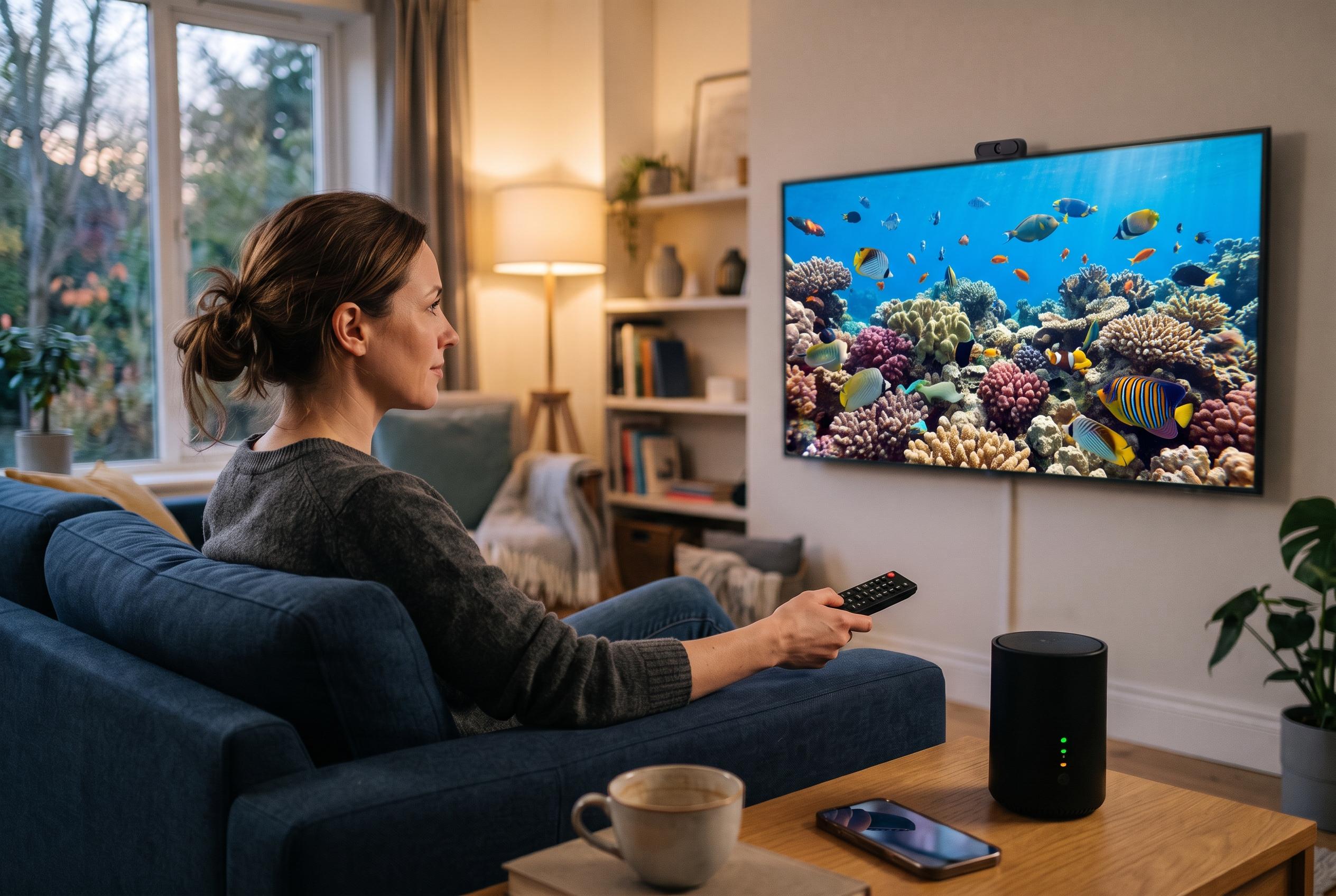

Many modern smart TVs come with default settings that can diminish picture quality and compromise privacy. Experts suggest simple adjustments, like disabling energy-saving modes and turning off automatic content recognition, to enhance both viewing experience and data security.
Modern televisions can ship with a surprising number of picture and privacy settings turned on by default, and some of them make the viewing experience worse rather than better. A review published by Pocket-lint, as summarised by UNIAN, found that an LG smart TV delivered strong hardware on paper, including a 120Hz panel and HDMI 2.1 ports, yet still needed several adjustments before it looked its best. Once those hidden defaults were changed, the set appeared brighter, cleaner and less distracting.
One of the first changes worth making is to switch off energy-saving features. These modes are designed to reduce power consumption, but they often do so by lowering peak brightness and flattening contrast. On the LG set discussed by Pocket-lint, options such as Auto Power Save and Energy Saving Step were limiting the image until they were disabled. Tom’s Guide makes the same point more broadly, noting that eco modes can leave a picture looking dull, especially in brighter rooms. Similar settings may appear under labels such as Eco Mode, Low Power Mode or Energy Saving, depending on the brand.
Privacy is another reason to inspect the menu carefully. Automatic Content Recognition, or ACR, can identify what is playing on a television by analysing audio and video from built-in apps and even HDMI sources. That data may be used for recommendations and targeted advertising, which is why the Pocket-lint author chose to turn it off, and why many privacy guides now advise users to review it during setup. Samsung says its own Viewing Information Services can be opted out of through the television’s settings, while LG has said ACR is an opt-in feature and not used for advertising without user consent. LG has also denied wider claims that its televisions spy on users, saying voice data is processed locally and only when a voice assistant is activated or the wake word is detected.
Motion smoothing is the setting most likely to change the feel of films and series in an unwelcome way. By inserting artificial frames between the originals, it can make movement look unnaturally fluid and create the familiar “soap opera” effect. That may be tolerable for live sport, but it tends to undermine cinematic material. The Pocket-lint review singled out Indiana Jones and the Raiders of the Lost Ark as an example of how obvious the effect can become, while Tom’s Guide recommends more restrained use of motion controls, or none at all, for most viewing. On many televisions, the relevant controls sit under names such as TruMotion, Auto Motion Plus or Picture Clarity, and Film Maker Mode often disables them automatically.
A final adjustment is to disconnect the television from Wi-Fi if it is not being used for built-in streaming apps. In that setup, the screen can still function as a display for a games console, set-top box or streaming stick, while the television itself stays offline. According to the Pocket-lint account, doing so removed much of the advertising and recommendation clutter from the home screen, making the interface feel closer to a traditional television than a content portal. It is not a universal fix, because users who rely on the television’s own apps will need the connection to remain active, but for many households it is an easy way to simplify the experience without spending anything.
Disclaimer: This content is intended for informational purposes only. Readers are advised to exercise their own judgement, conduct due diligence, or consult a qualified expert before acting on any information provided.