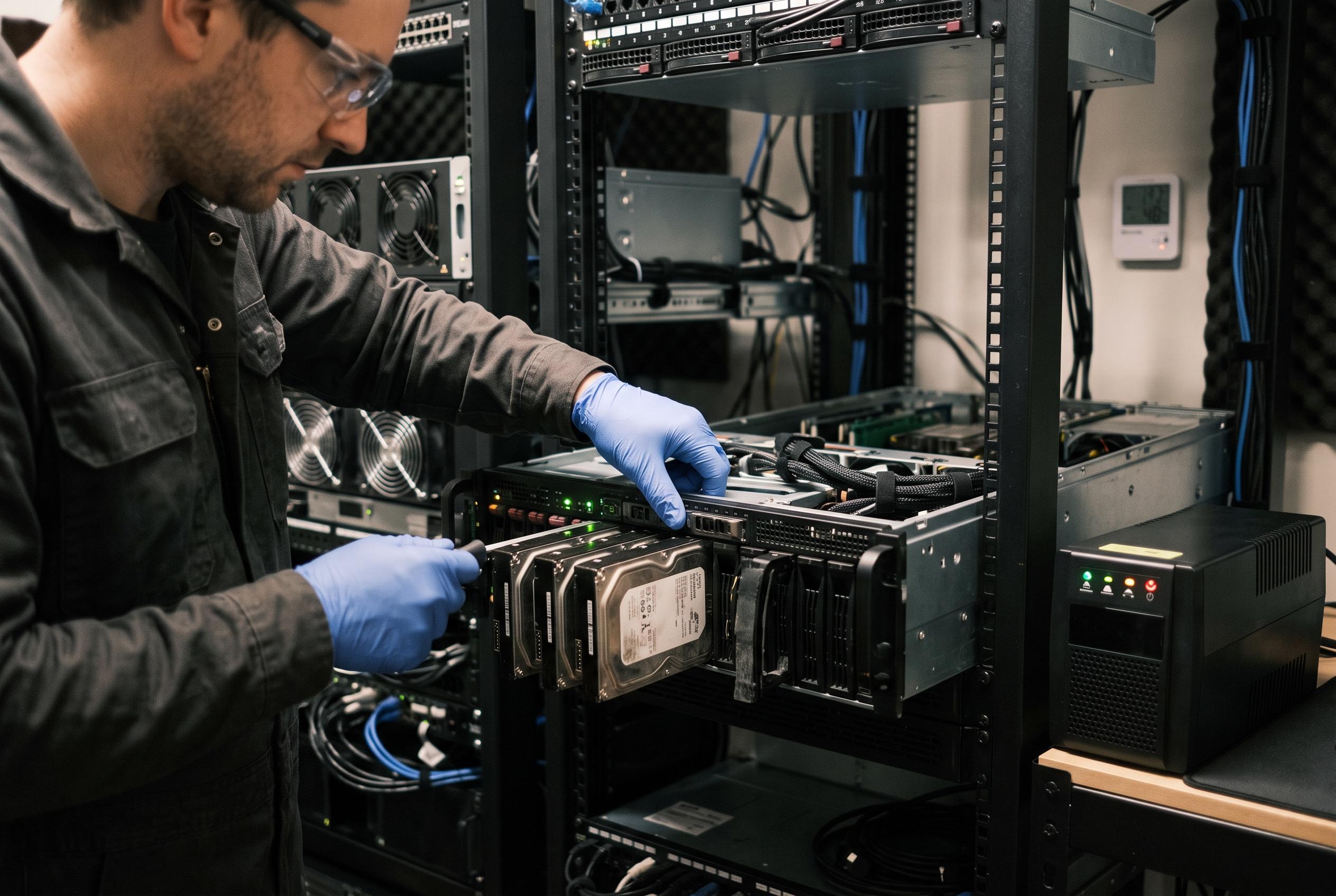

A recent deep dive into ZFS scrub operations highlights how system upgrades and environmental factors can turn routine checks into crucial diagnostics for hardware reliability and overall system health in homelab setups.
OpenZFS scrub operations are one of the most important maintenance tasks for a storage pool because they read the entire pool, verify checksums, and repair damage on redundant devices where possible. FreeBSD documentation describes ZFS as a system built around integrity checks, snapshots and recovery features, while the OpenZFS manual is explicit that scrubbing is designed to find silent corruption that might otherwise remain hidden until data is needed. For homelab users, that makes the scrub more than a routine background job: it is a direct test of whether the pool can still trust the data it holds.
In the case described by the author, scrub speed became a useful signal after a hardware refresh. The upgraded machine, built around a 22-core Xeon processor and DDR4 memory, was able to reach roughly 3.7 GB/s during a scrub. That figure suggests the storage subsystem was being driven hard enough to expose weak blocks quickly, but it also underlines a practical point made in the OpenZFS documentation and homelab guides: a scrub is I/O-intensive and can place noticeable load on the system, so its runtime and impact depend heavily on the underlying CPU, memory and disk layout.
The article also draws attention to the way a scrub can surface problems created or worsened by an upgrade. Higher-performance components often change thermal behaviour, and the author argues that this can reveal latent disk faults, especially in older hard drives or mixed storage pools. OpenZFS manuals and practical Linux guides both frame scrubbing as a proactive check for silent corruption rather than a replacement for redundancy, which means it is most valuable when run after major hardware changes or other events that could alter the reliability of the server. In that context, a successful scrub is not simply maintenance completed on schedule; it is evidence that the pool still reads cleanly under full inspection.
The surrounding infrastructure matters as much as the pool itself. The article notes that a 10 Gbps network link was not being fully used because other parts of the path were slower, creating a mismatch between internal storage throughput and external transfer performance. That distinction is important in homelab environments, where a fast scrub may coexist with sluggish backups, migrations or replication because the network is the bottleneck. The same principle applies to power delivery: the use of a double-conversion UPS is intended to stabilise voltage and frequency, reducing the chance that a long scrub will be interrupted by an unstable supply. Technical guidance on ZFS maintenance commonly recommends scheduling scrubs during quieter periods for the same reason, since the operation can compete with other workloads and prolong exposure to faults.
Environmental conditions complete the picture. Dust, airflow and cooling can all influence whether a storage pool remains healthy under sustained read pressure. The article’s emphasis on cleaning, filter maintenance and temperature monitoring aligns with ZFS best practice as described in homelab guides and enterprise-oriented references: redundancy protects against some failures, but it does not eliminate the need to manage heat, wear and age. SSDs bring their own risks, since worn cells and controller faults can also be revealed during a scrub. Taken together, the lesson is straightforward. A ZFS scrub is not merely a periodic check; it is a diagnostic event that shows how well the whole system, from disks to power and cooling, is still holding together.
Disclaimer: This content is intended for informational purposes only. Readers are advised to exercise their own judgement, conduct due diligence, or consult a qualified expert before acting on any information provided.