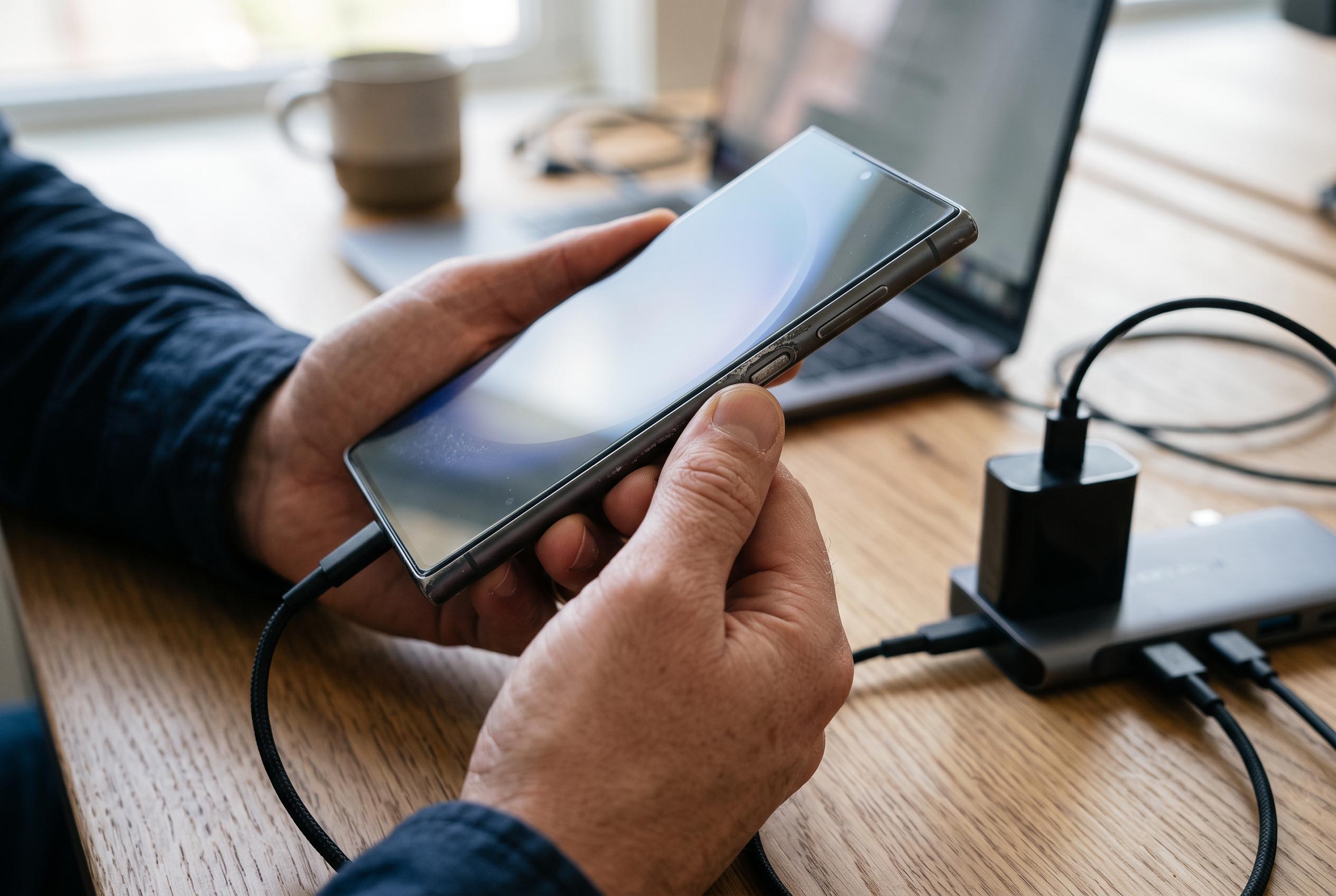

Despite a damaged power button, Samsung devices can often be powered on or controlled through hardware combinations, charging methods, and software options, offering users viable alternatives to hardware repairs.
A Samsung phone with a damaged power button is not necessarily unusable. According to Samsung’s own support guidance, Galaxy devices can still be started or controlled through a mix of hardware combinations, battery charging and software options, depending on the model and software version. That means a dead side key is often an inconvenience rather than a complete failure.
One of the simplest fixes is to connect the handset to a charger and leave it for a short period. On some Samsung devices, a depleted battery will prompt the phone to start automatically once enough charge has returned. Samsung also says that certain models can be powered on with the Side button and Volume Down key together, while the Side key can be reassigned in settings for other functions. If the phone is already on, the Quick Settings panel may also provide a route to restart or shut down without using the physical button.
For users whose phone will not start at all, third-party troubleshooting guides point to several further options. Dr.Fone and Tech Advisor both note that a button combination can sometimes open a boot or recovery menu, from which the device can be restarted. They also describe ADB, or Android Debug Bridge, as another route if USB debugging was enabled before the fault appeared and a computer is available. These methods are more technical, but they can be useful when the power key no longer responds.
Samsung’s support material and independent guides also highlight a few workarounds for everyday use once the device is running. Bixby voice commands may be able to wake or control supported models, and some users can rely on scheduled power-on features if they were set up in advance. The common theme across the advice is straightforward: charge the phone first, try the supported button combination for the specific model, and then move to software-based options if the hardware key is beyond use.
Disclaimer: This content is intended for informational purposes only. Readers are advised to exercise their own judgement, conduct due diligence, or consult a qualified expert before acting on any information provided.