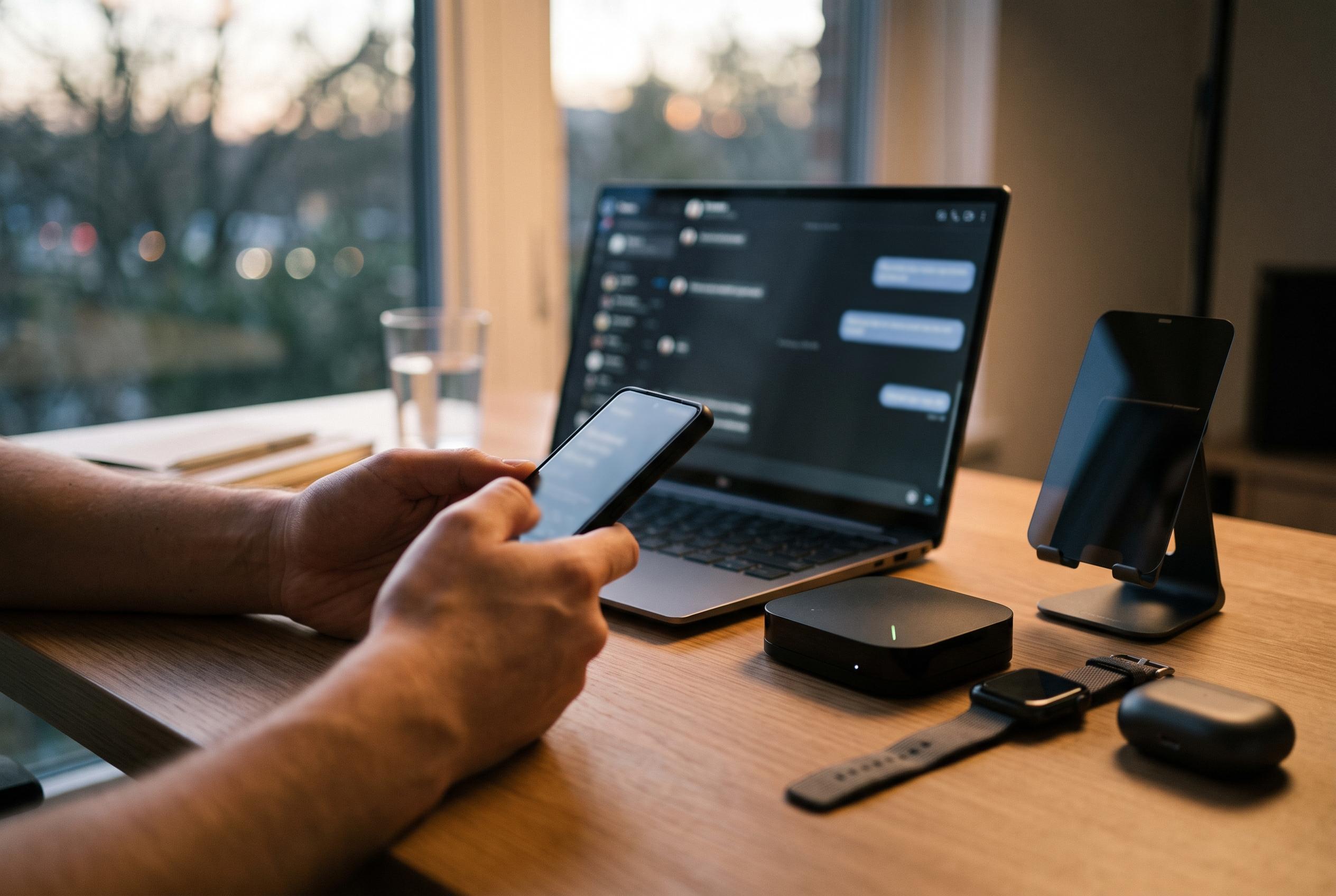

A variety of Android apps are stepping in to address Google Messages’ limitations, offering customisation, better notification control, desktop access, and enhanced privacy for users seeking a more tailored texting experience.
Google Messages is adequate for basic texting, but it can feel limited once a user wants finer control over appearance, alerts and workflow. That gap has created space for a small but useful ecosystem of Android apps that sit alongside, or in some cases replace, Google’s default messaging experience. How-To Geek highlighted four that tackle different frustrations: customisation, notification handling, desktop access and privacy.
Textra SMS is the most obvious option for anyone who wants Messages to look and behave differently. According to its Google Play listing, the app offers more than 180 themes, configurable bubble styles, adjustable icon colours, multiple display modes, scheduled SMS and MMS, and a send-delay feature. It also supports quick-reply pop-ups and group MMS, which makes it more flexible than a bare-bones texting client. The trade-off is familiar: Textra is free with ads and in-app purchases, so the polish comes with a commercial layer.
BuzzKill takes a different approach. Rather than replacing the texting app, it works inside Android’s notification system and lets users build rules around how alerts behave. The app’s own site says it can apply cooldowns to prevent a burst of repeated buzzes, assign distinct sounds or vibration patterns to contacts or keywords, batch alerts, snooze interruptions and escalate important notifications. Google Play describes it as running on-device with no internet access, which should appeal to users who want tighter control without handing a third party their messages.
For people who spend much of the day at a PC, Microsoft’s Phone Link offers a more practical fix. The app mirrors phone conversations on a Windows desktop so messages can be read and answered with a keyboard and mouse. It also surfaces notifications on the PC, and it can show incoming photos and access the phone’s camera roll for easy transfer into other applications. The limitation is clear: it is tied to Windows, and while SMS and MMS sync cleanly, richer RCS messaging still appears to have restrictions when replying from the desktop.
The privacy-focused choice in the group is Fossify Messages. As described in the lead report, it is open source, ad-free and free of trackers, with no internet permission at all. That means messages, contacts and usage data remain on the device rather than being sent elsewhere. It also includes a Material Design interface, custom accent colours, dark mode and local backups for message history and blocked numbers. The cost of that approach is a more stripped-down feature set, but for users who simply want a clean local messaging app, that may be a worthwhile compromise.
Taken together, the four apps show that Google Messages is only one answer to Android texting, and not always the best one. Textra is aimed at users who want visual control and scheduling tools. BuzzKill is for those who care more about the quality of interruptions than the app itself. Phone Link is best for people who live on a Windows desktop. Fossify Messages, meanwhile, is the strongest fit for anyone who wants to keep messaging simple and private. The right choice depends less on feature count than on which part of texting feels most broken.
Disclaimer: This content is intended for informational purposes only. Readers are advised to exercise their own judgement, conduct due diligence, or consult a qualified expert before acting on any information provided.