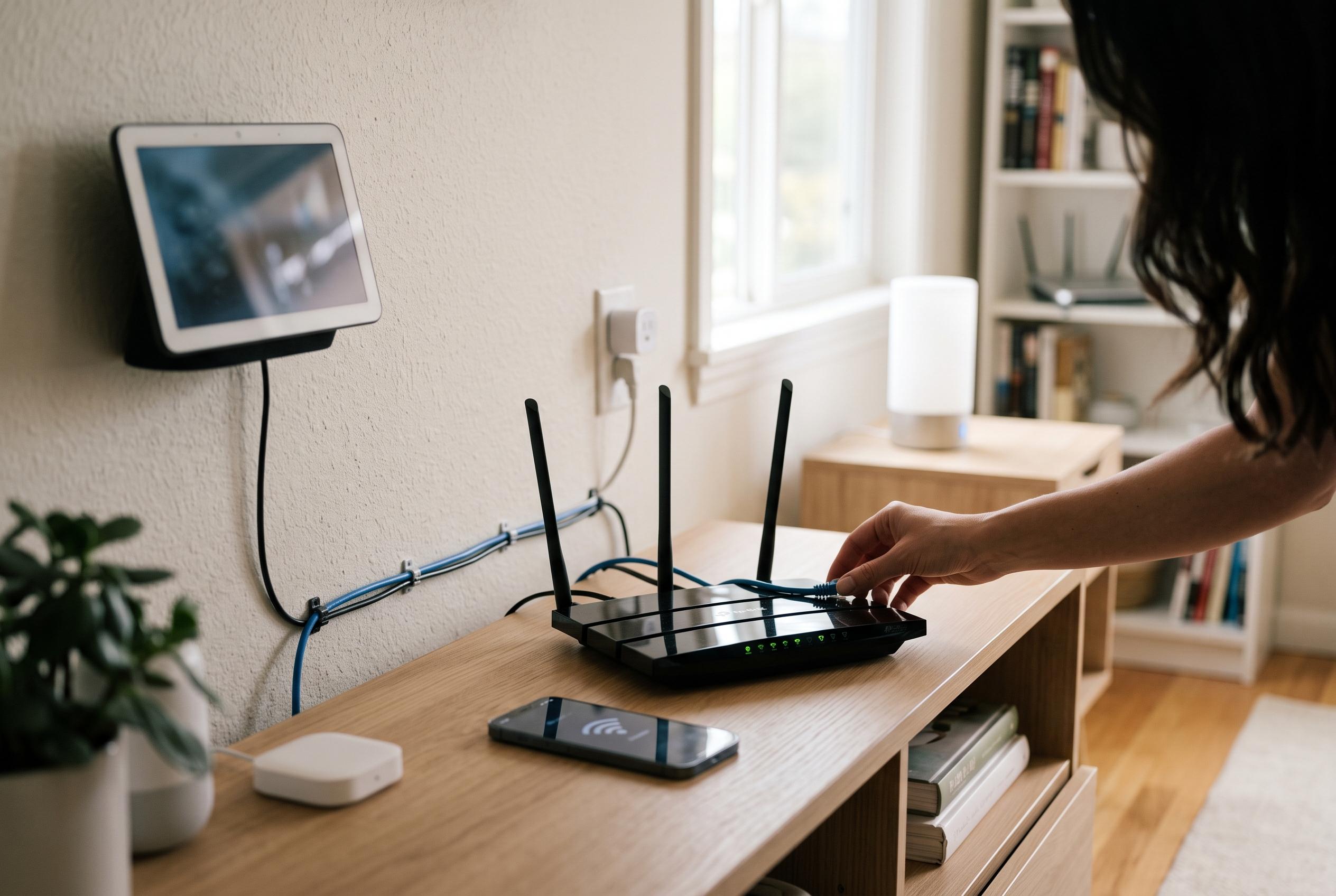

Transforming an old dual-band router into a dedicated access point can improve the security and efficiency of smart-home setups by segmenting vulnerable IoT devices from main networks, reducing risks and latency issues.
Repurposing an older dual-band router as a separate access point for smart-home devices can be an effective way to tidy a congested home network and reduce exposure to poorly secured internet-connected hardware. The appeal is straightforward: instead of letting cameras, plugs, bulbs and thermostats sit on the same network as laptops, consoles and NAS boxes, a spare router can be turned into a dedicated 2.4GHz segment for low-bandwidth IoT gear. That approach mirrors standard access point practice described by router vendors and aligns with broader guidance on segmenting connected devices rather than leaving everything on a flat home LAN.
The security case is strong. Palo Alto Networks data highlighted by TechRadar found that 48.2% of network connections from IoT devices to internal IT systems come from high-risk devices, with a further 4% from critical-risk components. The concern is not only that many IoT products are shipped with weak defaults or inconsistent patching, but that a single compromised device can become a pivot point into the rest of the network. On an unsegmented home setup, that can expose file shares, router administration pages and other trusted services to lateral movement.
Performance is the other half of the problem. Many smart-home devices still rely on 2.4GHz Wi-Fi, and a chatty set of sensors and appliances can consume airtime that would otherwise be available to faster 5GHz or 6GHz devices. That can translate into small but noticeable delays, micro-stutters and latency spikes, particularly when the same router is also handling gaming, video streaming or cloud backups. Separating IoT traffic onto its own access point helps keep the main network clear for higher-throughput clients.
The practical setup is relatively simple, provided the spare router is still receiving security updates. The device should be reset, updated to the latest firmware and then switched into access point mode rather than left to perform routing duties. That means disabling DHCP, assigning it a static address on the main subnet and connecting it so it bridges traffic back to the primary router instead of creating a second routed layer. A separate SSID can then be created for smart-home hardware, with firewall rules on the main gateway restricting IoT devices from initiating connections to trusted PCs and storage devices.
There are limits, though. If the old router is not bridged correctly, the result can be double NAT or an unnecessary nested subnet, which may break local discovery for devices such as Chromecast or Home Assistant integrations. Industry guidance on network isolation also notes that segmentation can create discovery and interoperability issues unless explicit firewall rules are written for the services that need to cross the boundary. In practice, that means allowing a smart hub to control IoT devices while still blocking the devices themselves from roaming freely across the rest of the home network.
Disclaimer: This content is intended for informational purposes only. Readers are advised to exercise their own judgement, conduct due diligence, or consult a qualified expert before acting on any information provided.