
Old Chromebooks can be repurposed for a variety of practical, low-cost roles, from serving as e-readers and household control panels to digital photo frames and secondary screens, offering sustainable solutions for outdated devices.
An ageing Chromebook does not have to become redundant once it is no longer suited to everyday work. How-To Geek suggests that older machines can still serve useful, low-cost roles around the home, especially for tasks that are web-based, light on processing power, or shared by several people. The most practical use depends on the hardware that remains in good condition, but even a modest device can be put to work in ways that are both convenient and more sustainable than discarding it.
One straightforward option is to convert the Chromebook into a reading device. Used in this way, it can sit by the bed as a dedicated e-reader for books, articles and long-form web content, with services such as Google Books, Kindle Cloud Reader, Medium and Wattpad available through the browser. Features such as Night Light, lower brightness and dark mode can make the screen easier to use in the evening, while older Chromebooks’ comparatively strong battery life means they often need charging only occasionally.
Another sensible role is as a household control panel. With browser access to platforms such as Google Home, Home Assistant and Alexa, a Chromebook can become a central screen for cameras, thermostats, lights, power use and weather information. Touchscreens make these interfaces simple to use, and a wall mount or stand can turn the device into a permanent dashboard. The same idea also extends to a kitchen, where the Chromebook can display recipes, video guides, timers, conversion tools and streaming audio without forcing the user to balance a phone among ingredients and pans.
A Chromebook can also be repurposed as a digital photo frame. In full-screen slideshow mode, it can cycle through family portraits and holiday pictures pulled from local storage or cloud services. This is particularly effective on 2-in-1 machines, which can be placed on a mantel, shelf or side table and left to display images throughout the day. Turning off sleep mode keeps the screen active, making the device function more like a permanent display than a laptop.
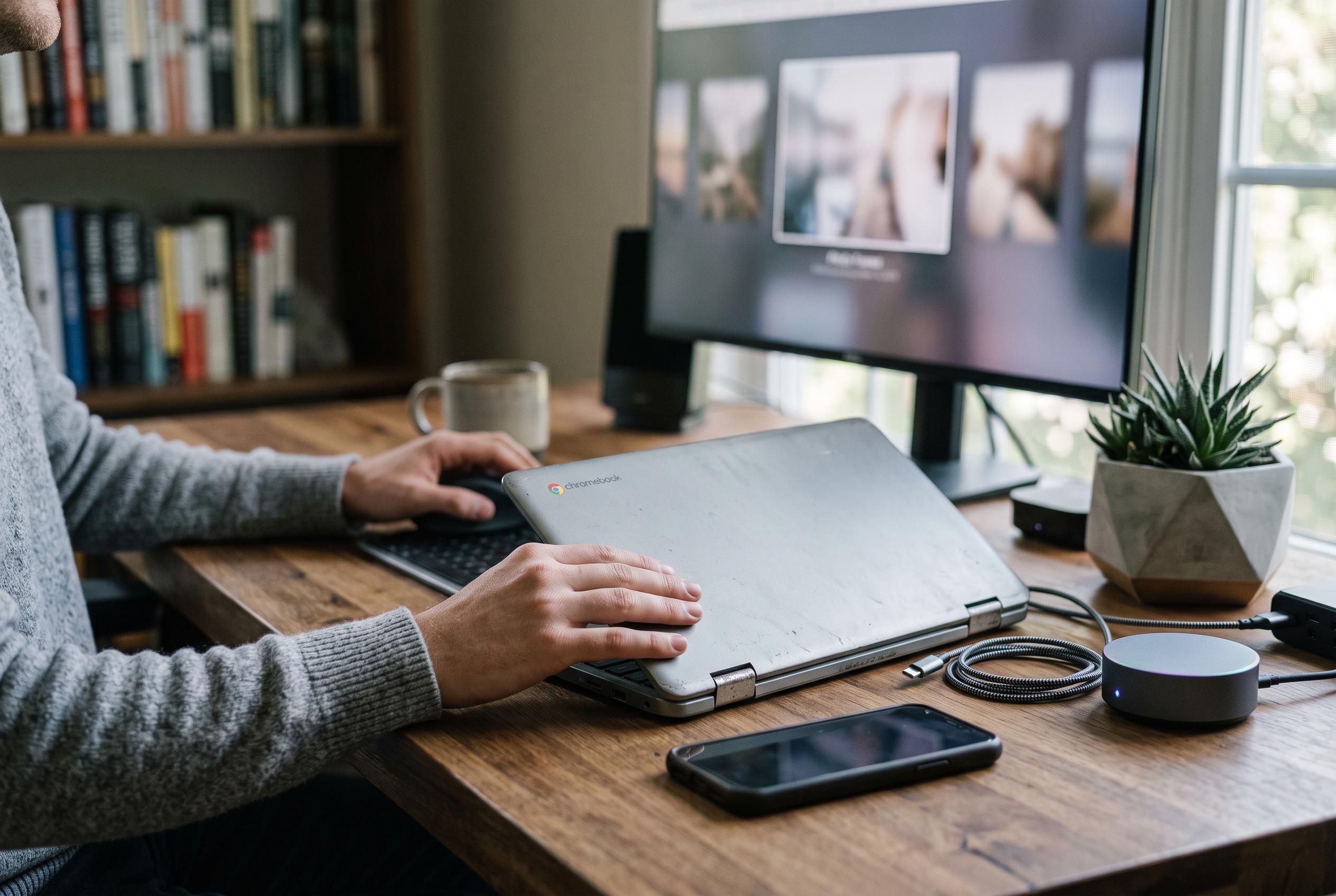
For people who need extra workspace, an older Chromebook can act as a secondary screen. According to Laptop Mag and other hardware guides, this can be done with software such as Duet Display, or, in some setups, by using an HDMI connection through a suitable USB-C hub. The appeal is simple: more screen area for documents, spreadsheets, video calls or reference material. Rotating the screen for a vertical layout can be especially useful for reading long pages or writing.
Families may find that the best use is to hand the device down to children. Google Family Link allows parents to supervise accounts, set time limits, restrict apps and websites, and lock the Chromebook remotely if needed. That makes the machine suitable for drawing apps, reading tools, educational video and schoolwork in Google Docs, Slides, Sheets or Classroom. Other guides also note that old Chromebooks can be used for kiosk-style displays, simple family stations, or, where appropriate, converted with ChromeOS Flex for lighter use, though older hardware may still have limitations. However it is reused, the main point is that an obsolete Chromebook can still deliver practical value rather than becoming electronic waste.
Disclaimer: This content is intended for informational purposes only. Readers are advised to exercise their own judgement, conduct due diligence, or consult a qualified expert before acting on any information provided.