
A repurposed Pixel 4a leverages open-source app Bluke to serve as a compact, customisable Bluetooth keyboard and controller, offering a practical solution for remote PC control from the couch.
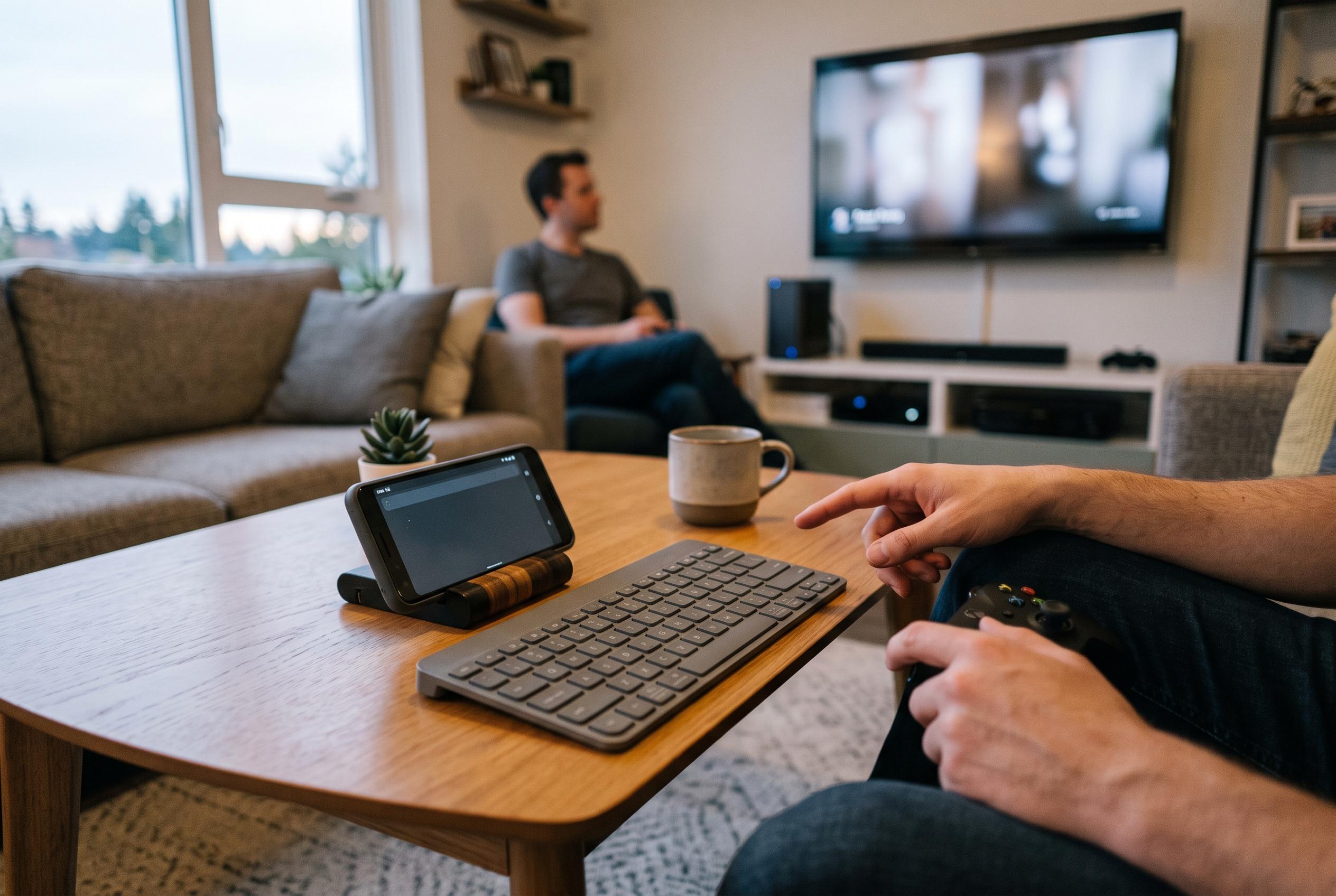
An old Google Pixel 4a can do more than sit unused in a drawer. In this case, it has been repurposed as a compact Bluetooth keyboard for a gaming PC connected to a television, avoiding the need to buy a separate peripheral for occasional couch-side typing. The appeal is straightforward: when the computer is too far away to use comfortably, a spare phone can fill the gap for short searches, quick messages and simple navigation.
The key to the setup is Bluke, an open-source Android app available on Google Play that turns a phone into a wireless keyboard, trackpad or game controller by using Android’s built-in Bluetooth HID profile. According to the app listing and the project’s GitHub page, it connects directly over Bluetooth without requiring a companion client on the target machine, and it works offline. That means the phone can behave like a standard input device for Windows, macOS, Linux, ChromeOS, Android TV and, in some cases, game consoles such as the PlayStation 5.
Setup is relatively simple. Once installed, the app asks for the relevant Bluetooth permissions, after which the phone is paired with the PC as though it were a physical keyboard. The broader attraction is that the device can switch between input modes, so it is not limited to text entry alone. Bluke also offers trackpad and gamepad functions, alongside custom keyboard layouts that can be adjusted to resemble compact mechanical boards, including 60%, 65% and 75% styles.
The app is aimed at people who care about typing feel as much as convenience. Its options include themed interfaces and simulated switch profiles modelled on familiar mechanical keyboard types, from Cherry MX Brown to Topre and Buckling Spring. That makes it unusual among remote input apps, which often focus on basic functionality rather than user experience. Still, as the Android Police article notes, the result is best understood as a practical substitute for short tasks rather than a true replacement for a full-size keyboard.
That limitation matters because screen use, Bluetooth activity, haptics and audio can drain battery life quickly, especially on an older handset such as the Pixel 4a. For that reason, the hack is most sensible for occasional use with a media PC or smart TV, rather than for long typing sessions. The idea also fits a wider pattern in the app market: similar tools on iOS, such as Bluetouch and BT Keys, and Android alternatives like Bluefy and BlueDesk, show that there is continued demand for phones that can double as low-friction input devices when a computer is just out of reach.
Disclaimer: This content is intended for informational purposes only. Readers are advised to exercise their own judgement, conduct due diligence, or consult a qualified expert before acting on any information provided.