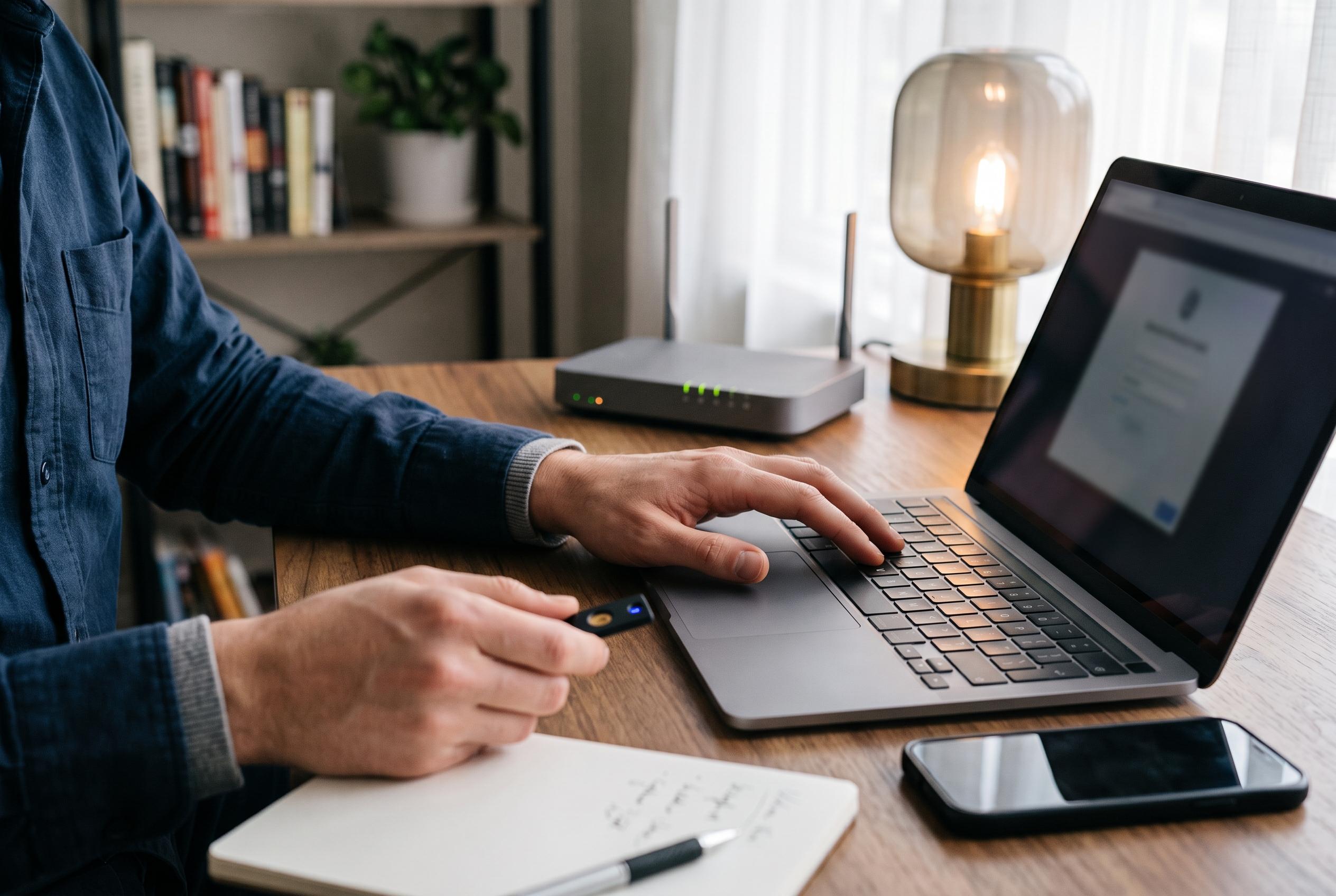

Experts advise a structured approach after clicking a phishing link, focusing on containment, account security, and vigilant monitoring to reduce cyber risks.
A single click on a phishing link is not, by itself, proof of compromise. The real danger depends on what happened next: whether a password was typed, a verification code was entered, a file was downloaded, an app was installed, or financial details were shared. The first priority is to identify the exposure before taking action, because each type of risk requires a different response. According to several cybersecurity guides, the safest approach is to stop interacting with the page immediately and assess what, if anything, changed after the click.
If nothing was entered and no file ran, the immediate step is to close the page and look for any unexpected downloads, permissions, browser extensions, or installations. Phishing pages often try to keep a user engaged with fake warnings, fake cancel buttons, or prompts to call a number or install a tool. Security guides from SpamCheck, Cactus and ROIHacks all stress that users should not follow any further instructions from the suspicious site.
Where something was downloaded, opened, or installed, the device should be treated more cautiously. Several guides recommend disconnecting the computer or phone from the internet if a file ran, an app was installed, remote access was granted, or the device begins behaving oddly. That containment step is important because a page opening alone does not prove malware was installed, but any executed file or added permission can change the risk substantially.
If the incident involves a work account, school account, or managed device, the relevant IT or security team should be notified straight away through a trusted channel. CyberVaulTech and other guides advise preserving the original message, recording what was entered or downloaded, and keeping useful screenshots where safe to do so. Early reporting can help an organisation block the site, check for related messages, and limit wider exposure.
When a password was entered, it should be changed from the account’s real website or official app, not by returning through the phishing link. Security advice from multiple sources is consistent on this point: use a trusted device if the original one may be compromised, and begin with email if that account was exposed, because inbox access can allow resets across many other services. If the same password was reused elsewhere, those accounts need to be changed as well.
Changing the password is necessary, but it is not always sufficient. An attacker may still have an active session, a connected application, an added recovery method, or an email rule that survives a password reset. Guides from Cactus and CyberVaulTech recommend checking recent sign-ins, active devices, linked apps, forwarding rules, and authentication settings, then removing anything unfamiliar. Enabling two-factor authentication, or stronger options such as passkeys where available, adds an important layer of protection.
If payment information, card details, banking credentials, or identity documents were disclosed, the relevant provider should be contacted immediately using a verified number or official app. That may allow a card to be blocked, a payment recalled, or an account secured before misuse spreads. Several guides also warn that criminals may follow up with fake calls or messages posing as banks, police, or fraud teams, so any callback should be made only through independently confirmed contact details.
The final step is to report the attempt and continue monitoring. SpamCheck, Cactus and ROIHacks all advise reporting the message through the service where it arrived, deleting it after preserving what is needed, and watching for unexpected logins, password resets, new devices, unfamiliar charges, or messages sent from the account. Some guides suggest monitoring bank activity for several weeks, but there is no universal deadline after which all risk disappears; vigilance should continue whenever anything looks unusual.
The most common mistake after a phishing click is to respond in the wrong order. Users sometimes go back to the fake page, change passwords on the same potentially infected device, or assume a malware scan alone settles the account risk. The more effective response is methodical: close the page, contain any device issue, secure exposed accounts, contact the bank or IT team where relevant, and then keep monitoring for misuse. That sequence limits damage more reliably than panic-driven fixes.
Disclaimer: This content is intended for informational purposes only. Readers are advised to exercise their own judgement, conduct due diligence, or consult a qualified expert before acting on any information provided.