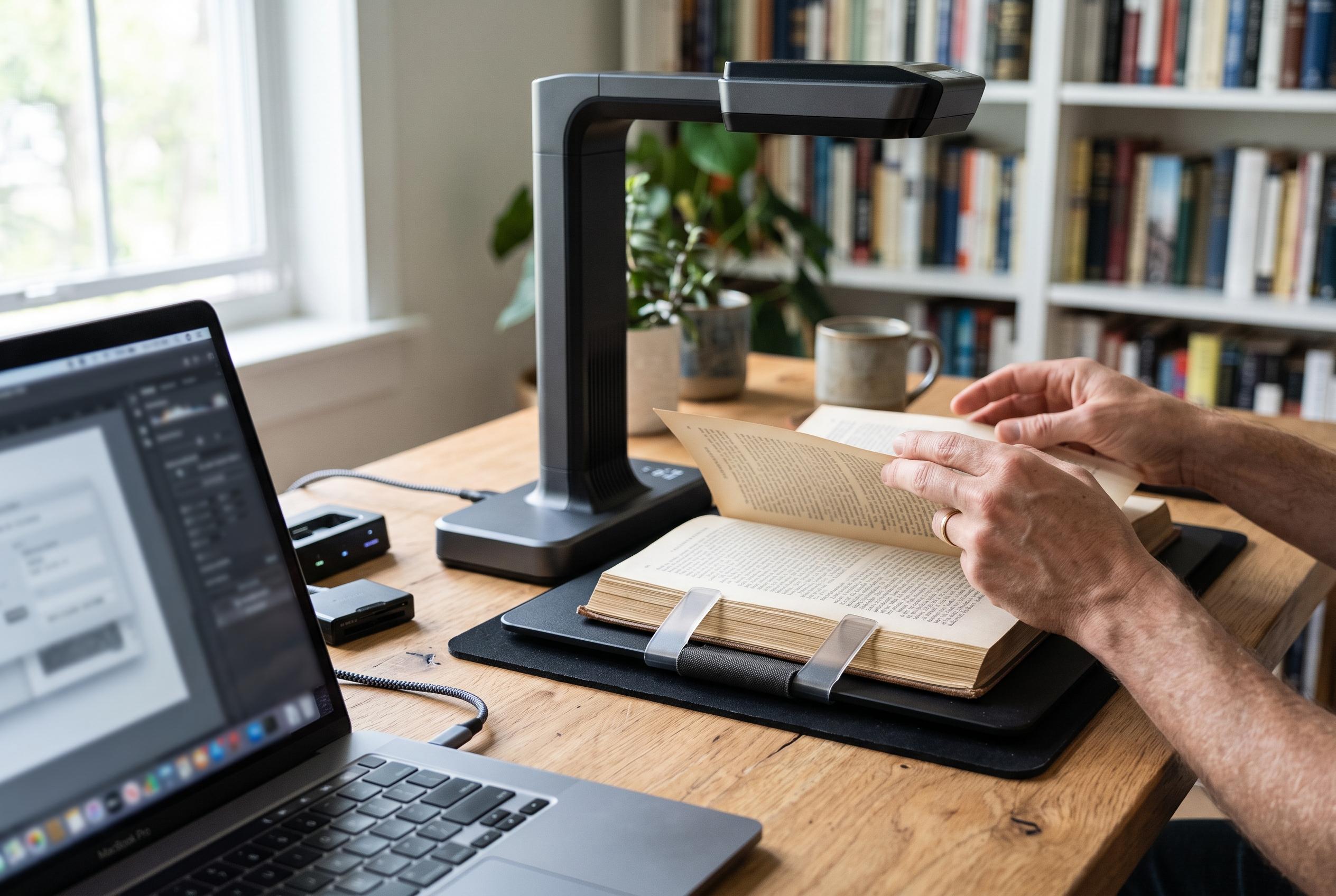

Recent guides highlight that seamless workflow, software support, and versatility are now paramount when choosing a Mac-friendly book scanner, as innovation shifts focus from raw resolution to effective digitisation of bound materials.
Choosing a book scanner for a Mac is less about headline resolution than about workflow. The best models combine reliable macOS support, strong OCR, decent page-flattening and a capture process that does not slow down when a bound volume gets awkward. Modern Meeting Standard’s 2026 roundup places that balance at the centre of the decision, and two other buying guides from Nucleusky and ROIHacks reach the same conclusion: compatibility, clarity and speed matter more than raw specifications alone. For most users, the key question is whether the scanner can turn curved pages into usable, searchable files without demanding too much manual correction.
At the high end, the CZUR ET MAX remains the most capable option in the group. Digital Camera World describes it as a premium choice built around a 38MP sensor, laser-based curve flattening and very fast page capture, making it well suited to serious digitisation work. That combination is important for archives, research collections and any project involving fine print or illustrations. It also reflects a broader trend in this category: the best book scanners now rely as much on software-assisted page correction as on optical resolution, because the image has to be readable before it is useful.
Compatibility is the other deciding factor, especially on newer Macs. ScannerCheck notes that Mac users should pay close attention to software support, including whether a device works properly with Image Capture, Preview or third-party scanning tools such as VueScan. In practice, that means USB connectivity is usually the safer choice for overhead scanners, even when wireless operation is absent. For buyers, the most important point is not simply whether the hardware connects, but whether the bundled software actually unlocks the features that justify the purchase, such as OCR, batch scanning and searchable PDF creation.
That is why all-purpose overhead scanners tend to be the most practical recommendation. Models such as the IRIScan Desk 6 Pro and the CZUR Aura Pro are designed to handle books, loose pages and office documents in the same workflow. They are useful for mixed use because they can double as document cameras, which makes them relevant in classrooms, meetings and remote demonstrations as well as for scanning. This versatility is especially valuable for Mac users who want one device for several tasks rather than a specialist machine dedicated only to books.
Portability, however, remains a genuine advantage for some users. Handheld scanners such as the IRIScan Book 7 are better suited to travel, library use and occasional page capture away from a desk, while lighter document-camera designs like the CZUR Shine Ultra Pro are aimed at users who need a foldable unit that still offers page-flattening and OCR. ROIHacks highlights the same trade-off in its 2026 guide: compact models are easier to move and store, but they generally ask the user to accept more manual handling than a fixed overhead scanner. For occasional scanning, that compromise may be entirely reasonable.
There is also a clear divide between book scanners and conventional desktop document scanners. ITPro’s review of the Ricoh SP-2230N and Canon’s imageFORMULA DR-C350 shows how office scanners are built for fast, dependable sheet-fed work rather than bound material. Those devices are strong choices for forms, mail and routine archiving, but they do not address the curved-page problem that makes books harder to digitise on a Mac. For anyone scanning novels, textbooks, magazines or fragile bindings, an overhead or camera-style scanner remains the more suitable tool.
The practical buying advice is therefore straightforward. If the priority is large-format material, the better choices are A3 or even A2 overhead scanners with strong flattening tools and broad OCR language support. If the priority is mobility, a handheld or foldable model will be easier to live with. If the priority is a single Mac-friendly device for home, study or small office use, an A3 overhead scanner with dependable software is usually the safest middle ground. Across the current field, the strongest products are the ones that reduce editing after capture, not the ones that merely advertise the highest numbers.
Disclaimer: This content is intended for informational purposes only. Readers are advised to exercise their own judgement, conduct due diligence, or consult a qualified expert before acting on any information provided.