
Using an Android phone as a webcam offers a significant upgrade over built-in laptop cameras, with options spanning wired, wireless, and native solutions, enhancing video quality for remote work, online classes, and streaming.
Phone cameras are often far better than the built-in webcams fitted to laptops and desktop monitors. That gap is most obvious in poor light, where many low-cost webcams produce soft detail, weak colour and heavy noise. Turning an Android handset into the video source can therefore deliver a clear improvement without buying new hardware. The most practical route is to use either a native connection or a dedicated app, depending on the computer, the Android version and whether a cable or wireless setup is preferred. According to Android Central, current options include Windows integration, as well as third-party tools such as Camo, DroidCam and Iriun.
On some Windows 11 systems, Microsoft’s Link to Windows setup can be used to expose the phone as a connected camera. The process relies on the same Microsoft account on the handset and the PC, with mobile-device permissions enabled inside Windows settings. Once configured, the system can present the phone’s video feed to calling software such as Zoom or Google Meet without a separate webcam driver or extra accessory. Android Central says this is one of the simplest approaches for users who already depend on Microsoft’s device-linking tools.
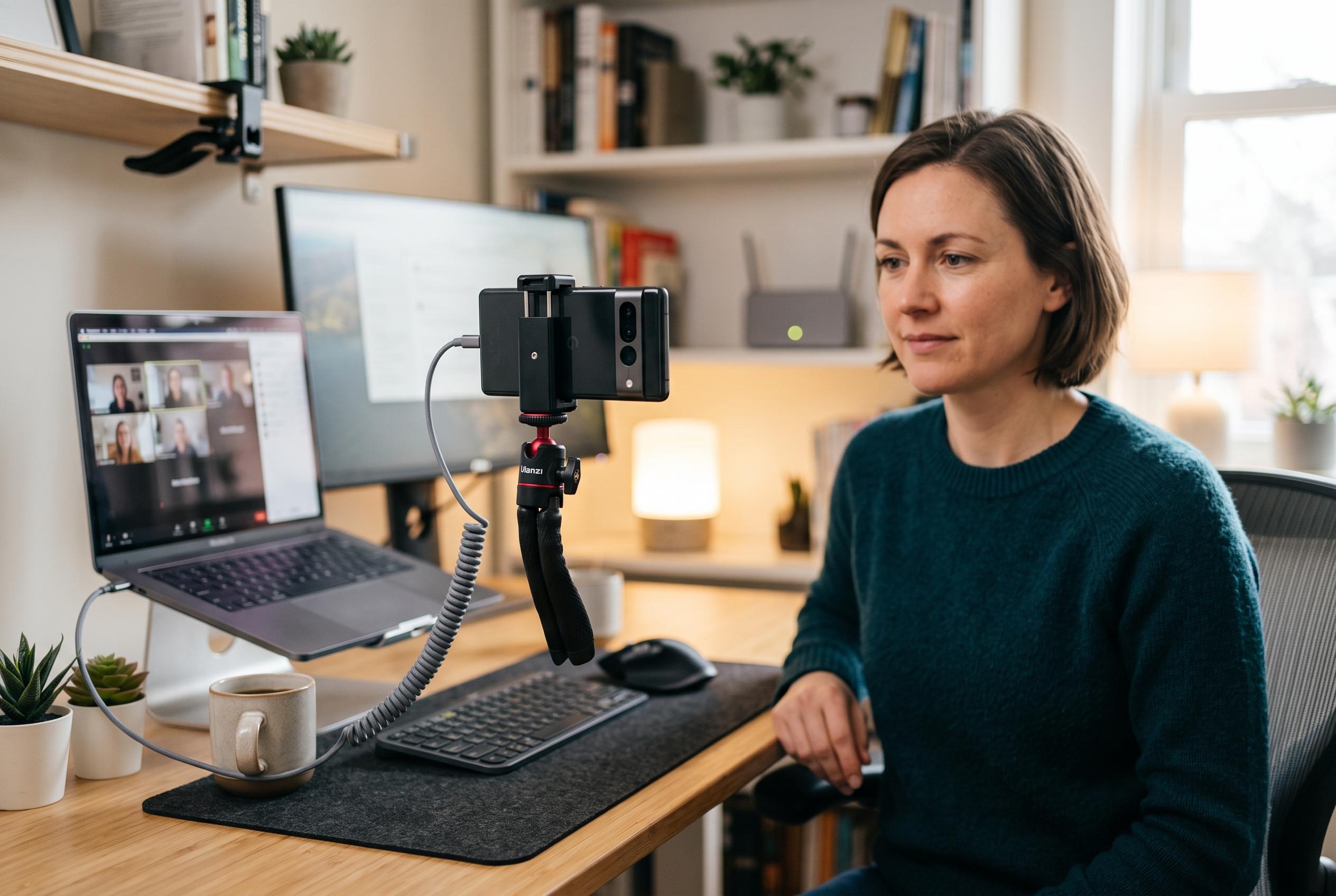
Android now also supports a native USB webcam mode on newer releases through the UVC standard, which allows a computer to recognise the handset as a video peripheral as soon as a suitable data cable is attached. In practice, this makes the phone behave much like a conventional webcam, but with lower latency and greater stability than a wireless link. The guide notes that, after connecting the cable, users can select the webcam option from Android’s USB controls and let the operating system hand the signal straight to the PC.
Where built-in features are unavailable, dedicated applications add more control. Camo is aimed at users who want finer adjustment of image quality, including lens selection, exposure control and background blur. Iriun is presented as a straightforward cross-platform option for Windows, macOS and Linux, with support for high-resolution video when the network is stable. DroidCam, by contrast, is positioned as a lighter package for older PCs with limited memory, making it useful where system overhead matters more than advanced controls. Android Central’s guides also emphasise that these tools can be paired with common meeting apps by selecting the Android device as the active camera source.
Several technical details determine whether the setup feels polished or unreliable. Wired connections tend to be the most consistent, while wireless use depends heavily on network quality. A 5 GHz Wi-Fi link is preferable to 2.4 GHz if both devices support it, because the older band is often more congested and more prone to delay. Good lighting remains essential, since even an excellent phone sensor cannot fully compensate for a dark room. A simple desk stand or tripod helps keep the lens at eye level, which makes video calls look more natural.
There are also a few common faults worth addressing before assuming the app is broken. If a USB connection is not detected, Android often needs Developer options enabled and USB debugging switched on so the computer can communicate correctly with the phone. For audio, it is usually safer to leave the phone handling video only and use either the computer microphone or an external mic, because sending both audio and video over Wi-Fi can introduce timing errors. For streaming or recorded tutorials, the guide recommends routing the signal into OBS Studio, which allows manual synchronisation of picture and sound.
For people working from home, students in online classes and streamers who want a second camera angle, this approach can be a practical replacement for a cheap external webcam. It is not merely a budget trick; it is often a better use of hardware that is already in the pocket. The main choice is between simplicity and control: native USB or Windows integration for the least friction, and apps such as Iriun, Camo or DroidCam when the priority is tuning, compatibility or lighter system use.
Disclaimer: This content is intended for informational purposes only. Readers are advised to exercise their own judgement, conduct due diligence, or consult a qualified expert before acting on any information provided.