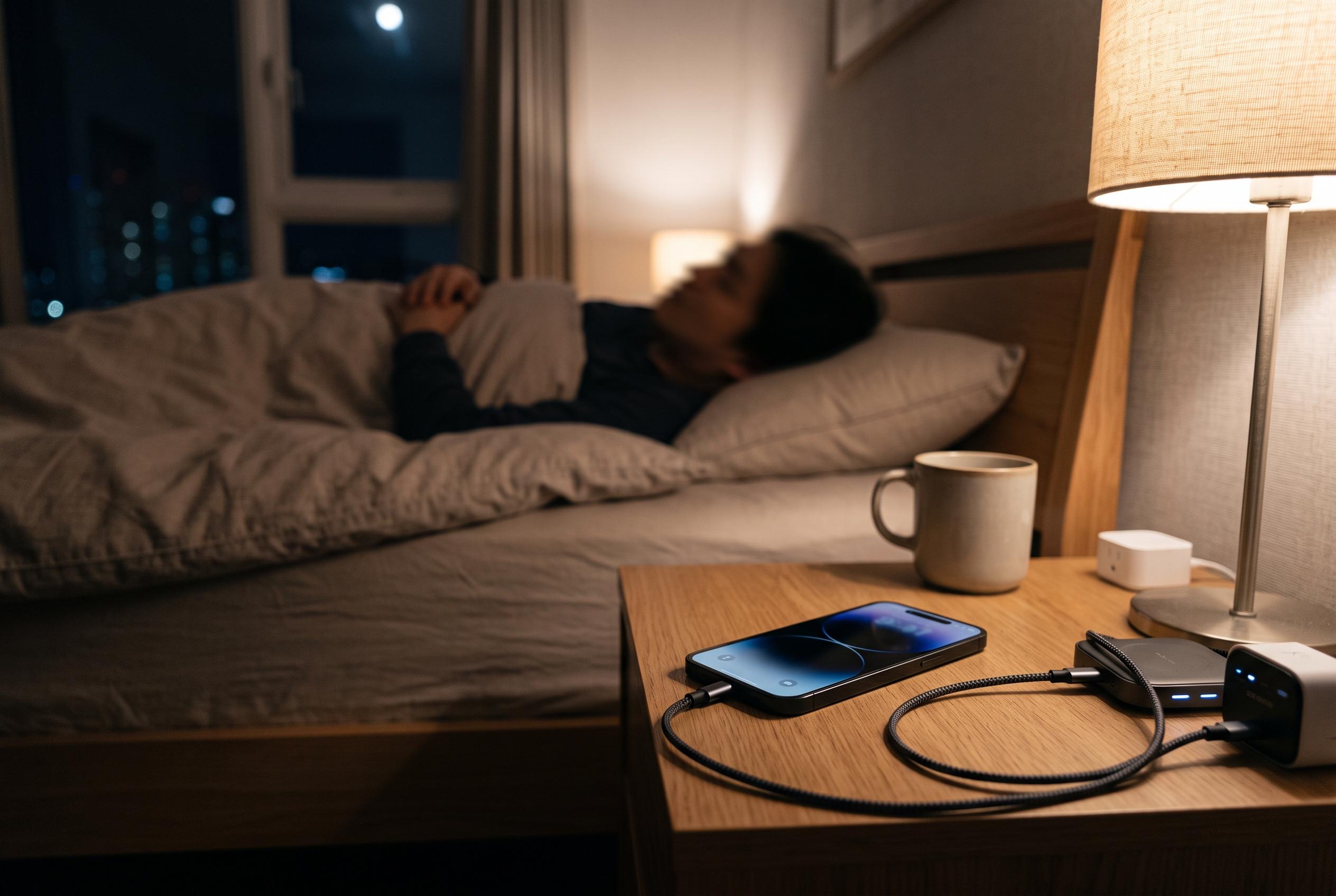

Samsung Galaxy owners seeking to thwart overnight battery drain can now use built-in automation features to turn on power saving at specific thresholds, enhancing predictability and device longevity.
Many Samsung Galaxy owners know the frustration of waking to a flat phone after an overnight charging mishap. According to Samsung’s own support material, the easiest safeguard is to use the built-in battery controls so power saving can switch on automatically when charge drops below a chosen level, rather than relying on a cable or wireless pad to stay perfectly positioned through the night.
On Galaxy devices, the most flexible way to do this is through Modes and Routines, Samsung’s automation tool that lets users build simple “if this, then that” actions. The company’s support pages explain that power saving mode can be activated from battery settings, where it reduces background activity and limits certain functions to extend running time. SamMobile’s guide adds that users can also schedule power saving to turn on once the battery reaches a set percentage, which is useful if the phone is not being charged reliably overnight.
The routine itself is straightforward. Set a time window that covers normal sleep hours, choose wired or wireless charging as the trigger, and add a battery threshold such as 40 per cent. Then tell the phone to enable energy saving once those conditions are met. If the aim is to protect battery life at any time of day, the time window can be omitted so the rule works whenever the phone falls below the chosen charge level. Samsung Community users have reported that similar overnight routines can also switch off wireless connections and other services, though the exact gains will vary by device and usage.
The advice is practical because overnight drain can come from more than a loose charger. Samsung’s own guidance and battery-focused coverage from SamMobile and Android Central both point to background activity, display settings, unused apps and performance profiles as factors that can materially affect endurance. Samsung also offers related tools such as putting unused apps to sleep and using a lighter performance mode, which can help reduce heat and power use without making the handset unusable. For most Galaxy owners, the attraction of the routine is not only longer battery life, but also predictability: the phone quietly protects itself before the morning alarm goes off.
Disclaimer: This content is intended for informational purposes only. Readers are advised to exercise their own judgement, conduct due diligence, or consult a qualified expert before acting on any information provided.