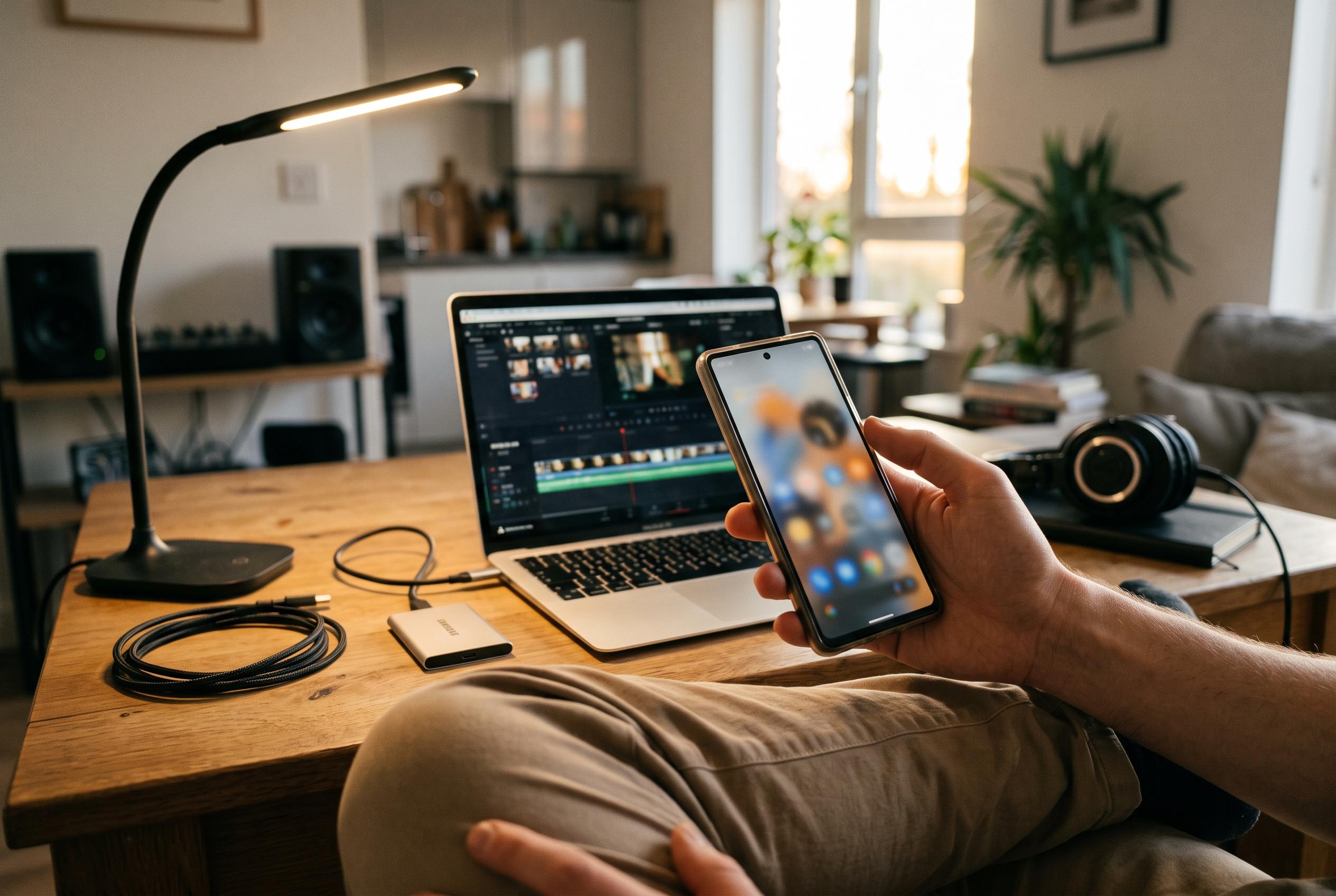

Adobe has launched Premiere for Android, offering a lightweight yet professional mobile editing experience with free exports and optional AI features that are limited without a subscription.
Adobe has brought Premiere to Android, extending to phones the same editing brand that has already been available on Apple devices. The app is free to download and, in Adobe’s telling, is intended for creators who want to assemble social video quickly without giving up access to more advanced tools. Early coverage from TechRadar, TechSpot, DPReview, AndroidPure, Gadgets 360 and Tech Times all point to the same basic proposition: a lightweight mobile editor with professional ambitions, free watermark-free exports and a paid tier for heavier AI and storage use.
The Android version is built for modern handsets, including foldables, and Adobe says it requires Android 13 or later and at least 5GB of RAM. The software places its main entry points at the top of the interface, including options to start from files or generate short-form content, while templates sit nearby for quicker project creation. TechRadar’s hands-on account describes the layout as notably clean and far less cluttered than some of Adobe’s desktop tools, which matters on a small screen where complexity can become a barrier rather than a benefit.
Core editing appears to be the app’s strongest feature. According to the reports, users can work with multi-track timelines, trim clips with simple gestures, add transitions, adjust aspect ratios and layer text and audio without wrestling with lag. TechRadar said the app handled larger files responsively during testing, while other coverage highlighted the inclusion of creator-focused tools such as 4K support and template-led workflows aimed at platforms including YouTube, Instagram and TikTok. That combination gives the app a credible pitch as a serious mobile editor rather than a stripped-down companion.
The main limitation is not the editing itself but the AI layer. Adobe has included generative features for image and video, including text-to-video and image-to-video tools, but free use comes with a very small allowance. TechRadar reported that its tester exhausted the free tokens after producing just one short clip, and other outlets noted that extended use of the AI tools, along with additional storage, requires a subscription. In practice, that means the app’s most dependable value lies in conventional editing rather than generative creation.
Export options are another point in Adobe’s favour. The Android app supports 720p, 1080p and 4K output, with frame rates ranging from 24fps to 60fps and quality controls that let users balance file size against fidelity. TechRadar said exports are watermark-free and, in its testing, a short 4K video completed in under a minute. For users who mainly need to cut clips, refine pacing and publish quickly, the app looks well judged; for those hoping to rely heavily on AI generation, the free version appears deliberately restrictive.
Disclaimer: This content is intended for informational purposes only. Readers are advised to exercise their own judgement, conduct due diligence, or consult a qualified expert before acting on any information provided.