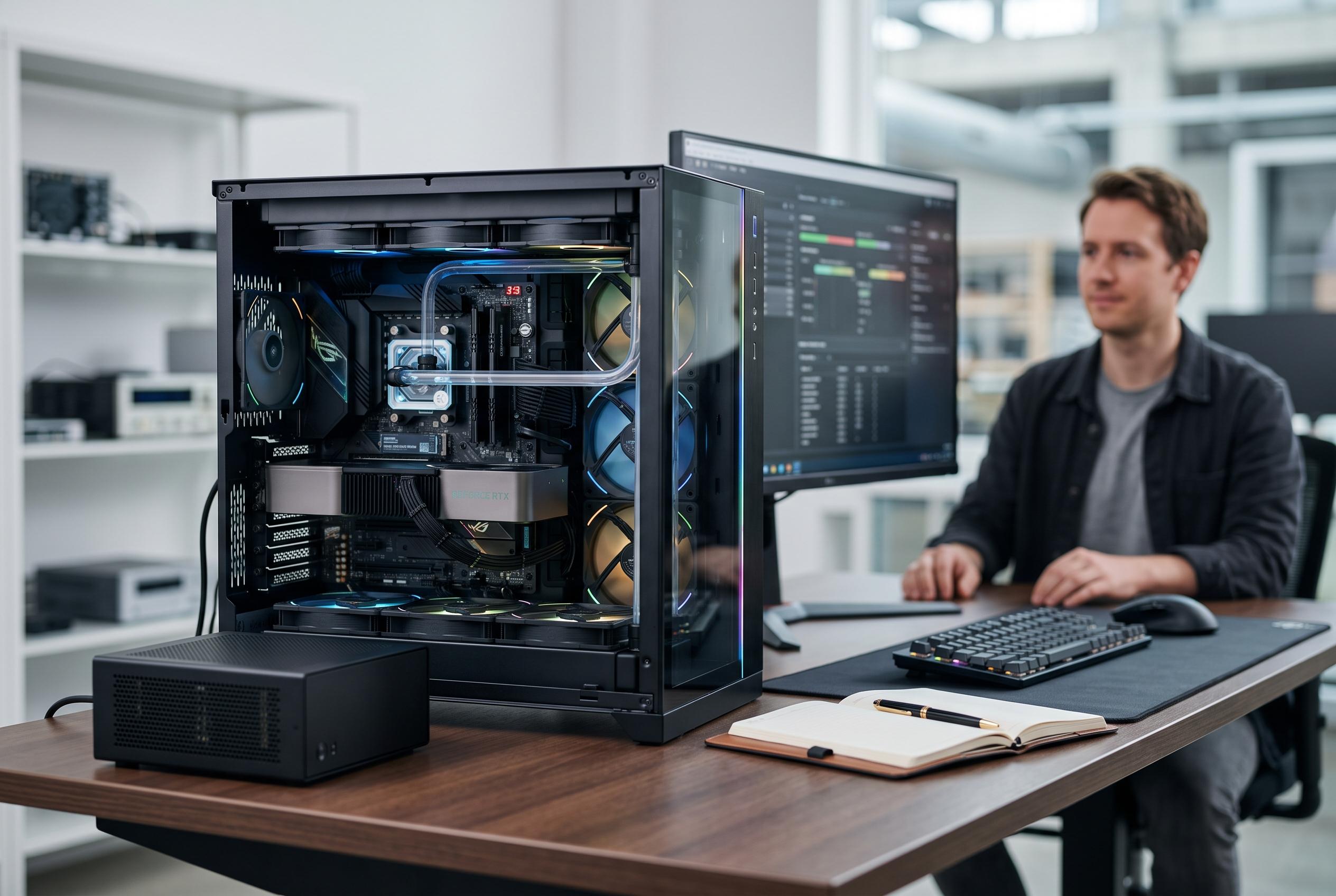

The latest Nvidia-based AI desktops highlight the importance of system balance, with MSI’s Aegis R2 AI standing out for its versatile performance across gaming, creative work, and local AI tasks, while specialised systems focus on memory and compact design.
Among the current crop of Nvidia-based AI PCs, the deciding factor is not simply the badge on the graphics card. It is the relationship between the GPU, system memory, storage, software stack and chassis design. According to the roundup, the MSI Aegis R2 AI offers the broadest balance for buyers who want a Windows desktop that can handle gaming, creative work and compatible local AI tools without being tied to a specialist workflow. Its Core Ultra 9 processor, RTX 5070 Ti, 32GB of DDR5 memory and 2TB SSD place it above more modest GeForce towers on raw headroom, while still remaining far more familiar than the compact AI appliances and workstation-class systems in the same field.
That balance matters because the machines in this group split into three distinct categories. The first is the gaming desktop with Nvidia GeForce graphics, where the RTX 5060, 5060 Ti, 5070, 5070 Ti and 5080 are paired with conventional Windows hardware. These systems are the most flexible for general use, but their suitability for local AI work depends heavily on the software and on how much graphics memory the application can actually use. The second category is the compact AI-focused platform, represented by systems such as the ASUS Ascent GX10 and NVIDIA DGX Spark, which use Nvidia’s GB10 Grace Blackwell architecture, unified memory and DGX OS to prioritise local model development and inference. The third is the professional workstation, led here by the Andromeda Insights system with the RTX PRO 6000 Blackwell, which is intended for serious technical work rather than mainstream gaming.
The article’s central warning is that memory matters as much as the chip itself. System RAM and GPU memory are separate limits, and one does not replace the other. That is why the MSI Aegis R2 AI, despite its strong all-round specification, is still less suitable than a dedicated AI workstation for very large local models. It is also why the ASUS Ascent GX10 and NVIDIA DGX Spark stand apart: both offer 128GB of unified memory and a software environment built around AI development, making them more credible choices for prototyping, inference and fine-tuning than a standard gaming tower with a fast GeForce card. For buyers who need a professional ceiling, the Andromeda Insights workstation goes further still, with 96GB of GDDR7 on the RTX PRO 6000 Blackwell and room to expand the system memory substantially beyond the included 64GB.
The same principle applies to physical design. A tower such as the MSI Aegis R2 AI or Lenovo Legion Tower 5i gives more scope for upgrades, more familiar Windows usage and better general-purpose value. The Lenovo is the more modular choice, with a tool-less side panel and a design that invites future changes, although its 1TB SSD and inconsistent memory-capacity listing make it less straightforward than the MSI at the point of purchase. By contrast, the ASUS Ascent GX10 and DGX Spark are deliberately compact and tightly focused on AI workloads, but that specialism comes at the cost of conventional desktop flexibility. Buyers must supply or already own peripherals, and they should not assume that a small enclosure means low power draw: the GX10’s quoted consumption is still substantial for such a tiny device.
Configuration details also change the value equation more than the model names suggest. The two MSI Codex R2 listings are not equivalent: one is a renewed RTX 5060 machine with 2TB of storage, while another steps up to an RTX 5060 Ti but cuts storage to 1TB. The ASUS GX10 listings also vary in memory and storage. That makes it risky to shop by family name alone. The same caution applies to systems such as the Alienware Aurora, where the RTX 5080 makes it the strongest pure gaming option in this group, but the standard configuration still ships with 32GB of memory and 1TB of storage, which is less generous than some of its rivals. Likewise, the ZOTAC MEK and ROG NUC 16 both target high-end gaming and creative work, yet they differ in form factor, memory ceiling and the kind of RTX 5080 implementation they use.
For most readers, the practical decision is straightforward. Choose a GeForce-based desktop if you want one machine for games, creative applications and some local AI experimentation. Choose a compact AI system if your main priority is model work, not gaming. Choose a workstation if you need the largest memory headroom and the most appropriate GPU for professional software. On that basis, the MSI Aegis R2 AI is the strongest general recommendation because it stays balanced across the widest range of uses. The ASUS Ascent GX10 is the clearer choice for dedicated local AI development. And the Andromeda Insights workstation is the premium pick for users whose workload justifies professional-grade graphics memory and a more expandable desktop platform.
Disclaimer: This content is intended for informational purposes only. Readers are advised to exercise their own judgement, conduct due diligence, or consult a qualified expert before acting on any information provided.