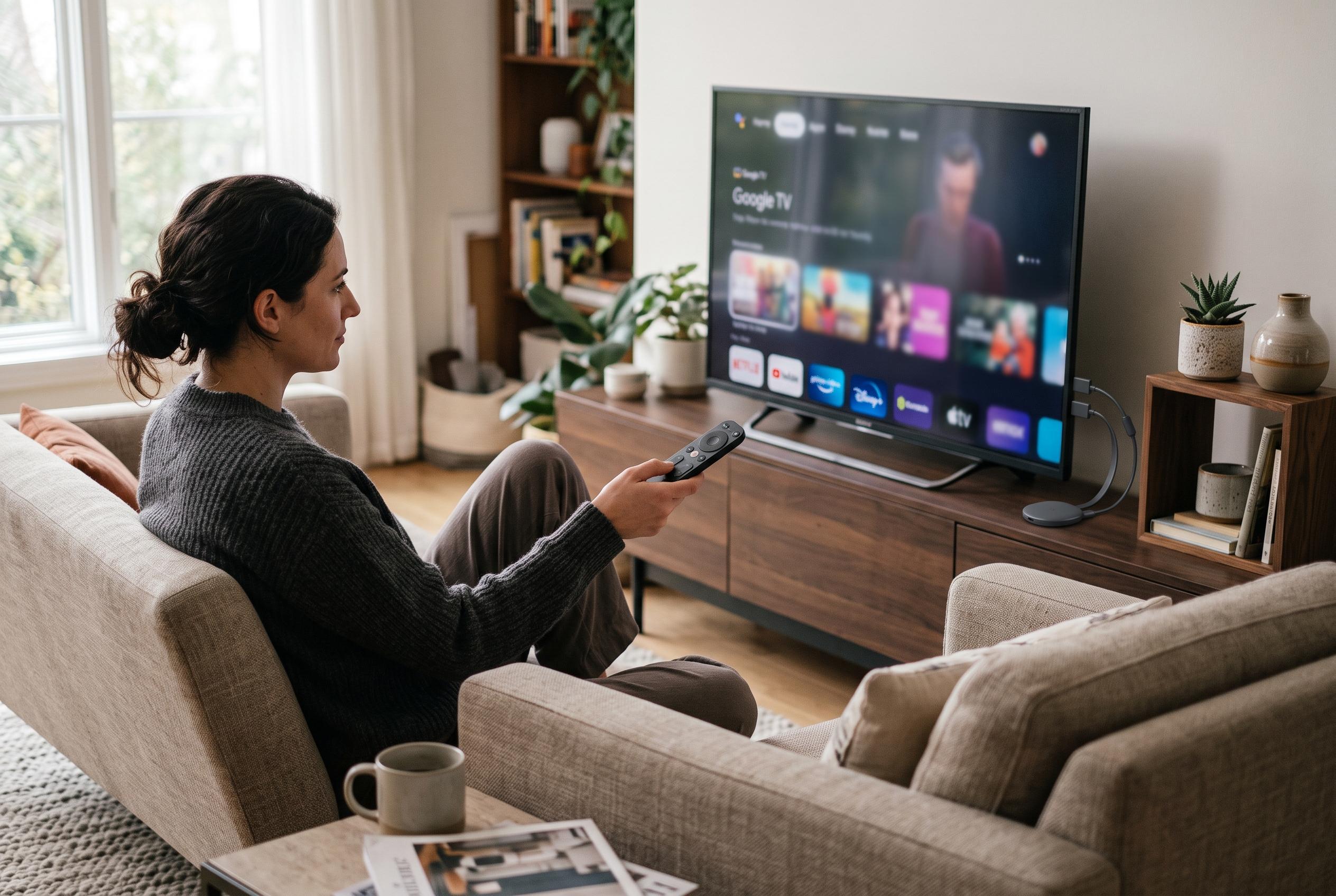

Before returning a Google TV Streamer plagued by crashes and loading loops, try clearing the affected app’s cache , a simple fix that may resolve the problem without deleting your data.
For several months, the Google TV Streamer behaved like a capable living-room device: flexible, responsive and, for the most part, dependable. But after routine daily use, one writer for Android Police found that a handful of regularly used apps began to stall on launch, trap themselves in loading loops or dump him back to the home screen. The problem was severe enough that he began considering returning the device.
At first, the likely culprit seemed obvious: the home network. Yet that theory quickly weakened when the same apps ran normally on an older Amazon Fire TV Stick 4K Max. Storage was not the answer either, because the streamer still had around 13GB free. That left the apps themselves, rather than the broadband connection or the hardware, as the more plausible source of the fault.
The first workaround was the familiar one: force-stopping troublesome apps or power-cycling the device. Google’s own support guidance for Google TV devices recommends closing background apps, restarting the unit and checking for app and system updates, all of which can help clear minor performance issues. In practice, though, these measures are temporary. The same loading wheel can return the next time the app is opened.
A more durable fix was to clear the affected app’s cache. That removes temporary files, such as thumbnails and fragments of saved data, without deleting log-in details or viewing history. In the case described by Android Police, that was enough to stop the repeated crashes, and the same approach worked for other misbehaving apps. Where that does not help, Google support and third-party troubleshooting guides point to stronger steps, including clearing app data, reinstalling the app entirely or, as a last resort, resetting the device. Android Authority also notes that checking storage, updating software and reinstalling problem apps can resolve many of the common crash patterns seen on the platform.
The broader lesson is that the Google TV Streamer is not necessarily faulty when apps begin to fail. As the Android Police account suggests, the issue can sit with damaged cache files, stale app data or a broken installation rather than with the streamer itself. For users, that makes the device a little less alarming to troubleshoot: before packing it away or arranging a return, it is worth spending a few minutes clearing caches, updating software and, if needed, reinstalling the problem app.
Disclaimer: This content is intended for informational purposes only. Readers are advised to exercise their own judgement, conduct due diligence, or consult a qualified expert before acting on any information provided.