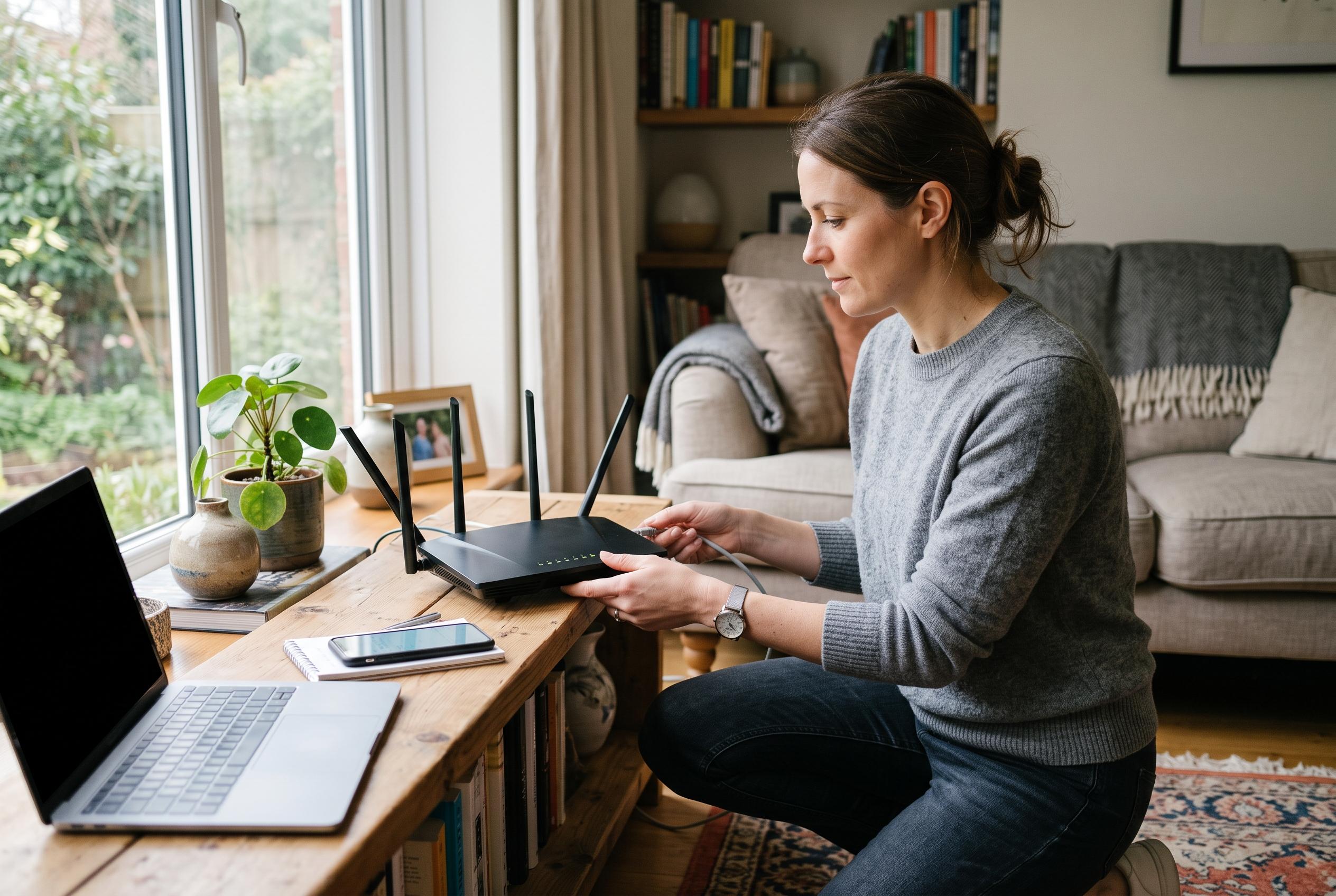

A carefully timed installation, stronger administrator credentials and a handful of disabled convenience features can turn a working router into a safer one.
A new router can be brought online quickly, but only if the process follows the right sequence. The practical case made in the guide is that most failures come not from complexity, but from skipping the waiting period between modem and router, leaving the laptop or desktop to reconnect with stale network settings, or rushing straight past the security steps that matter most. The result is a setup that works in principle but remains weak in practice.
The central technical point is straightforward: the modem must finish its conversation with the internet provider before the router can obtain a clean connection. That is why the guide insists on powering the modem first, pausing briefly, and only then starting the router. It also recommends restarting the computer used for setup so it requests a fresh network lease from the new hardware rather than clinging to old information from the previous configuration. In effect, the article treats ordering and timing as part of the security process, not merely a convenience.
The most important hardening step is changing the default administrator password immediately. Router vendors often ship with generic credentials that are widely documented and easy to find by make and model, which makes leaving them unchanged an open invitation to misuse. The guide also singles out two features that are useful for convenience but risky when left enabled without a clear need: UPnP, which can allow devices and applications to open ports automatically, and remote administration, which exposes the management interface beyond the home network. Related advice from the site’s separate security guide goes further, recommending that WPS also be disabled because it can widen the attack surface for a home network.
Wireless encryption is another non-negotiable setting. The article recommends WPA2-AES, or WPA3 where the hardware supports it, which matches broader guidance on choosing routers that prioritise secure encryption and regular firmware updates. It also notes that households with many connected devices should think beyond the basics and consider how the router handles segmentation, update support and remote access controls. For buyers comparing models, the same site argues that the best router is not necessarily the fastest on paper, but the one that fits the number of devices, the broadband line and the home’s layout.
For homes with many smart devices, the article adds a more nuanced layer of configuration. It advises keeping OFDMA enabled, as this can help newer routers handle multiple connected devices more efficiently, while turning off Smart Connect if it causes IoT kit to roam unpredictably between bands. That reflects a common reality in home networking: many household devices still behave more reliably when given a fixed 2.4GHz connection rather than being steered automatically. Once everything is confirmed online, the final recommendation is to save a configuration backup, so the router can be restored quickly after a reset or replacement instead of being rebuilt from scratch.
Disclaimer: This content is intended for informational purposes only. Readers are advised to exercise their own judgement, conduct due diligence, or consult a qualified expert before acting on any information provided.