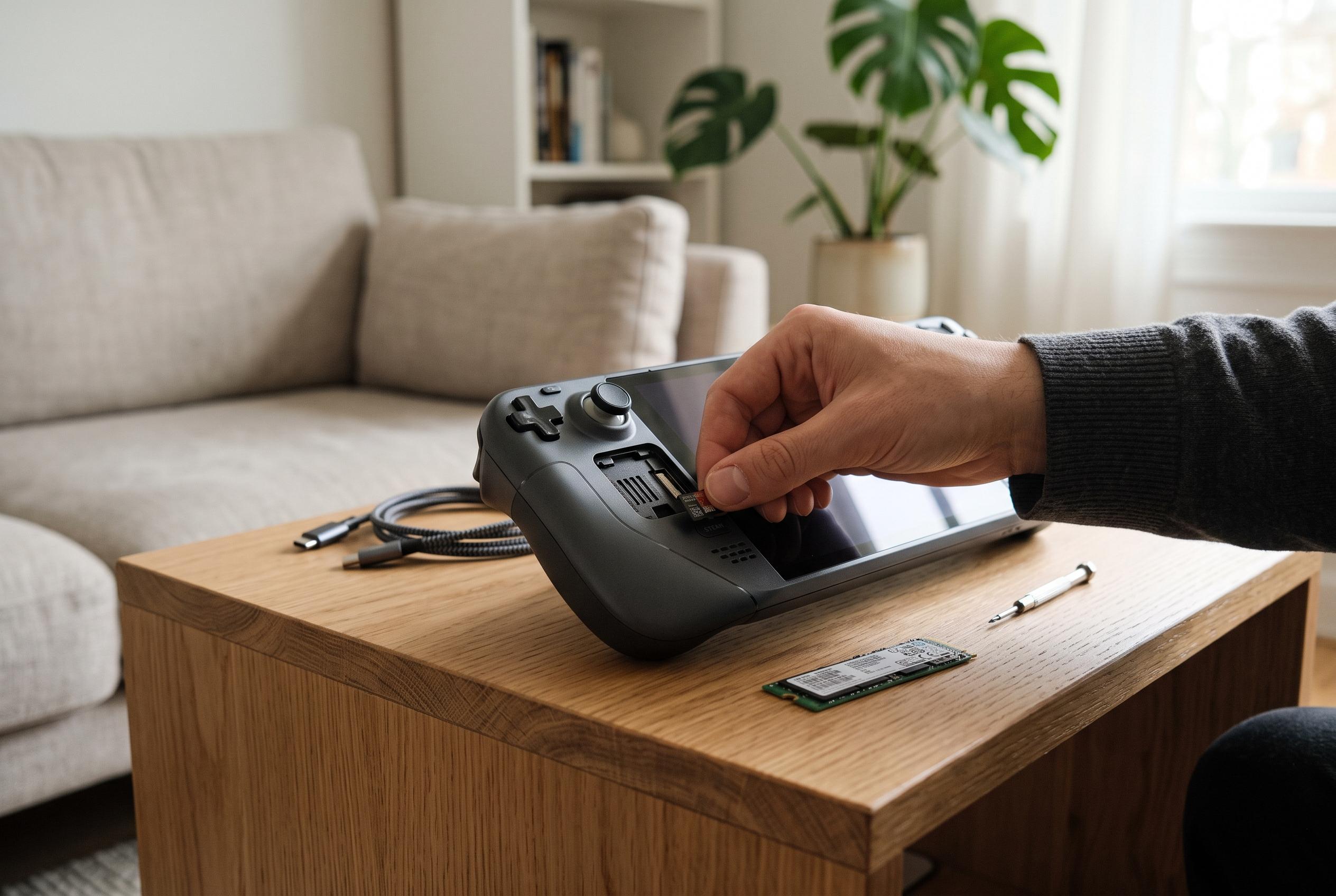

Owners can add capacity with a microSD card or replace the internal M.2 2230 SSD, but neither option increases the console’s onboard 16GB of RAM.
Steam Deck owners can add storage, but they cannot realistically treat RAM as a user-upgradeable part. According to Valve’s published specifications, both the LCD and OLED versions ship with 16 GB of onboard LPDDR5 memory, with no supported owner-facing path to replace or expand it. That leaves storage as the only practical area for most users to modify, either by fitting a microSD card or by replacing the internal drive.
The distinction matters because storage and memory solve different problems. Storage holds the operating system, installed games, screenshots and other files. RAM is working memory, used while software is running. A larger card or SSD gives more room, but it does not increase the device’s 16 GB memory ceiling. For buyers deciding between Deck configurations, that makes the original memory choice one of the few hardware decisions that cannot be revisited later.
For the least invasive upgrade, Valve documents microSD support across Steam Deck models. The OLED specification lists a UHS-I microSD interface with support for SD, SDHC and SDXC cards, while the broader hardware information for the platform also points to removable card expansion. In practice, that means users can insert a compatible card, let SteamOS format it, and then choose it as a download location. It is a straightforward option for players who want extra capacity without opening the case, although performance will depend on the card itself and not every card will match the internal drive.
The more involved option is to replace the internal SSD. Repair guides published by iFixit for both the LCD and OLED models specify a single-sided M.2 2230 drive, which is a much smaller form factor than the longer M.2 drives commonly sold for laptops and desktops. The guides also stress that the LCD and OLED systems are not identical inside, so the correct procedure depends on the model in hand. That means checking the exact hardware version before buying parts or following a teardown sequence.
The process also carries software consequences. Once the original drive is removed, its SteamOS installation goes with it, so owners must restore the system using Valve’s recovery method after the replacement. iFixit advises LCD owners to reduce the battery charge below 25 per cent, remove the microSD card, power down fully and, where recommended, place the battery into storage mode before opening the device. Those precautions are not cosmetic; they are part of avoiding damage while the console is disassembled.
Several guides and buyers’ handbooks published by specialist sites such as Windows Central, SlashGear, PC Guide and Steam Deck modding resources all point in the same direction: storage can be expanded, but RAM should not be treated as an upgrade path. Some articles suggest specific third-party SSDs or discuss capacity options, but the central technical point is unchanged. If more space is needed, a microSD card is the least disruptive answer. If the internal drive must be larger, a carefully chosen single-sided M.2 2230 SSD can work, provided the owner is prepared for disassembly, recovery media and a full reinstall. If the issue is memory, there is no documented owner-level fix.
Disclaimer: This content is intended for informational purposes only. Readers are advised to exercise their own judgement, conduct due diligence, or consult a qualified expert before acting on any information provided.