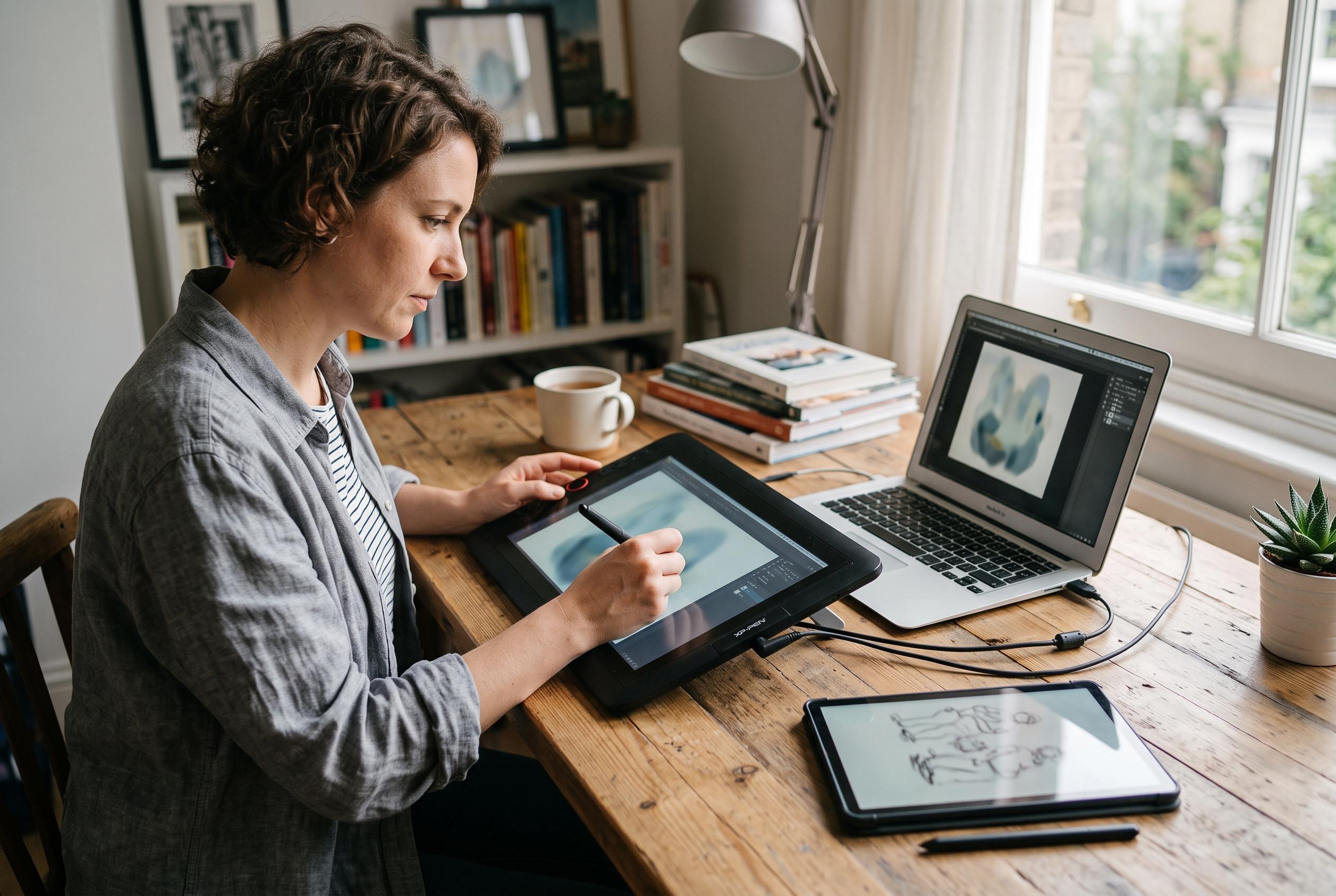

Affordable pen displays can deliver strong performance for computer-based artists, while standalone tablets offer greater mobility at a higher price. The key choice is workflow, not screen size.
For artists choosing an affordable tablet, the first decision is not the brand or the screen size but the working method. A pen display connects to a computer and mirrors your drawing surface on-screen, which makes it better suited to a desk-based setup. A standalone tablet runs creative apps by itself, so it offers more freedom of movement, but it usually costs more and depends on app support and internal hardware rather than a separate PC.
That distinction matters in the budget range covered by Parka Blogs’ 2025 roundup, which listed five pen displays between US$200 and US$300. The recommended model in that group was the Huion Kamvas 13 (Gen 3) at US$229, praised for pen performance, brightness, colour accuracy, physical controls and its matte glass surface. Parka Blogs also included the XPPen Artist 13 (Gen 2) at US$209, the Artist 16 (Gen 2) at US$239, the Artist 15.6 Pro V2 at US$279 and the Wacom One 14 at US$299, although the author noted that the Wacom had not been tested.
The wider point is that these prices reflect a snapshot, not a guarantee. The figures come from a 2025 roundup and should be treated as estimates rather than live market checks. Buyers still need to confirm current local pricing, stock, included accessories and the exact hardware revision before ordering, particularly because bundle contents can differ sharply between retailers.
If drawing away from a desk is the priority, Creative Bloq points to XPPen’s Magic Drawing Pad as a more mobile option. Its guide describes it as an Android tablet aimed at digital art, with a 12.2-inch display, 2160 x 1440 resolution, an included stylus and support for apps such as ArtRage and ibisPaint X. The same review puts the price at US$500 in the US and £450 in the UK, which places it well above a strict US$300 ceiling.
Creative Bloq also highlights the XPPen Magic Note Pad, but frames it more as a light note-taking and reading device with sketching features than as a full art workstation. Its reported 10.95-inch drawing area, 1920 x 1200 resolution and 16,384 pressure levels may suit casual illustration or annotation, yet the review also flags reduced power and problems with tilt sensitivity. In other words, it is useful for note-oriented work, but it is not a direct substitute for a pen display or a higher-end standalone art tablet.
The practical way to choose is to start with workflow, then check the hardware details that affect daily use. Artists who already have a computer and want a screen to draw on should compare the pen displays first, paying attention to active area, pen feel and the presence of shortcut keys or dials. Those who need to work on the move should focus on standalone devices, but only after checking app compatibility, storage options and whether the operating system supports the software they actually use.
It is also worth distinguishing screen size from usable drawing space. A tablet’s diagonal measurement does not tell the whole story, and the effective work area can differ from model to model. Likewise, buyers should verify the contents of the box, including cables, stands, power supply, nib replacements and whether the pen is included. For budget-conscious artists, the best choice is usually the one that matches the way they already work, rather than the one with the largest number on the spec sheet.
Disclaimer: This content is intended for informational purposes only. Readers are advised to exercise their own judgement, conduct due diligence, or consult a qualified expert before acting on any information provided.