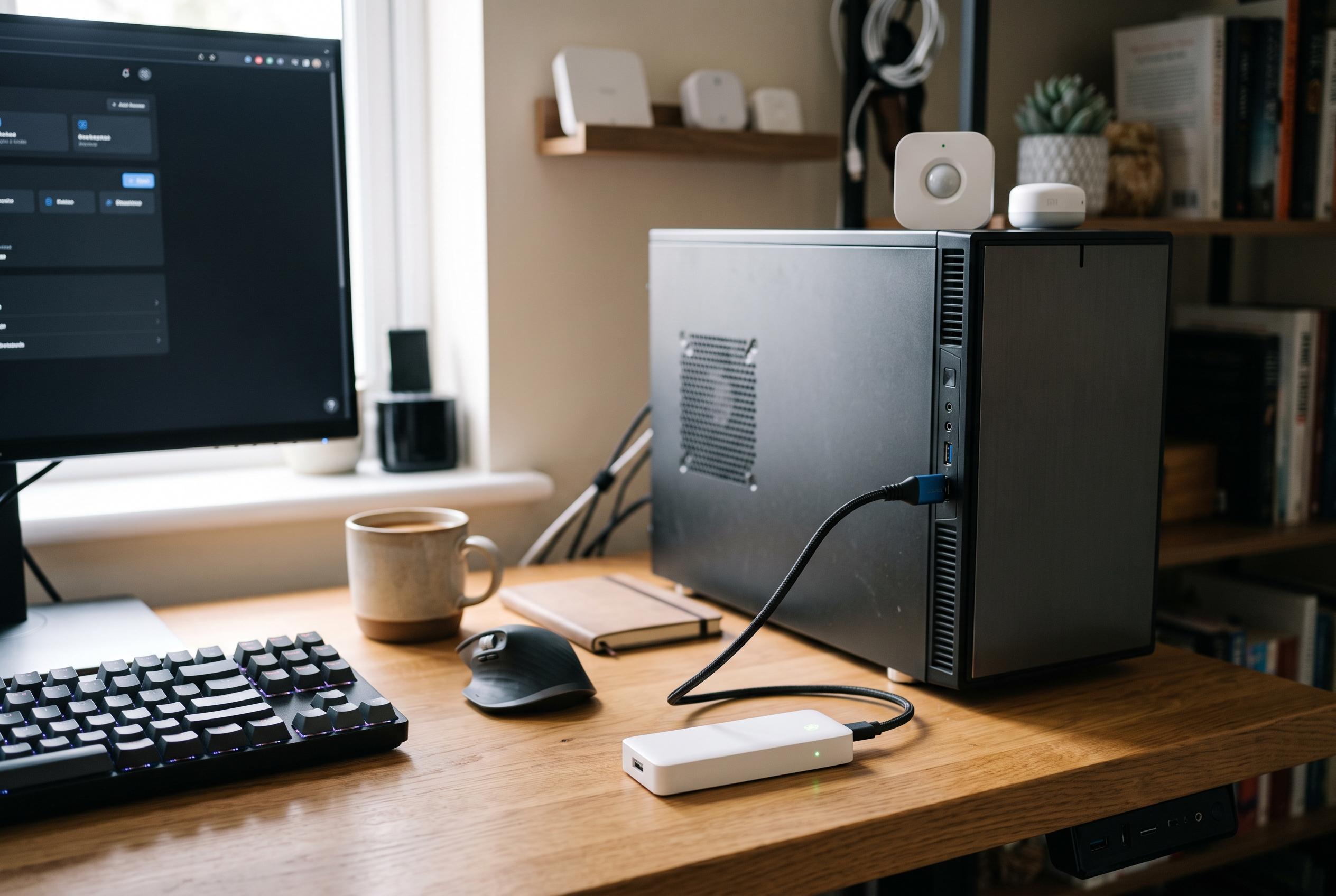

A coordinator plugged directly into a computer can be swamped by radio noise, but a cheap USB extension cable may restore lagging buttons, missing sensors and delayed alerts.
Intermittent Zigbee behaviour in a smart home is often blamed on weak batteries, poor routing, or failing devices, but the real cause can be much simpler: radio noise from the host computer itself. According to XDA Developers, a coordinator plugged directly into a USB 3.0 port can sit inside a pocket of electromagnetic interference that disrupts low-power 2.4GHz sensors, making buttons lag, door contacts disappear and motion alerts arrive late.
The underlying problem is that USB 3.0 hardware can leak broadband noise in the same general frequency range used by Zigbee, Wi-Fi and Bluetooth. Industry guides from iTechGuides explain that this noise can affect nearby 2.4GHz receivers, while Geeky Gadgets notes that the effect is often overlooked because the network may appear healthy on paper even as individual devices become unreliable. In practice, that means a dongle attached directly to a mini PC, Raspberry Pi or server chassis may struggle to hear weak transmissions from more distant sensors.
A low-cost USB extension cable is often enough to improve matters. Moving the coordinator a short distance away from the computer reduces its exposure to the immediate noise field around the ports and power circuitry, which can restore devices that seemed to be dropping off the network for no obvious reason. ITechGuides specifically recommends using a USB 2.0 extension cable, or at least placing the dongle on a USB 2.0 connection, because Zigbee does not need the extra bandwidth of USB 3.0 and the simpler cable can reduce the risk of additional noise.
Distance from the host machine is only part of the fix. Sources including Hubwise Home and Smart Home Deck say the dongle should also be kept away from Wi-Fi access points and mesh nodes, since both systems share the crowded 2.4GHz band. Those guides recommend planning around channel overlap, with Wi-Fi held on a fixed 20MHz 2.4GHz channel and Zigbee placed on a non-overlapping channel such as 15, 20 or 25, to limit contention between the two radios.
For many home-lab and smart-home users, the most effective repair is not replacing hardware at all, but moving a small radio a few feet. That simple adjustment can save time spent chasing firmware changes, rewriting automations or buying a new coordinator. As XDA Developers argues, the fault is sometimes not the Zigbee mesh itself, but the electrical environment around it.
Disclaimer: This content is intended for informational purposes only. Readers are advised to exercise their own judgement, conduct due diligence, or consult a qualified expert before acting on any information provided.