

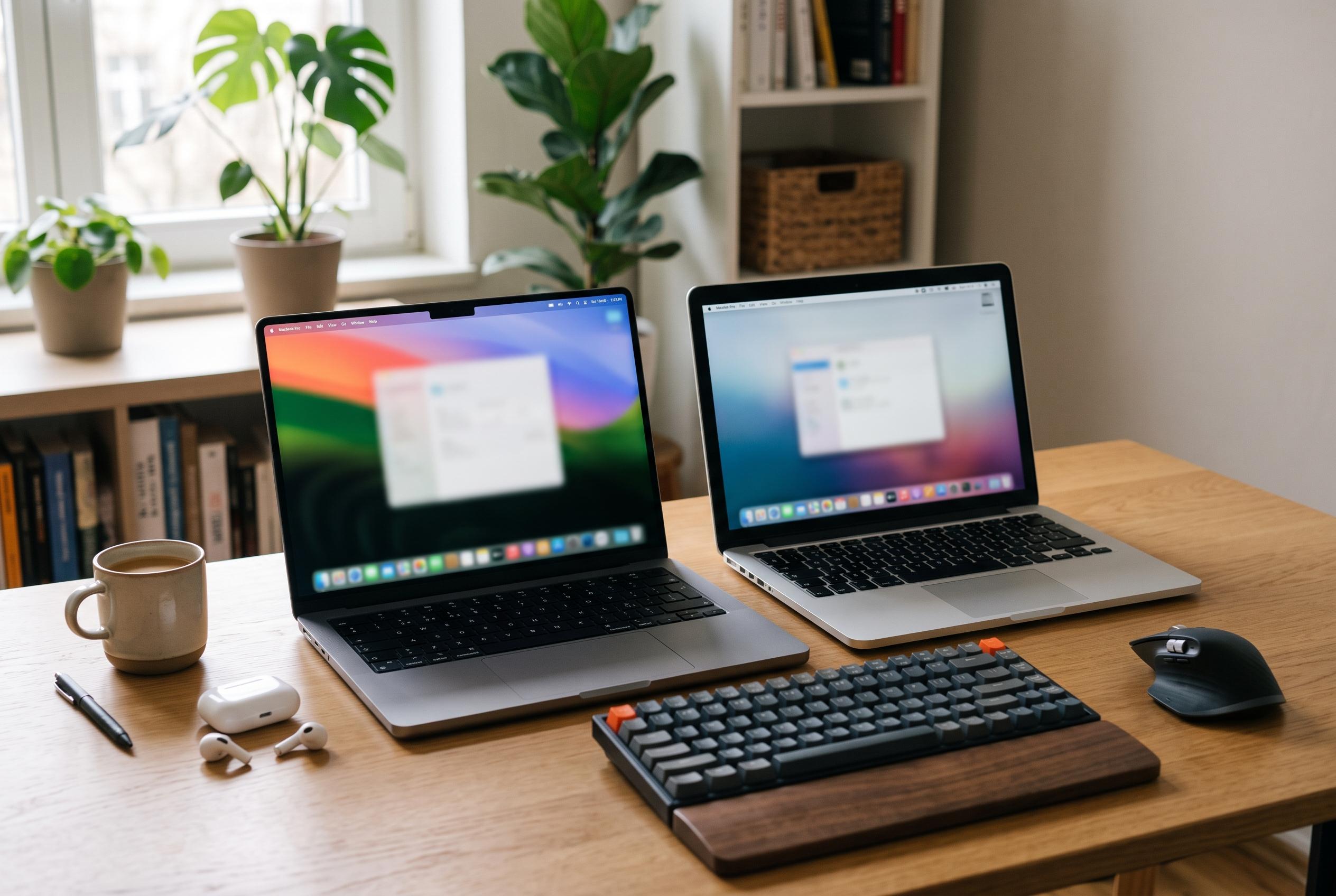

The 2024 M4 Pro with 24GB is the strongest all-rounder, but older M1 Pro models can offer more practical value through higher memory and storage.
The 14-inch MacBook Pro remains a tightly defined but highly adaptable machine, and the best configuration depends less on model year alone than on how the laptop will be used. In this comparison, the strongest all-round pick is the 2024 M4 Pro model with 24GB of memory, chiefly because it combines newer-generation performance with enough headroom for demanding creative and professional work. That said, the choice is not as simple as selecting the newest chip. For many buyers, memory size, local storage, and the condition of a renewed unit matter just as much as processor class.
Apple’s 14-inch chassis is aimed at users who want the Pro line’s performance without moving to the larger 16-inch model. As MacRumors and Macworld note in their size comparisons, the 14-inch version gives up some battery endurance and screen real estate, but it is notably easier to carry and better suited to frequent travel. That portability premium helps explain why the 14-inch model remains popular even among professionals who could afford the larger alternative. TechRadar’s review of the 2024 M4 model also underlines that the smaller Pro can still feel fully capable for serious workloads, rather than a compromise machine.
Among the configurations in this group, the renewed M4 Pro with 24GB stands out as the most balanced option for buyers who want contemporary hardware. According to iDownloadBlog’s technical breakdown of the 2024 14-inch MacBook Pro, the current-generation model supports a wide spread of memory capacities and retains the Liquid Retina XDR display with a 3024-by-1964 resolution, which keeps the screen specification firmly in professional territory. In practical terms, the M4 Pro is the best fit for users who edit video, compile code, or keep several heavy applications open at once. Its main limitation is not speed but storage: 512GB can feel tight once large project files, libraries, or local caches start to accumulate.
The M3 Pro with 18GB is the most sensible middle ground for many buyers. It gives up some of the M4 Pro’s latest-generation advantage, but it remains a strong choice for sustained professional use, especially where the extra memory is more valuable than absolute cutting-edge silicon. The key question is whether the buyer is optimising for platform age or workload room. For people whose projects are moderately heavy but not storage-hungry, the M3 Pro looks better than the older M1 Pro alternatives with only 16GB, even though some of those earlier machines have stronger specifications in other areas.
That is where the 2021 M1 Pro models become interesting. Two 32GB versions stand out for buyers whose bottleneck is memory rather than processor generation. The 1TB variant is the cleaner option for photographers, editors, and developers who want to keep more of their working set on the machine itself, while the 512GB version makes more sense if the budget is tighter and external storage is acceptable. In this lineup, the extra memory can matter more than the newer chip in day-to-day use, particularly for multitasking and large working files. The trade-off is that these are older machines, and the renewed listings add another layer of risk around warranty terms and device condition.
By contrast, the base M3 model with 8GB is the least flexible configuration here. It still delivers the MacBook Pro’s display quality, ports, and general polish, but the limited memory makes it a narrower fit for demanding software or long-lived workflows. That said, not every buyer needs more. For students, office users, and people whose tasks are mostly browsing, writing, calls, and lighter content work, it can still be adequate. The crucial point is that the chip name alone does not determine suitability; memory ceilings and storage capacity often have a greater effect on real-world longevity than raw processor generation.
The most practical buying rule is therefore simple: match the configuration to the workload you already have, not the one you hope to have later. If the laptop will be used for sustained creative work, development, or large local libraries, prioritise 24GB or 32GB and, where possible, 1TB of storage. If portability, display quality, and Apple’s Pro feature set are the main goals, the 14-inch format is compelling even when a larger model might offer more battery life. And if considering a renewed machine, treat the warranty, battery status, and seller terms as part of the specification, not as an afterthought. The right 14-inch MacBook Pro is the one that balances chip, memory, storage, and condition against the work it must do.
Disclaimer: This content is intended for informational purposes only. Readers are advised to exercise their own judgement, conduct due diligence, or consult a qualified expert before acting on any information provided.



