

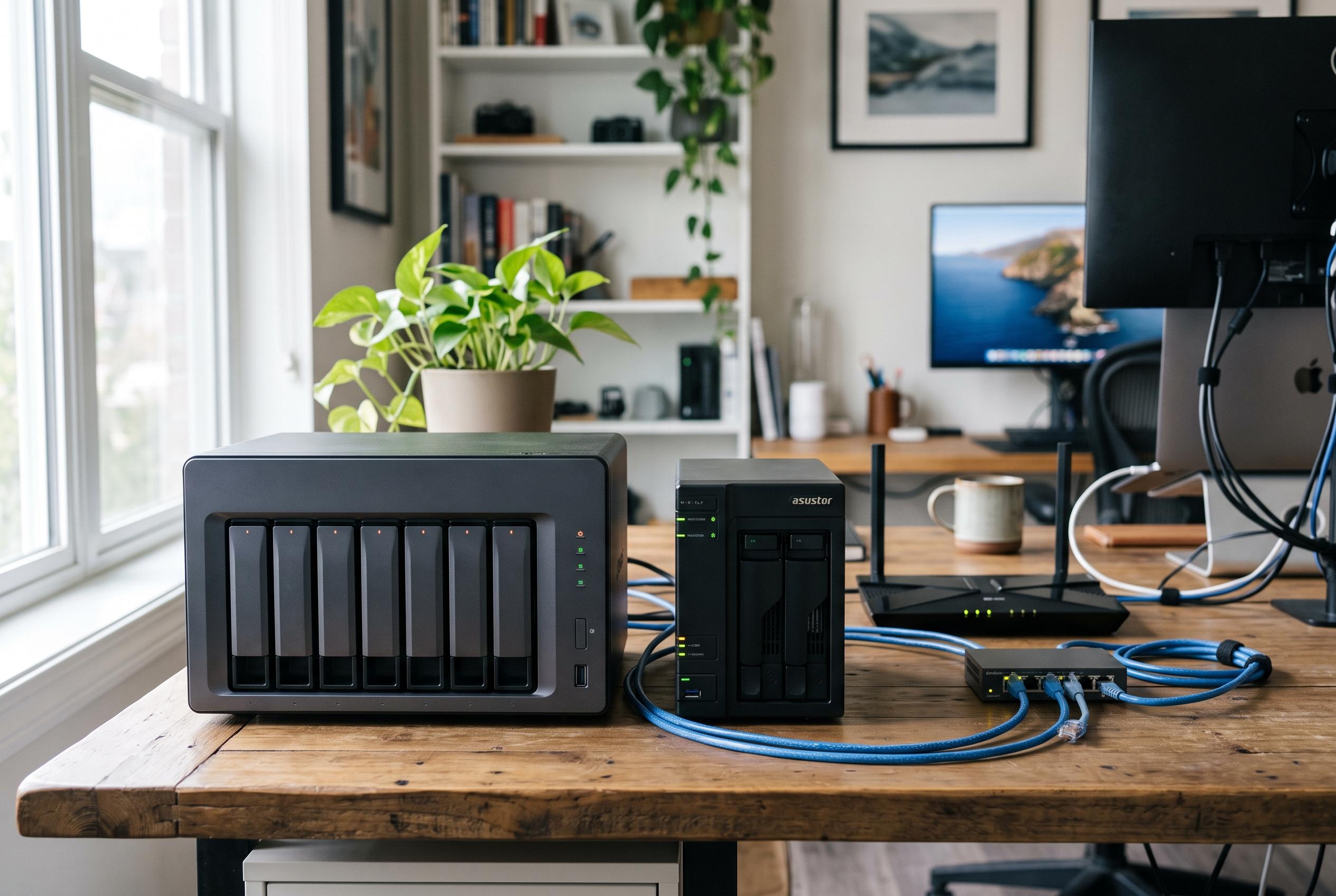

From compact two-bay enclosures to all-flash eight-slot systems, today’s NAS market is putting greater emphasis on cache, networking and software alongside raw capacity.
A network-attached storage enclosure with SSD cache can improve how shared files feel under load, particularly when several people are working at once. In practical terms, the cache helps keep frequently accessed data closer to the processor, which can reduce lag in everyday tasks such as opening project folders, browsing photo libraries, and serving media to multiple devices. Recent buying guides from several specialist sites have converged on the same basic view: the best choice depends less on headline capacity than on how well the enclosure balances drive bays, NVMe support, networking, cooling and software.
For buyers who want a compact system with broad capability, UGREEN’s DXP2800 stands out as a two-bay home model with dual M.2 NVMe slots, an Intel N100 processor and 2.5GbE networking. It is aimed at advanced home users, remote workers and creators who need a small footprint without giving up flexibility. At the other end of the scale, UGREEN’s DXP4800 Plus adds four bays, 10GbE connectivity and an included SSD, while the DXP4800 Pro steps up to an Intel Core i3-1315U, dual M.2 PCIe 4.0 slots and a stronger emphasis on virtual machines, Docker and heavier workloads. The common theme is that SSD cache support is now being built into mainstream desktop NAS designs rather than reserved for enterprise systems.
For higher-capacity users, the range broadens further. The QNAP TS-664 offers six bays, dual 2.5GbE ports and dual M.2 NVMe slots, making it a sensible middle ground for buyers who want traditional hard-drive storage with the option to add cache later. UGREEN’s DXP6800 Plus takes a similar approach with six bays, two M.2 slots and 10GbE plus 2.5GbE networking. According to the company’s specifications, the combination is intended for businesses and advanced home users that need both room to grow and faster access times. In the same class, the all-SSD TerraMaster F8 SSD goes further by using eight M.2 2280 NVMe slots, which makes it attractive to users who value silence, density and low latency over mixed-drive flexibility.
The market also includes several products that are often grouped with NAS enclosures, even though they are not full network appliances. The CENMATE hybrid unit combines one SATA bay with three M.2 NVMe slots over USB 3.2 Gen 2, giving local users a way to mix high-capacity disks and faster flash in one box. The SABRENT DS-SC5B and WAVLINK four-bay enclosure are better described as direct-attached storage docks than network NAS devices, but they still matter for editors, developers and workstation users who want simple multi-drive expansion over USB-C. The distinction is important: these products can improve local storage workflows, but they do not replace a proper NAS operating system, shared-network access or app services.
One notable trend in the category is that software is becoming almost as important as hardware. IT Pro reported that the UGREEN NASync DXP8800 Ultra pairs an 10-core Intel Core 7 150U with dual Thunderbolt 4 ports, 10GbE, two M.2 slots and a PCIe expansion option, and that its SSD caching improved random write performance significantly in testing. The review also pointed to UGREEN’s UGOS platform, which includes a growing app library and AI tools for photo recognition and surveillance. That reflects a wider shift in the market: NAS buyers are increasingly comparing ecosystems, not just enclosures.
Cooling, noise and upgrade paths remain practical differentiators. TerraMaster’s all-flash chassis is designed to stay quiet, while hybrid models such as the CENMATE and WAVLINK units rely on active cooling to keep mixed-drive arrays stable. Buyers should also consider whether the cache is a true performance layer or simply extra fast storage. In some systems, the M.2 slots can be used for either role; in others, SSDs are best deployed as a separate storage pool. That distinction matters, because the right configuration depends on whether the goal is faster metadata access, quicker random I/O, or simply a separate tier for active projects.
Taken together, the current field suggests a clear rule of thumb. Two-bay systems suit straightforward home backups, four-bay units fit families and creators, six-bay models are better for growth and multi-user access, and all-SSD systems are the best fit when speed and silence are more important than raw terabytes. For readers choosing between them, the most useful question is not which enclosure has the highest specification on paper, but which one matches the way the storage will actually be used.
Disclaimer: This content is intended for informational purposes only. Readers are advised to exercise their own judgement, conduct due diligence, or consult a qualified expert before acting on any information provided.



