

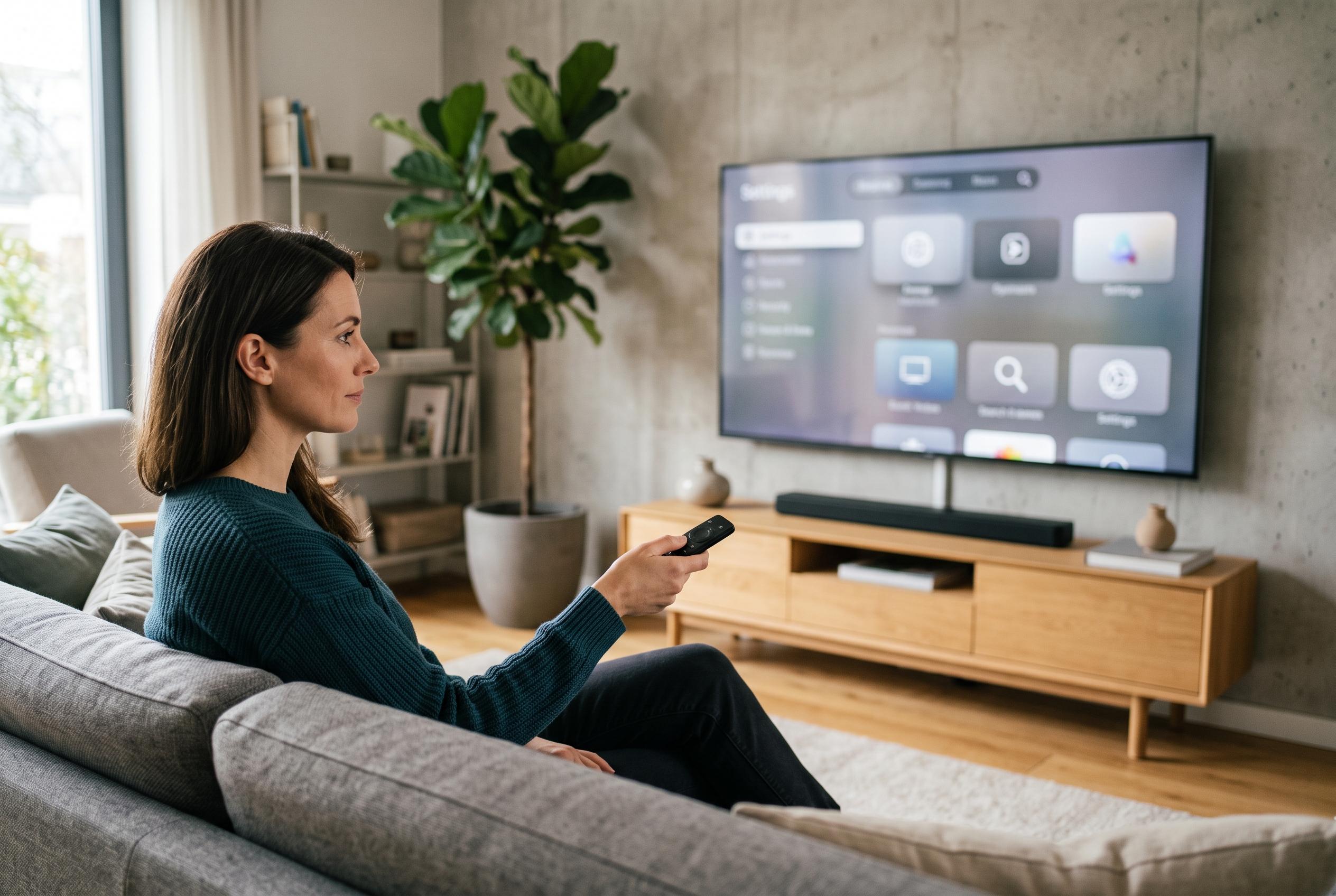

Open-source projects are using Claude and Android Debug Bridge tools to disable adverts, telemetry and preloaded software on smart TVs, but careless changes can break essential functions.
A new crop of AI-assisted tools is being used for a more practical purpose than code generation: stripping smart TVs of the advertising, telemetry and preloaded software that slow them down. The latest examples centre on Android TV and Google TV sets, where users have begun leaning on Claude and similar agents to audit installed packages, disable unwanted components and replace cluttered home screens with lighter launchers. The result is a cleaner interface and, in some cases, a noticeably quicker device.
The trend appears to have started with a post from Ryan Doyle, who described using Claude to tidy a smart television and then reported that it felt faster afterwards. That was followed by a more structured effort from a user known as Gathin, who published the process in a GitHub repository called tv-vibehack. According to the repository’s README, the project began as an afternoon attempt to fix a Xiaomi Mi TV for family members who were forced to watch an advert before reaching Netflix. The code and prompt set are open source, and the project had attracted more than 1,300 stars and 146 forks at the time of writing.
The basic method is not mysterious. Android TV and Google TV expose the Android Debug Bridge, the same administrative channel used on Android phones, so an AI agent can be instructed to connect to the television over the local network and make changes on the user’s behalf. The usual sequence is to enable Developer Options, turn on USB or wireless debugging, and then let the model inspect installed packages before suggesting what can be safely disabled. In practice, most of the reported use cases involve Sony, TCL, Xiaomi, Hisense and OnePlus televisions, which are built on Android-based software rather than Samsung’s Tizen, LG’s webOS or Roku’s separate platform.
The tools generally do not remove system software outright. Instead, they use ADB commands to disable packages linked to sponsored content, analytics, launcher overlays and other preinstalled extras, while leaving the underlying system intact so changes can be reversed later. That distinction matters. GitHub projects such as TV Slim and Xiaomi-focused debloating guides follow the same principle, and both stress that disabling is safer than uninstalling. Other repos, including TV Control Centre and BLADE-AI, show that the same idea is spreading into broader device-management utilities and AI-assisted debloating workflows.
That caution is not optional. Users who have already experimented with these tools warn that removing the wrong package can break the Home button, damage input switching or strand the television on a factory test screen if the stock launcher is disabled before an alternative is installed. Others note that the speed gains depend heavily on hardware, especially on low-cost sets with only 1GB or 2GB of RAM. There is also a trade-off in convenience: disabling voice input, casting support or automatic updates may improve responsiveness, but it also removes features many households still use. Security is another issue, because leaving ADB enabled on a home network creates an unnecessary exposure if debugging is not switched off afterwards.
A separate GitHub project, dumbtv, takes the same philosophy further on Amazon Fire TV hardware, which tv-vibehack does not support. According to its documentation, it has been tested on a Fire TV Edition set running Fire OS 7.7.1.7, based on Android 9, and it goes beyond simple debloating by disabling dozens of packages, including Amazon’s ad-related services and watch-time analytics. It also uses personalDNSfilter to block some telemetry and update traffic, while replacing the home screen with a tiny custom launcher. The repository is also organised for AI agents, with supporting files such as AGENTS.md and CLAUDE.md, although its maintainers still advise careful review before automation is allowed to make system-level changes.
For now, the appeal is straightforward: users are trying to reclaim televisions they already own from software that feels increasingly designed for the manufacturer’s benefit rather than the viewer’s. On older Android TVs in particular, the gains can be substantial enough to justify a weekend of careful testing. But the advice from those who have already done it is consistent: back up first, disable rather than remove, and preserve the functions the household actually uses.
Disclaimer: This content is intended for informational purposes only. Readers are advised to exercise their own judgement, conduct due diligence, or consult a qualified expert before acting on any information provided.



