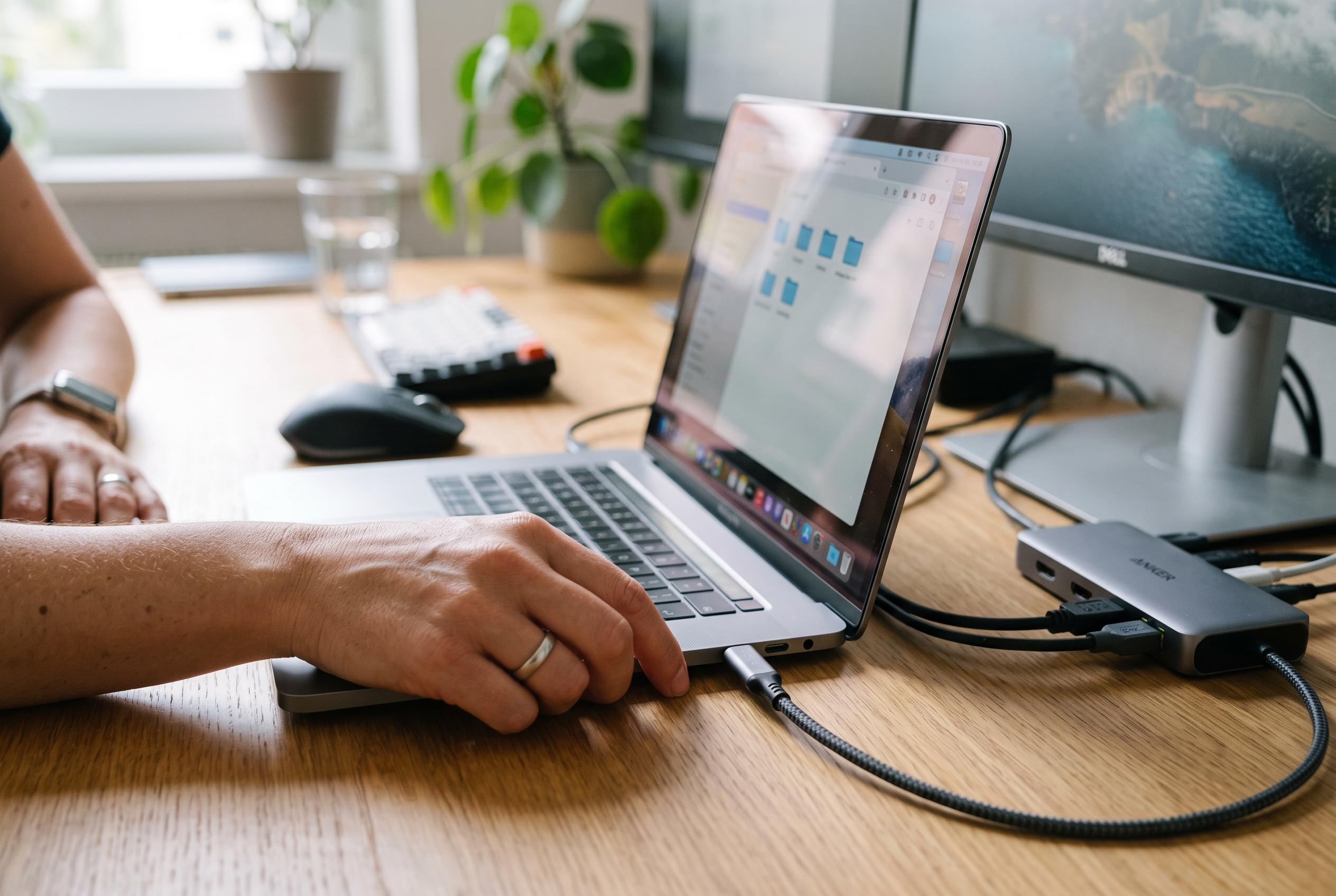

Active USB-C cables, docks and video adapters can contain chips that affect power, data and display performance, making firmware a possible fix when high-resolution connections fail.
Some USB-C cables are no longer passive accessories.They can contain electronics that shape how power,data and video signals are handled,and in some cases they may need firmware updates to work properly with newer devices and displays. That matters most with active cables,USB4 products and adapters with integrated chips,where a fault that looks like a broken cable may actually be a compatibility problem. According to the article and related material,this is especially relevant when users connect high-resolution monitors,docking stations and recent laptops or tablets.
The key components are small but important. High-end USB-C cables can include an e-marker chip,which tells connected devices what the cable can safely carry in terms of power and data speed. More advanced active cables may also use redrivers or retimers to keep the signal stable over longer runs. In video adapters,the internal chip may not merely pass a signal through but convert it,which brings firmware into play. That internal software can determine whether a cable or adapter behaves correctly across different hardware combinations.
That is why firmware updates can have visible effects. Cable Matters,for example,offers an updater for some of its 8K HDMI cables and adapters. The company says the tool can address compatibility and performance issues and,in some Mac configurations,unlock 4K output at 120Hz or even 240Hz. Its own product pages for USB-C to HDMI and USB-C to 8K HDMI accessories also advertise support for 8K at 60Hz and high-refresh 4K output,underlining how much modern cable performance depends on the electronics embedded inside the connector rather than the outer casing alone.
For most users,though,there is nothing to update. Ordinary USB-C cables,especially lower-cost models,typically have no user-accessible firmware at all,and many e-marker-equipped cables do not offer public upgrade tools. The sensible approach is to check only when a specific problem appears: a monitor refusing to run at the expected refresh rate,a dock dropping the connection,or a device failing to recognise an accessory that should work. If a manufacturer provides an official updater,it is better to use that than to replace the cable immediately or rely on unofficial software.
Disclaimer: This content is intended for informational purposes only. Readers are advised to exercise their own judgement, conduct due diligence, or consult a qualified expert before acting on any information provided.