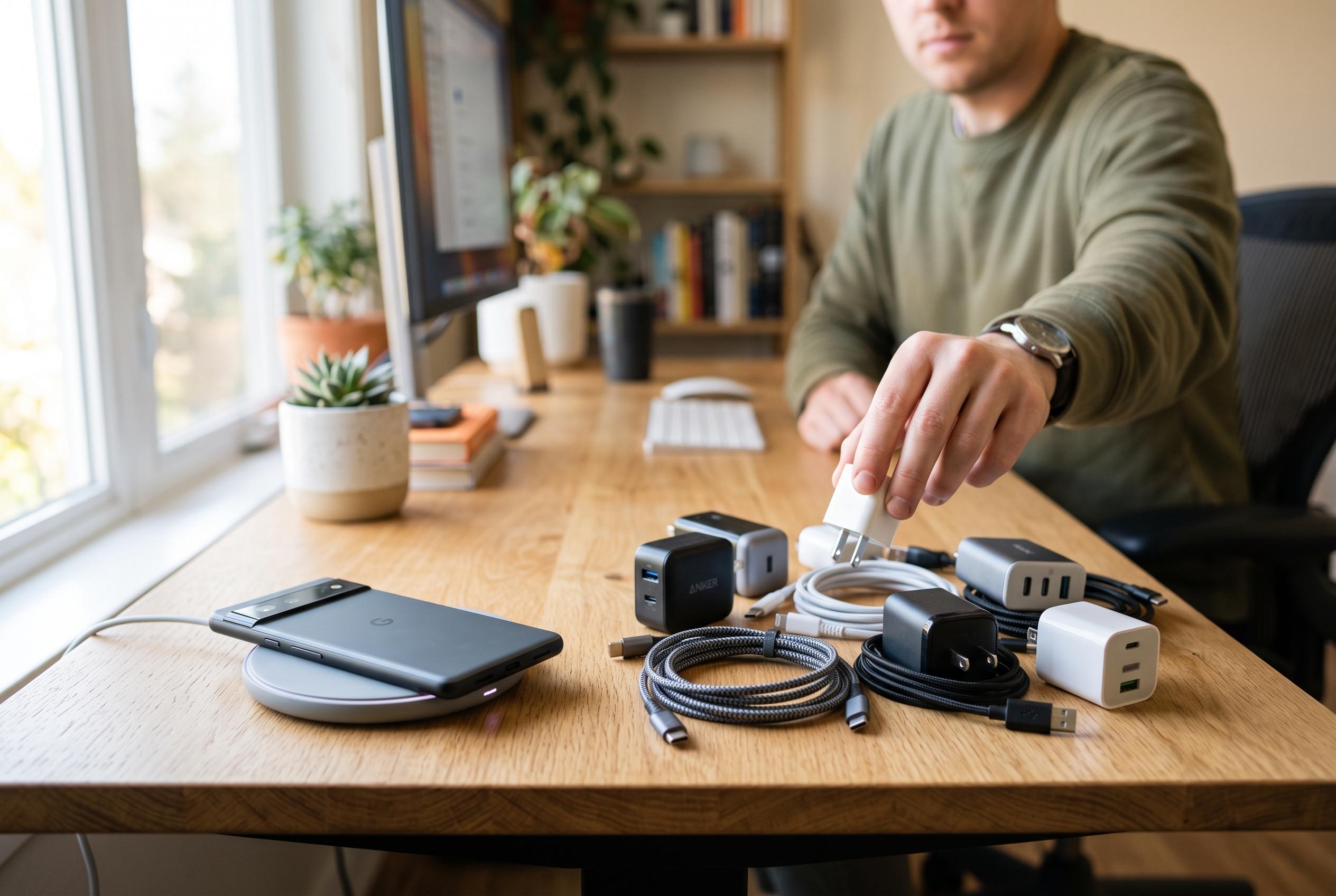

The fastest charging setup depends on a match between your phone, adapter, cable and charging protocol , not simply the biggest wattage on the box.
Choosing the right fast charger is less about buying the most powerful adapter on the shelf and more about matching the charger to the device. For Apple and Android users alike, the charging result depends on the full chain: the phone, the adapter, the cable and the protocol they all support. Industry guides from Android Authority, Android Central and iTechGuides all make the same point in different ways: wattage matters, but it is only one part of the equation.
Fast charging means a device can accept power at a higher rate than standard low-power charging, but only within the limits set by its own hardware and software. That limit can change from one model to another, and charging speed often falls as the battery fills, the handset warms up or the device’s power-management system intervenes. Webidroid and Asurion both note that a charger rated at a high wattage does not automatically force a phone to charge at that level.
For Apple devices, the first check is the connector and the charging standard supported by the model. Many newer iPhones and iPads use USB-C, while older devices may require different cables or ports. A USB-C power adapter can be a sensible choice for mixed households, but only if the cable is suitable and the charger supports the appropriate power-delivery profile. iTechGuides stresses that USB Power Delivery, often shortened to USB-PD, is a key standard to look for, while Android Authority advises shoppers to compare the charger’s output with the manufacturer’s specifications rather than relying on marketing claims.
Android buyers need to be even more careful, because support varies widely across brands and price ranges. Some phones rely on standard USB-PD, while others use PPS, or Programmable Power Supply, and some manufacturers still use proprietary fast-charging systems. According to Android Central, a good way to compare options is to consider the charger’s ports, power, charging profile and price. A charger may work with a phone even if it does not deliver the device’s peak advertised speed, especially when the protocol does not align.
Cable choice is just as important as the adapter. A weak or incompatible cable can limit performance, even if the charger itself is capable of higher output. Gadget Hacks and Asurion both highlight cable rating as a common weak point, particularly when users assume that any USB-C lead will do. In practice, a charger, cable and phone must be able to negotiate the same charging standard if the user wants the fastest stable result.
Multi-port chargers can be practical for people who carry a phone, earbuds, tablet and possibly a laptop, but shared power is a real constraint. A charger may deliver its maximum output from a single port and then divide that power when several devices are connected. That makes port count and total output important buying criteria, especially for travel or desk use. Android Central recommends thinking carefully about how many ports are actually needed, rather than paying for capacity that will never be used.
There are also basic habits that improve charging speed and reliability. Keep ports clean, avoid heat build-up, and replace damaged cables rather than continuing to use them. It is also sensible to check whether battery settings, background apps or a thick case are contributing to slower charging. The clearest message across the guides is that a fast charger should be chosen for compatibility first, then for power, portability and price. A well-matched charger is usually more useful than the most heavily marketed one.
Disclaimer: This content is intended for informational purposes only. Readers are advised to exercise their own judgement, conduct due diligence, or consult a qualified expert before acting on any information provided.