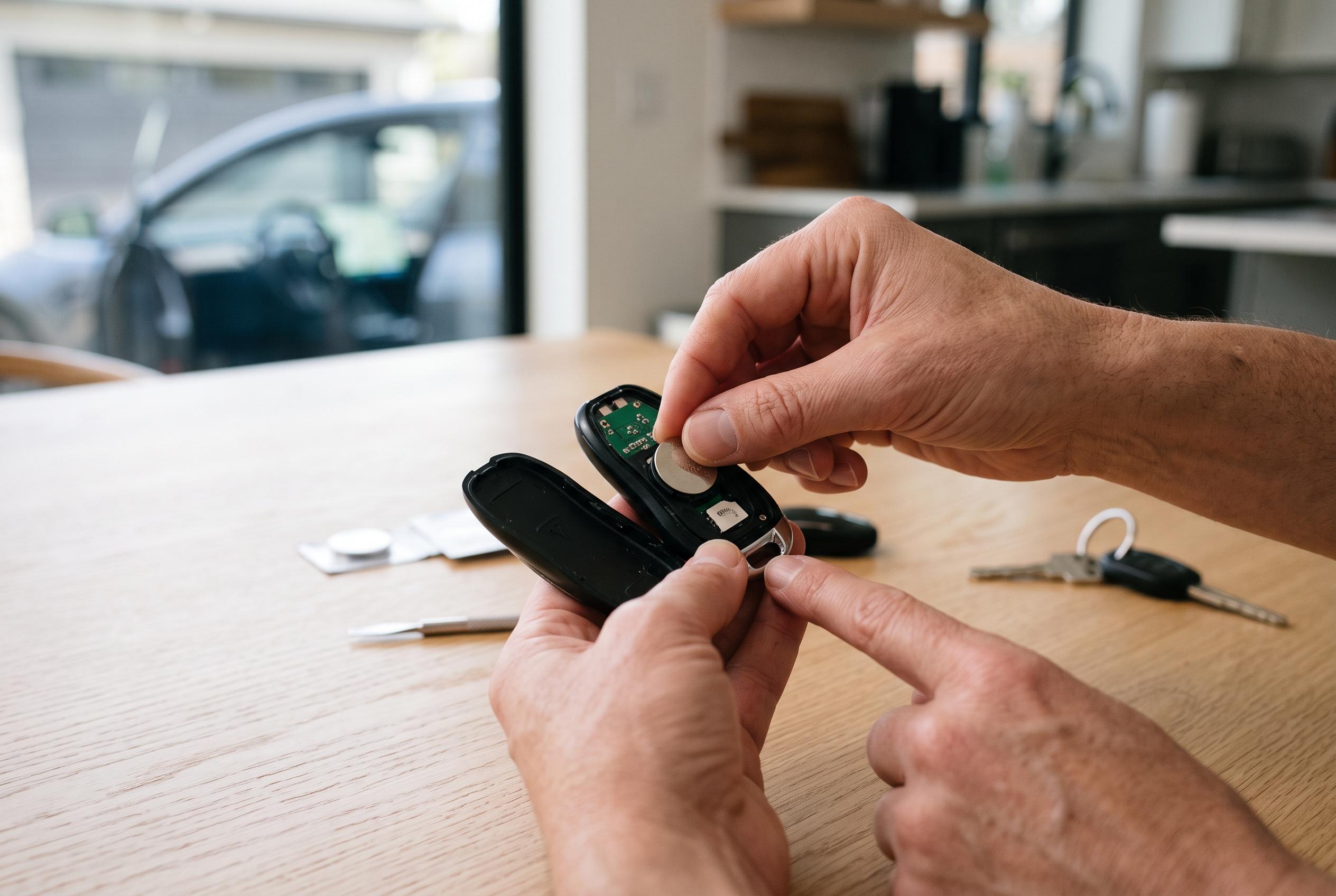

A fading Tesla key fob usually needs a new coin cell, but Model 3, Model X and Model S fobs do not necessarily use the same battery.
A failing Tesla key fob battery is usually easy to spot before the fob stops working altogether. Tesla’s owner documentation says the car may display a low key battery warning, and owners often notice reduced range, slower response to button presses and weaker passive entry before the cell finally gives out. In practice, the fix is usually a straightforward battery swap rather than any deeper fault in the vehicle or the fob itself. According to Tesla’s service instructions, the most common replacement cell for Model 3 fobs is a CR2032 coin battery, installed with the positive side facing up. The company’s Model X guidance, meanwhile, specifies a CR2354 cell for that key fob design.
The first step is to buy the correct battery for the specific fob, not simply for the car badge. Tesla’s official guides make clear that Model 3 fobs use a CR2032, while Model X fobs require a CR2354, and the battery type used in older Model S fobs depends on the exact fob version. The practical lesson is to check the code printed on the existing cell before ordering a replacement. That avoids the most common mistake: assuming all Tesla fobs are built around the same coin cell.
Opening the fob does not require force, but it does require care. Tesla’s instructions recommend a small flat-bladed tool or similar narrow implement, along with a soft surface to protect the shell while the cover is released. The cover should be lifted gently at the seam rather than levered open with a large screwdriver, which can crack the casing or distort the tabs. Once the fob is open, the old cell should be removed by its edges, not across the flat face, to reduce the chance of contamination or poor contact.
Installation is the reverse of removal, but orientation matters. Tesla’s guides say the new battery should be fitted with the positive side facing up in Model 3 and Model S fobs, and with the positive side correctly aligned in Model X fobs as well. After the cell is seated, the cover should snap back into place without being forced. The final check is simple: test the fob by locking and unlocking the car, then try it again from a little further away to confirm the signal is working properly. If the fob still does not respond, Tesla’s troubleshooting steps point first to battery seating, then to pairing or possible hardware damage.
For most owners, the battery swap is a routine maintenance task rather than a repair. Tesla’s service notes and third-party guides alike indicate that the procedure is quick, inexpensive and does not normally require reprogramming. A fresh coin cell should last around a year in normal use, although heavy use and colder weather can shorten that interval. Old coin cells should be disposed of properly rather than dropped into household waste, since button batteries can short-circuit if mishandled.
Disclaimer: This content is intended for informational purposes only. Readers are advised to exercise their own judgement, conduct due diligence, or consult a qualified expert before acting on any information provided.