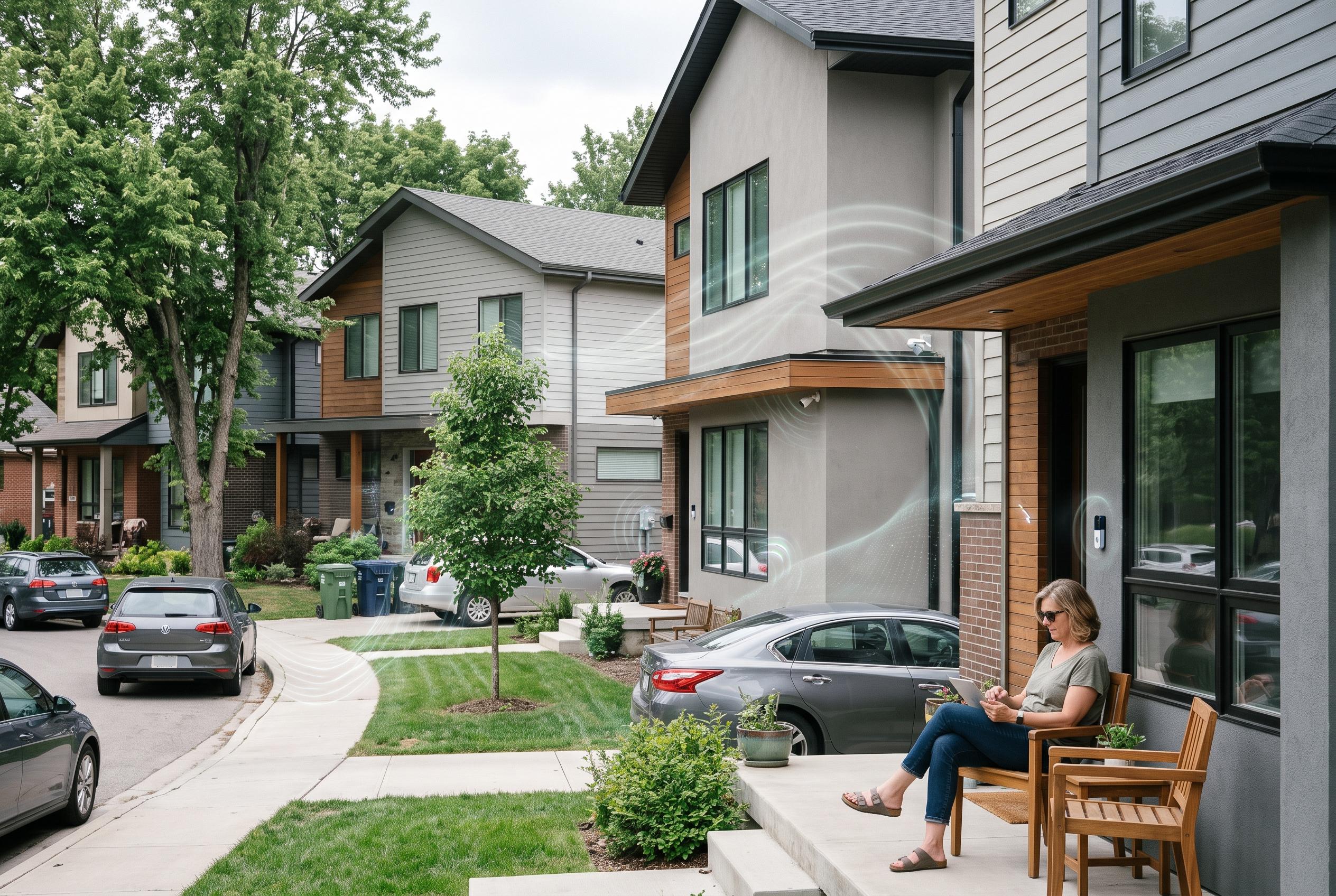

Crowded wireless channels, shared broadband links and device signals can make connected homes unreliable and reveal more about household routines than owners realise.
In dense housing, the biggest threat to a smart home is not always a fault inside the property. Shared access networks, crowded wireless spectrum and thin walls can all make devices less reliable, even when no one nearby is trying to interfere. Optimum notes that always-on devices such as cameras and video doorbells can add to congestion, but the more important issue is often latency: a connection can look acceptable on a speed test while still becoming too sluggish for real-time smart home traffic. That is why the practical remedy is often router-level traffic management, not a hardware replacement.
One of the most common bottlenecks is the home internet link itself. In many neighbourhoods, especially developments with shared infrastructure, that connection is being divided among many households at the same time. When multiple homes stream video, download large updates or back up footage simultaneously, queues build up before the data even reaches a single front door. Smart home devices are particularly sensitive to this because they depend on quick, repeated exchanges rather than bulk throughput. The most effective fix is smart queue management on the router, usually through algorithms such as CAKE or FQ-CoDel, which prioritise latency-sensitive traffic and prevent background uploads from monopolising the line.
Wireless interference is the second major problem, and it is often caused by neighbouring routers rather than by the devices in your own home. Wi-Fi, Zigbee and Thread all rely on the crowded 2.4GHz band, so one neighbour’s access point can overlap with several low-power smart home channels at once. Removu explains that reducing 2.4GHz channel width, moving Zigbee to less congested channels and, where possible, shifting backhaul or client traffic to wired or higher-band links can improve stability. Smart device setup guidance also recommends 20MHz channel width on 2.4GHz and manual selection of channels 1, 6 or 11 to reduce collisions.
There is also a more awkward category of interference: accidental triggering. In townhouses and apartments, a smart speaker can sometimes mistake voices or sounds from the next room for a wake word. Older radio remotes and sensors using fixed codes on 315MHz or 433MHz can be even less forgiving, because identical or easily replayed signals may activate the wrong garage door, fan or outlet. A further risk arises when new Matter or Bluetooth devices briefly broadcast for pairing; during that window, nearby phones can detect them, and in some cases a device may be claimed before the owner finishes setup. Technygrow and SmartHomeDiagnostics both emphasise that careful channel planning, device placement and correct 2.4GHz settings are essential to keeping a mixed smart home stable.
The least visible problem is privacy. Cameras can capture more of a neighbour’s property than intended, but phones and tablets also leak useful signals. As Geekchamp explains, modern devices continue to send probe requests while searching for known networks, and those signals can be used to fingerprint a handset or infer when someone is at home, asleep or away. In other words, a smart home in close quarters can reveal habits even when no account is compromised. The practical answer is not panic, but discipline: keep 2.4GHz settings conservative, separate critical devices from noisy traffic, move where possible to wired links or cleaner bands, and treat router configuration as part of the security model rather than an afterthought.
Disclaimer: This content is intended for informational purposes only. Readers are advised to exercise their own judgement, conduct due diligence, or consult a qualified expert before acting on any information provided.